QR code tracking only counts scans of dynamic QR codes. The code holds a short link: the server behind it logs each scan, then passes the phone on. You get the number of scans, the time, the phone type and a rough location, never a name. A static code counts nothing, but UTM tags let your website count its visits.
That's the brochure answer. The fine print: the city is a guess, "unique" is an estimate, and your scan count will never match Google Analytics.
Scanning rather than printing? That same list is what your scan gives away by default.
How QR Code Tracking Works: What a Scan Actually Sends
A QR code can't track anyone. It's ink: a web address drawn in little squares that your camera opens like any link.
On a static code, that address is your page, so only your site's analytics can notice the visit.
On a dynamic code, it's a short link on the code maker's server. The phone asks that server first; the server logs the request, then sends the phone on to your page. That log line is your scan, whoever or whatever sent it.
Like any web server, it sees:
- the network address it came from (the IP address), which hints at a rough location;
- a device string (the "user agent") naming the operating system and browser;
- the phone's language, which the browser sends unasked;
- the short link requested, so which code;
- the time it arrived.
It never sees a name, a phone number, an email address, your contacts or a GPS position.
Picture a doorman with a clicker who counts you in, checks his watch, eyes your phone, hears your accent and never asks your name.
The code is ink. The tracking lives in the link.
What QR Code Analytics Measure, Metric by Metric
Dashboards print every number in the same confident font. They don't all deserve it.
- Time: solid. The server's own clock makes peak hours and days a safe read: lunch versus dinner, weekdays versus weekends.
- Device: solid, at the family level. iPhone or Android, plus the browser, read from the device string. Anything finer is a bonus.
- Language: solid, and overlooked. On hotel Wi-Fi, a foreign guest looks local by IP; the phone's language gives them away.
- Total scans: a solid count of requests, not people. Scan three times, count three; a table menu gets re-scanned all evening. Some requests aren't even human.
- Unique scans: an estimate. One platform spells out its recipe: same network address plus same device string, same person. A carrier can put many subscribers behind one public address (carrier-grade NAT), so strangers with identical phones can count as one. One person switching from Wi-Fi to mobile data gets a new address and can count twice.
- Location: an estimate, with a margin. The next section measures it.
If you trust one number, make it the scan count per code, read as a trend over the same dates. Read uniques and cities as rough directions.
QR Code Location Tracking: Why the City Is a Guess
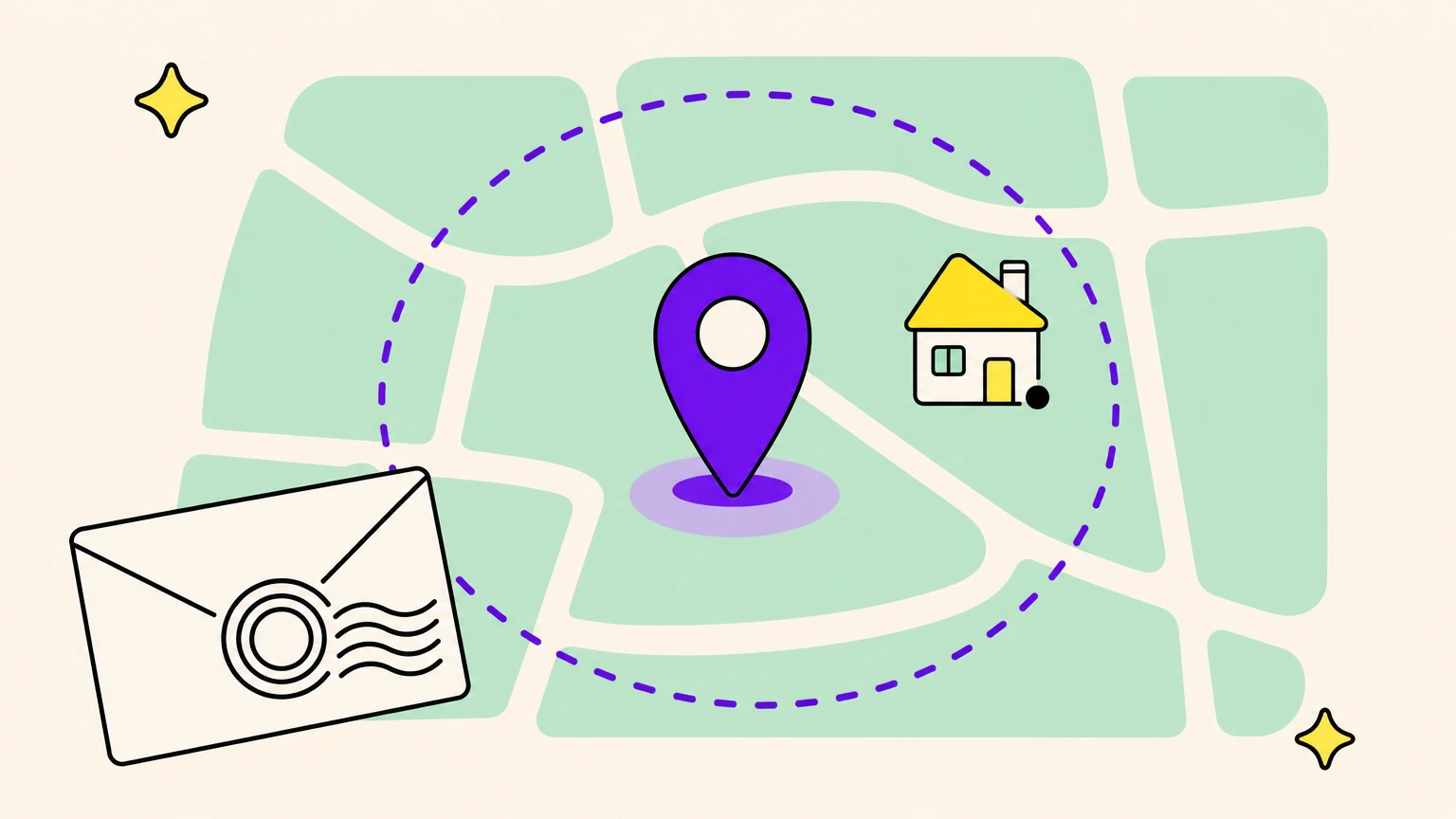
A scan's city is a postmark: it names the sorting office where the phone met the internet, not the house.
For US connections, IP location provider MaxMind's accuracy comparison (read in September 2026) puts 60% of addresses within 50 km of the right city, 33% in a city over 50 km away and 7% in no city. Right about six times in ten, confidently wrong a third of the time. The country is solid: 99.8% overall, per MaxMind's help center (same month).
What throws the city off:
- Mobile data. MaxMind warns that a mobile network address can serve phones across a large distance, so the city may show up blank.
- VPN. The scan lands wherever the VPN's server sits.
- iCloud Private Relay. When it's on, an iCloud+ subscriber's Safari traffic arrives from a partner-run relay's temporary address, which keeps only a general location by default (Apple support, read in September 2026).
- Roaming. A traveler on a home-country SIM can show up back home: one reason your report lists countries you never printed in.
Precision takes a yes: over HTTPS, a page can ask for the phone's position, and gets it only if the scanner taps Allow.
The only precise location is the one the scanner hands you, or the one you print.
Who Scanned Your QR Code? What a Scan Can't Tell You
Every dashboard gets asked who scanned. The honest answer: "a phone."
A name arrives two ways only. The scanner types it into a form or login on your page, or you printed it: one code per letter in a mailing ties each scan to a person on your list, and that log becomes personal data about them.
In the EU, reading or storing information on someone's phone (a marketing cookie, an ad pixel) waits for their consent, unless strictly necessary for the service they asked for (ePrivacy Directive, article 5(3)). France's CNIL (guidance read in September 2026) lets anonymous audience measurement, run for the site's own account, skip consent under strict conditions; an ad pixel doesn't fit that exemption. Even the bare log isn't anonymous by default: the EU Court of Justice held in 2016 (Breyer) that an IP address can be personal data.
Pixels that fire on the scan to fill your ad audiences, consent page included, have their own guide.
What people do after the redirect, only your website can tell you.
How to Track Any QR Code in Google Analytics, Even a Static One
Three tags put any QR code in Google Analytics, including the static kind that counts nothing.
Add utm_source, utm_medium and utm_campaign to the destination URL. Google's help page (read in September 2026) says to always use all three; values are case-sensitive, so "Flyer" and "flyer" become two sources. Write lowercase. Read the visits in GA4's Traffic acquisition report, by session source/medium or campaign.
On a static code, that's the whole measurement, and it lasts: no redirect to keep alive. You get visits, never scans, and nothing on people who leave before the page loads. Untagged, those visits sink into "direct" traffic, alongside everyone who typed your address.
Already printed? A dynamic code has counted all along; tag its destination and GA4 attributes visits from then on. A static code counted nothing: if it points at a page nothing else links to, that page's visits are your proxy. Otherwise, reprint with a dynamic code.
Which kind to print next time, including a redirect on your own domain, is covered in static vs dynamic QR codes.
- Dynamic, tagged: scans and visits.
- Static, tagged: visits, as long as the page lives.
- Static, untagged: a guess buried in "direct."
Why Your Scan Count Never Matches Google Analytics
Your QR dashboard and Google Analytics will never agree, and neither is lying. One counts requests; the other, pages that ran their analytics tag.

Counted as scans, never as visits:
- Link previews. Messaging apps and social networks fetch a link to draw its preview: Slack's robot in channels, Meta's crawler on Facebook, Instagram and Messenger (both companies' developer docs, read in September 2026). These robots announce themselves, so a platform can filter them: ask yours.
- Bots and security scanners. One platform documents filtering out hosting-company addresses and known bot signatures.
- Re-scans and early exits. Two scans, maybe one visit; a tab closed before loading, none.
Visits GA4 misses or only estimates:
- Consent. In Google's consent mode (developer docs, same month), basic mode blocks tags until consent; advanced mode loads tags with default settings, sends measurements without cookies and relies on modeling.
- Blockers. Content blockers and tracking protection can stop the tag from running.
Compare trends, not totals. Scans jump, visits don't? Suspect a preview or a bot before celebrating a crowd.
How to Set Up Trackable QR Codes You Can Actually Read
Readable data is decided before the print run.
- Pick the question first. "Is anyone scanning?" can live with one shared set of tags; "which placement wins?" needs one code per placement.
- Name each code for where it lives.
bus-shelter-main-st, nothomepage: whoever reads the report in six weeks wasn't at the print shop. - Write the tagging scheme down. Same source and medium throughout, placement in
utm_campaignorutm_content(Google's field for telling creatives apart). - Compare like with like. Same dates, one change at a time: design, offer or spot, never all three.
- Proof before printing. Scan a printed proof at real size and distance, and check it lands on the tagged page. More in how to print a QR code.
If you change one habit, stop putting the same code on everything.
Six Scans to Test Your QR Code Tracking
What does your dashboard do when the same phone scans twice? A quarter of an hour tells you, before the numbers steer a real campaign.
Point one dynamic test code at your own page. At each step, note the time and where you really are.
- Scan it on Wi-Fi: the baseline.
- Same phone, a minute later: one unique or two?
- Switch to mobile data and scan: does the city move?
- Turn on a VPN or Private Relay: where do you land?
- Second phone, same Wi-Fi: a new unique?
- Message yourself the short link, unopened: does the preview count?
Whatever gap you find between your notes and the report, apply it as the margin of error on your real campaigns.
Confession Time: We Count Scans for a Living
Full disclosure: we make QR codes, including the kind that counts.
Oh My Code's dynamic codes, on paid plans with a 14-day trial, take UTM fields and show scans over time, countries on a map, devices and operating systems, and unique scans (yes, an estimate). They record GPS only when the scanner accepts the browser's prompt. On higher plans, Meta, GA4 and Google Ads pixels fire only after a consent screen.
Static codes are free, export as PNG and SVG and count no scans, but a tagged address works on them.
Make your print report back, fine print included.
QR Code Tracking FAQ
Can you track who scans a QR code?
No. A scan shows a phone, a time and a rough location, never a name, phone number or email. Names come only from the person, typed into a form or login on your page, or from printing a separate code per recipient.
Can QR codes track you?
The printed square can't. The server behind its link sees what any site sees: your network address (so a rough location) and your phone's system and language. A precise position needs your tap on Allow, a name needs you to type it, and EU rules make ad pixels wait for your consent. Scams are another story: how to spot a QR code scam.
Is QR code tracking free?
Partly. Static codes usually cost nothing and count no scans, though a tagged address lets free analytics measure their visits. Scan counts need a dynamic code, and free tiers and trials cap something, usually codes or time. Check what happens to a code when its trial ends before you print.
Can I track an existing QR code?
Yes, if it's dynamic: it has counted from day one, and tagging its destination lets GA4 attribute future visits. A static code counted nothing. Your best proxy is the traffic of a page only that code leads to; failing that, reprint with a dynamic code.
How accurate is QR code location tracking?
Good for the country, rough for the city. MaxMind puts country accuracy at 99.8%; for US connections, its comparison places 60% within 50 km of the right city, 33% in a city farther off and 7% in none. Mobile data, VPNs, iCloud Private Relay and roaming shift it. Only GPS, with permission, is precise.
Can I track my delivery using a QR code?
Not with this kind of tracking: your carrier tracks the package through its tracking number, in the carrier's app or on its website. QR code tracking counts scans of codes you publish, on a poster, a menu or a flyer.