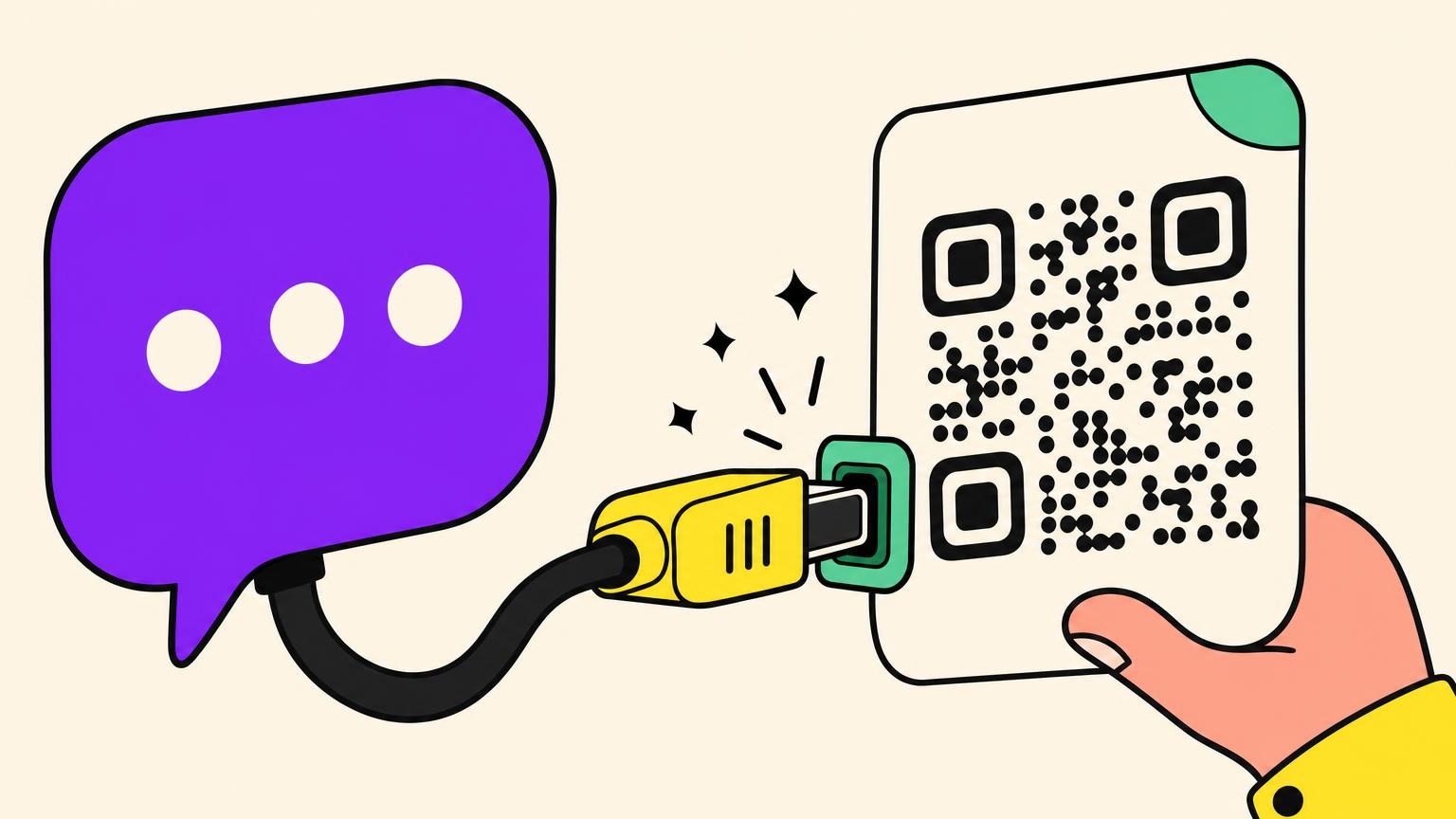
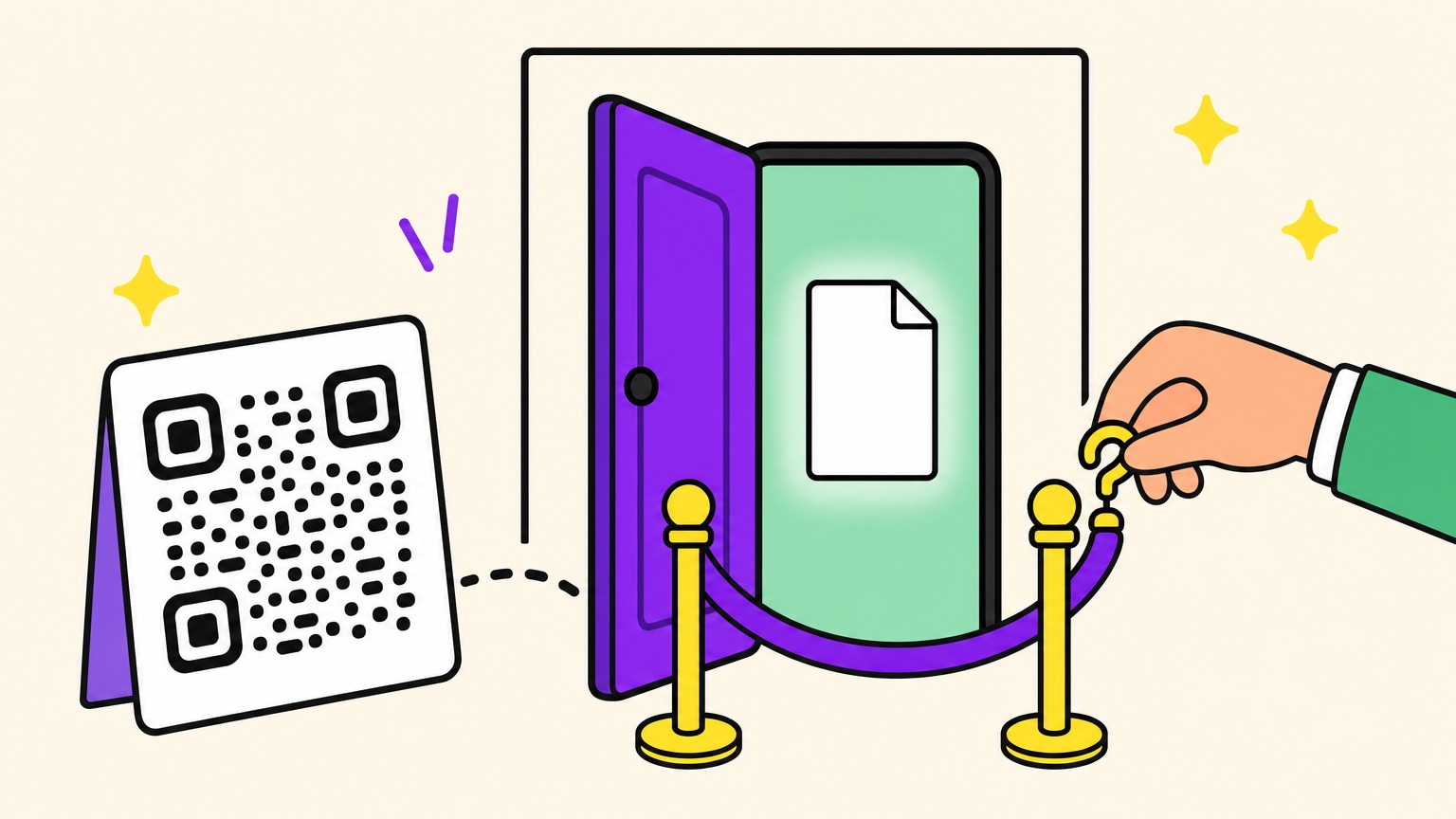
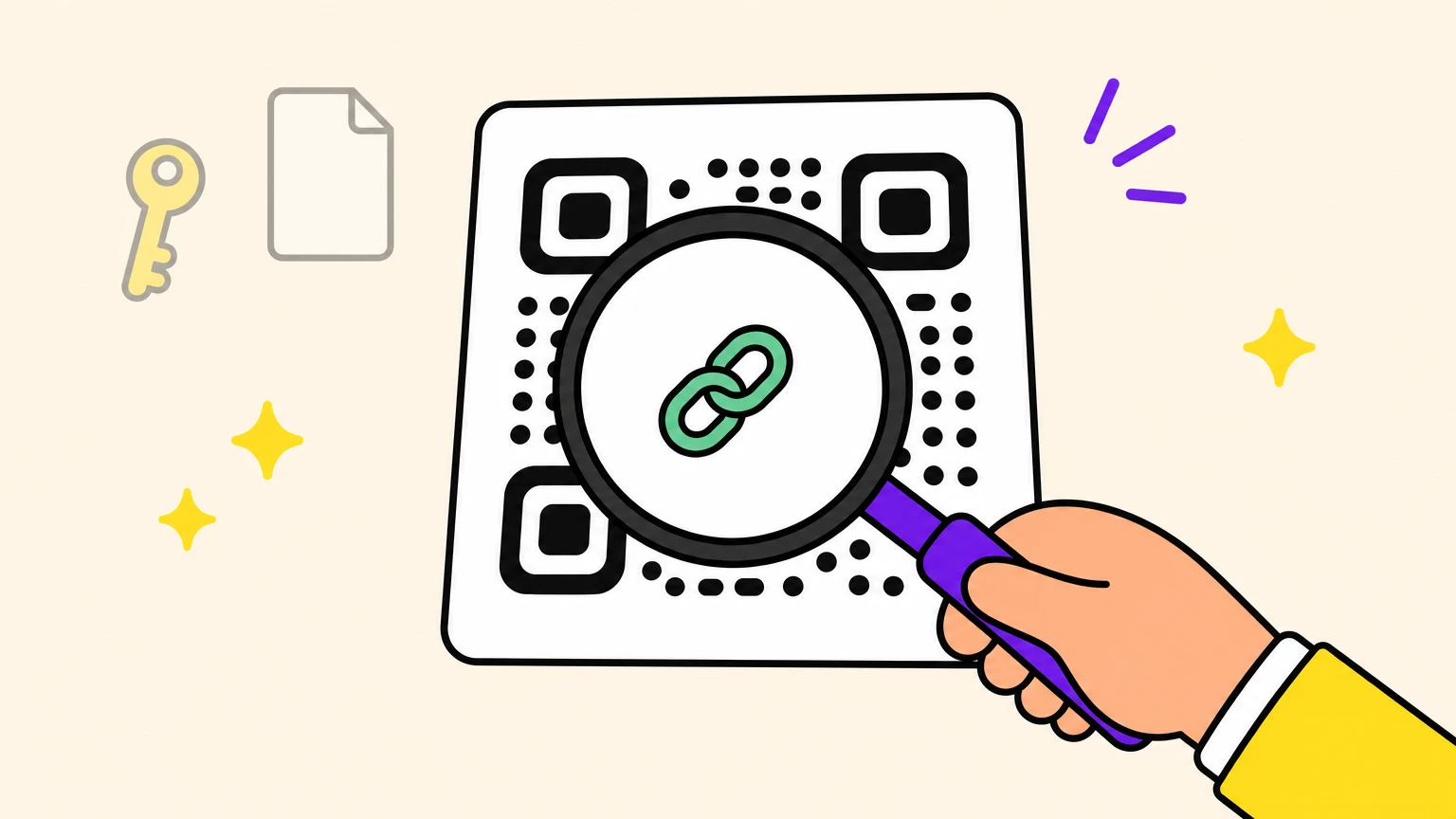
Can you password protect a QR code? Yes, but the password is a doorman at the door, not a lock on the room. A password-protected QR code holds only a short link in its squares, which any QR scanner can read: that's the door. A server checks the password before sending anyone through, and once someone is inside, the room (your page) is an ordinary web address.
A Quora answer that ranks on Google says no for the code itself, yes for what it leads to. Close, but it skips the door in between, where the password sits.
We tested one generator: decoded the code image, read the password page, sent a burst of wrong passwords and opened the page behind it by its own address. Came for a Wi-Fi password? Different object, next section.
Which QR Code Password Do You Mean? Four Things Share the Name
When we checked Google for "qr code with password", its AI Overview explained how to read a Wi-Fi password out of a QR code. That's one of four meanings:
- A Wi-Fi code carries the network's password in plain text, in a short line like
WIFI:T:WPA;S:mynetwork;P:mypass;;. We made one for a made-up network, and a QR reader showed its password: Croissant-2026. To make one on Android, open your Wi-Fi network in Settings and tap Share. To read one, scan it with an app that shows the raw text: the password followsP:. Anyone who scans it can read the password, and a new Wi-Fi password means a new print. - An encrypted QR code scrambles a message inside the pattern. Reading it takes the same app and the same PIN or password. A camera app shows only scrambled text, if anything, and a new message means a new print.
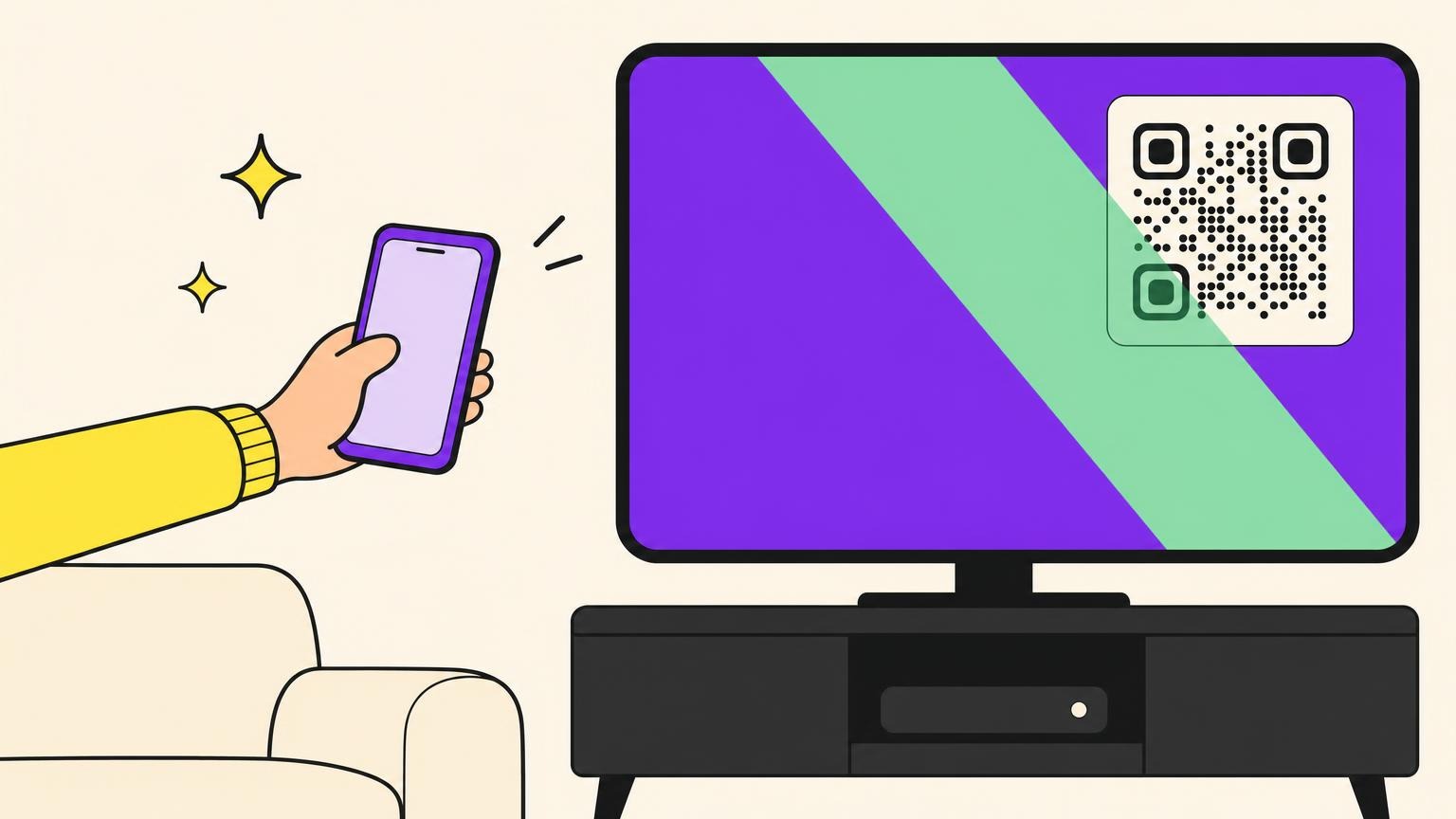
- A QR login is the code on a computer screen you scan with your phone to sign in, as on WhatsApp Web. It links a device to an account, a different job.
- A password-protected QR code is an ordinary dynamic code whose short link asks for a password before sending anyone on: the rest of this article.
How a Password-Protected QR Code Works: The Squares Hold a Short Link
A QR code is ink: it can't ask anyone anything. Where does the password live, then?
A static code holds its content in the squares, for any scanner to read, so it can't take a password. In our test, a four-digit door code we wrote into a static code came straight back out of a QR reader, and so did a staff handbook's web address. A dynamic code stores a short link instead, which is what sets static and dynamic QR codes apart.
A scan opens that short link, which leads to the generator's server. With a password set, the server answers with a page asking for it, and sends the browser on to your page only after the right one. That prompt is an ordinary web page, so nobody needs a special app, and the short link typed into a browser reaches it too. Since the password never sits in the squares, you can add, change or remove it on a code already printed.
Some vendors sell this as an encrypted QR code. Nothing is scrambled: the squares hold a readable link, and the check happens between the scan and the page. Uniqode's own guide says the gate doesn't encrypt the code or guard the file behind it.
What the Password Protects: Everyone Without It Waits at the Door
Anyone who opens the link without the password gets the prompt and nothing behind it. That covers the passer-by at your poster, whoever finds a lost badge and a colleague with a photo of the code.
Strangers do try. In 2023, a QR code in a small-town newspaper ad, apparently a proposal, led to a password page, with LAMB printed under the text. Reddit readers tried to get in; one went through religious words, variations on the hint, generic passwords and forms of yes. None worked: a word meant for one reader kept them all out.
At the prompt, someone without the word can only guess. How many times? No vendor page we read says. Uniqode sets up lockouts through its support team. QRCodeKIT's documentation tells customers to "Consider implementing rate limiting", that is, to cap guesses on a gate QRCodeKIT itself hosts. Linkbreakers says its password "can't be guessed or accessed through browser tools", without naming a limit. NIST, the US standards agency, tells login systems to allow no more than 100 failed attempts in a row on one account. The generator we tested limits how fast attempts can come; the test notes below give the figure.
What the Password Can't Protect: The Pattern, the Page, the Word
Three things stay out of the doorman's reach. The pattern was never a secret: anyone who scans it can read the short link. A password also can't stop a fake code stuck over yours from sending people to someone else's page, the classic QR code scam. Uniqode lists sticker replacement among the gate's own limits.
The page is the bigger gap. After the right password, the browser lands on the page's own address, which can be copied, bookmarked and forwarded. Unless the page has a lock of its own, anyone who has that address gets in without the password: we checked. Take a shared file. Google Drive's help says a file shared with "Anyone with the link" opens without signing in. Yet a video tutorial that ranks for this topic puts exactly such a public Google Doc behind a password.
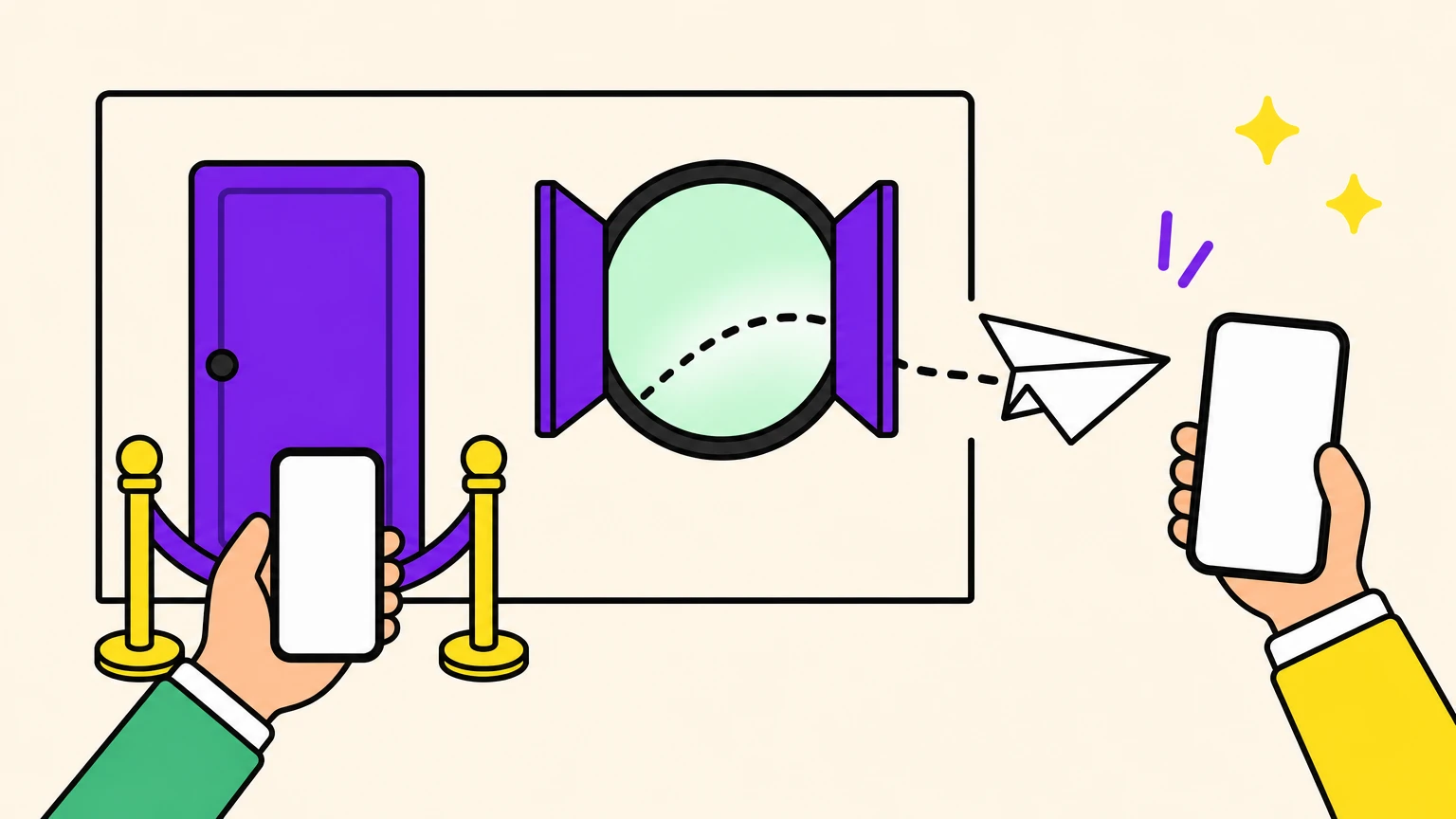
The password itself is shared: every legitimate guest gets the same word, and any of them can pass it on. Uniqode's guide is blunt: "Distribute it to 200 event attendees and its confidentiality drops fast." A password sent to a whole guest list keeps strangers out, not the guests' friends.
So payslips, medical results or a client's file need a lock on the room itself: a login, or a share limited to named people.
Before You Print: Pick the Place, the Password and the Messenger
Three choices and a warning, all before the ink dries:
- Pick the place. Strangers try codes printed in public, as the newspaper proposal showed. On a private print, like a receipt or a card handed to people you know, the paper is the filter: a 2011 QRStuff example prints the password on the receipt.
- Pick a long password. NIST asks for at least 15 characters when a password is the only check, without forcing a mix of character types. It also rules out passwords that are common or expected, such as the service's name: here, the event's or the brand's. The generator we tested accepted a one-character password, so length is your job.
- Pick the messenger. Send the word separately, never beside a public code. On the generator we tested, a code takes one password, so give each audience its own code: one leak, one change. After the event, change the password, or remove it if the page can go public: the print stays valid. To retire a code altogether, see whether a QR code expires.
- Warn people. Canada's Cyber Centre tells people to be suspicious, and to check the web address, when a scan leads to a password request. France Num, a French government site, says to skip links that look strange or very short. A genuine gate shows both signs. Tell people first: the scan opens a short link, then a page asks for the word you gave them.
What We Tested, and What the Server Answered
On 27 October 2026, we set up password QR codes on one generator. A script opened each short link the way a phone's browser does after a scan, as an anonymous visitor, and read every reply before following it. No phone camera was involved: Apple's Vision software read the code image on a Mac.
- We decoded the code image we downloaded. It held the short link and nothing else: no password, no destination.
- We opened the short link and got a page instead of the destination: "This QR is password-protected", one field and an "Unlock" button. Neither the destination's address nor the password appeared anywhere in it, not even in its code.
- We typed a wrong password and got nothing but "Wrong password. Try again." The right password in lower case failed too: capitals count. Accents, spaces and punctuation worked, and so did a 64-character password, the longest we tried.
- We fired a burst of passwords at one code from one connection. Ten attempts a minute, right or wrong, got an answer. The eleventh got "Too Many Requests", and so did the right password, until the block lifted within about a minute. A fresh browser on that connection stayed blocked while another code opened normally, so a crowd at one poster, on one Wi-Fi, could keep the eleventh person waiting. Measured on the generator we tested, at the time of our test; a limit like this can change with the server's settings.
- We typed the right password: the browser went to the destination, with no password in its address. A second visit from the same browser asked again. Then we opened the destination's address directly: it loaded without a password.
- We put three tracking tags on the destination, the UTM tags for source, medium and campaign: all three came through the gate intact. Last, we removed the password: the same short link, so the same print, now went straight to the page.
Put a Doorman on the Code and a Lock on the Room
A password on the code suits a staff handbook, a members' price list or a property's full file. The page behind it just has to live with whoever gets in.
The generator we tested is ours: Oh My Code. Password protection sits in a Website URL code's advanced settings: "Visitors must enter a password before being redirected." Each code gets one shared password, with no visitor accounts, and you can replace or remove it any time while the printed code stays the same. For the page itself, use your document platform's sharing settings.
Put a doorman on your next QR code, then pick who hears the word.
Password Protection FAQ
Can I add a password to a QR code that's already printed?
Yes, if it's dynamic and your generator offers a password for that kind of code. The password lives on the server, so you can add, change or remove it without reprinting, like a code that changes by time of day. A static code needs replacing.
Is a password-protected QR code a secure QR code?
Not on its own: it keeps out people without the word, but encrypts nothing and can't stop fake stickers or forwarded page addresses. Give sensitive pages their own login, and guard the account that decides where the code leads.
Will people have to type the password every time?
On the generator we tested, yes: the same browser got the prompt again on its next visit, so people need the password at hand every time they scan. QRCodeChimp, by contrast, can remember an entry for a set time.
What if I forget the password I set?
Set a new one: on the generator we tested, the edit screen says a password is set but never shows it again. A new password leaves the print untouched, so you only need to pass on the new word.
Does a password-protected QR code work offline?
No: a server, not the phone, checks the password, so the phone needs a working connection both to reach the prompt and to open the page behind it.