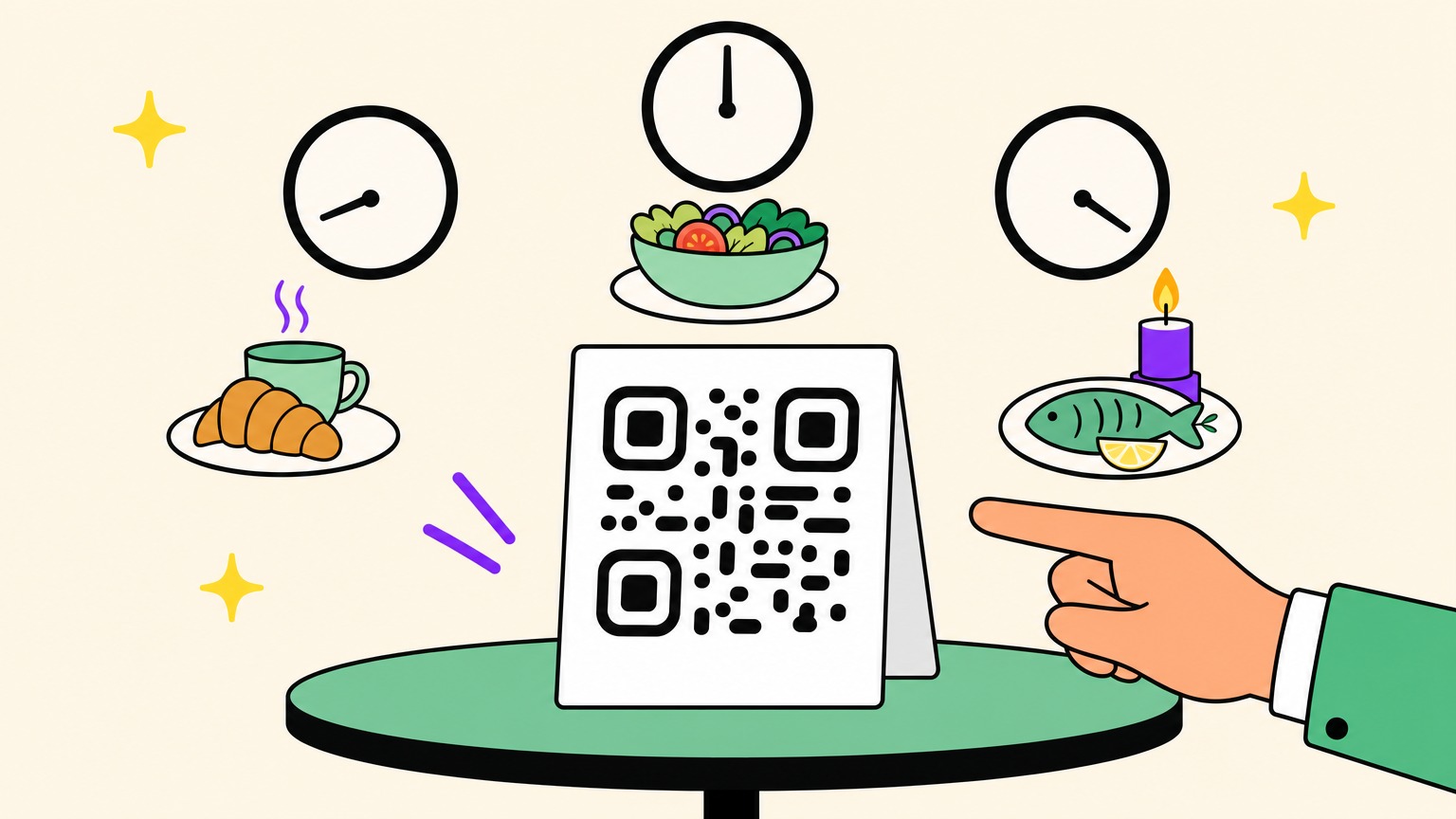
In March 2026, a restaurant owner on Reddit said lunch guests kept arriving upset they couldn't order dinner dishes, though both menus were posted and labelled on Facebook, Instagram, the website and the booking platform. Commenters said diners don't read signs.
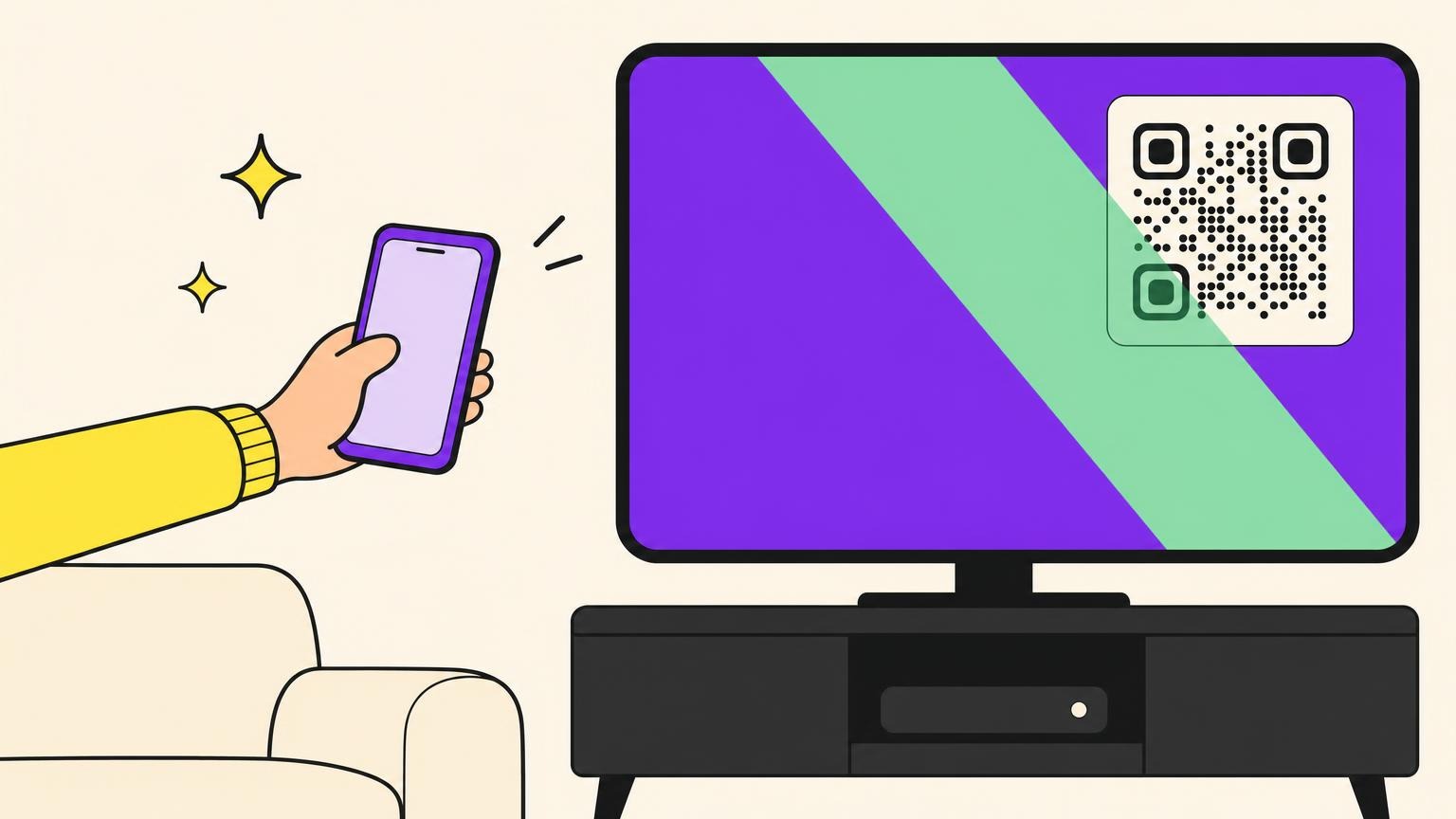
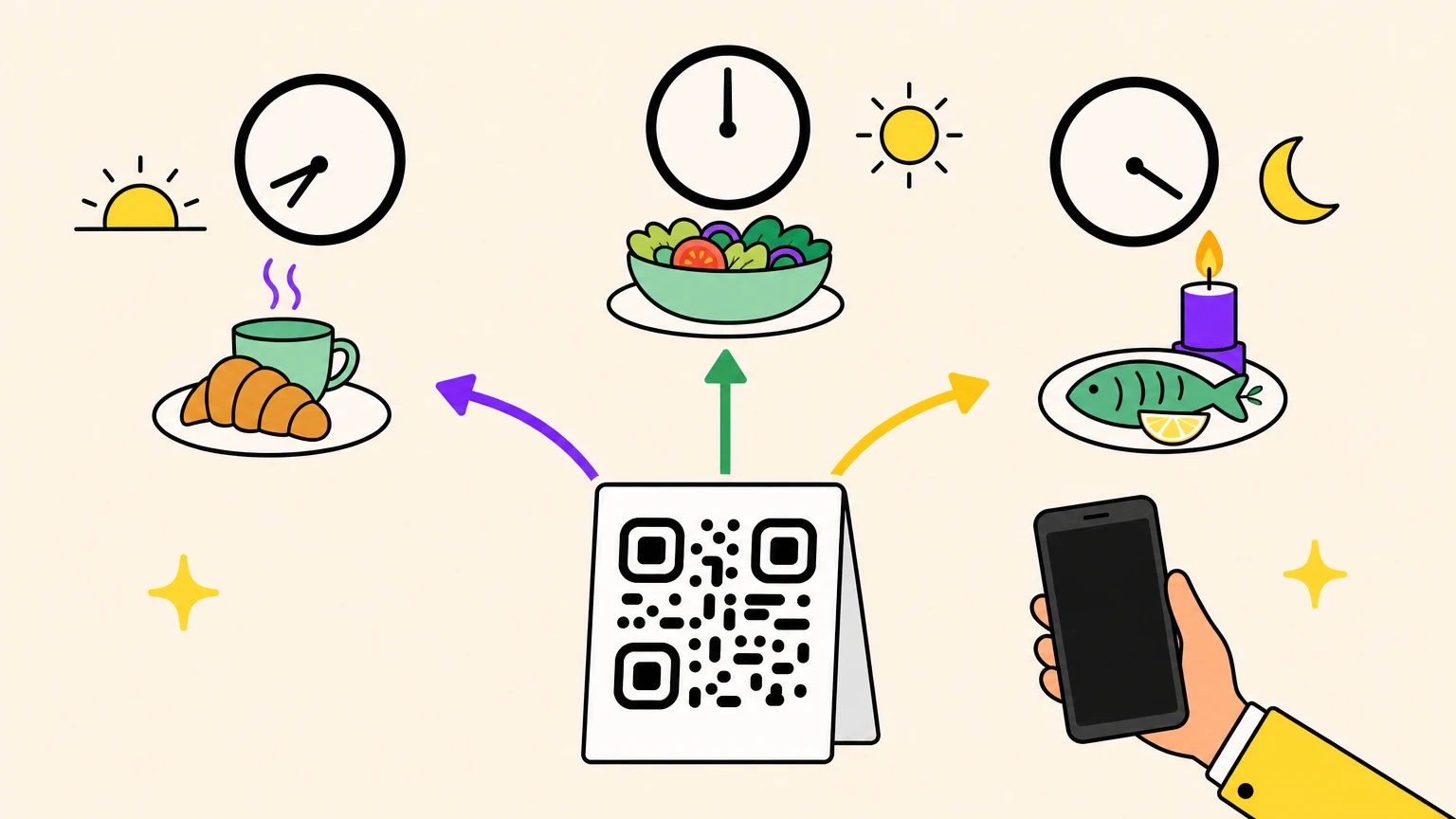
Yes, one QR code can open a different menu depending on the time of day, as long as it's a dynamic code. A time-based QR code holds a short link: at every scan, a server checks the time against the windows you set (breakfast, lunch, dinner) and redirects to the matching page, so the printed squares never change.
On the generator we tested, three codes with identical windows, set to Paris, New York and Tokyo time, redirected to three different menus at the same second.
How a QR Code Changes by Time of Day Without Changing a Square
The squares on your table tent don't hold your menu, and what they hold decides whether it can change. A time-based code works like a maître d' who glances at the clock before handing over a menu.
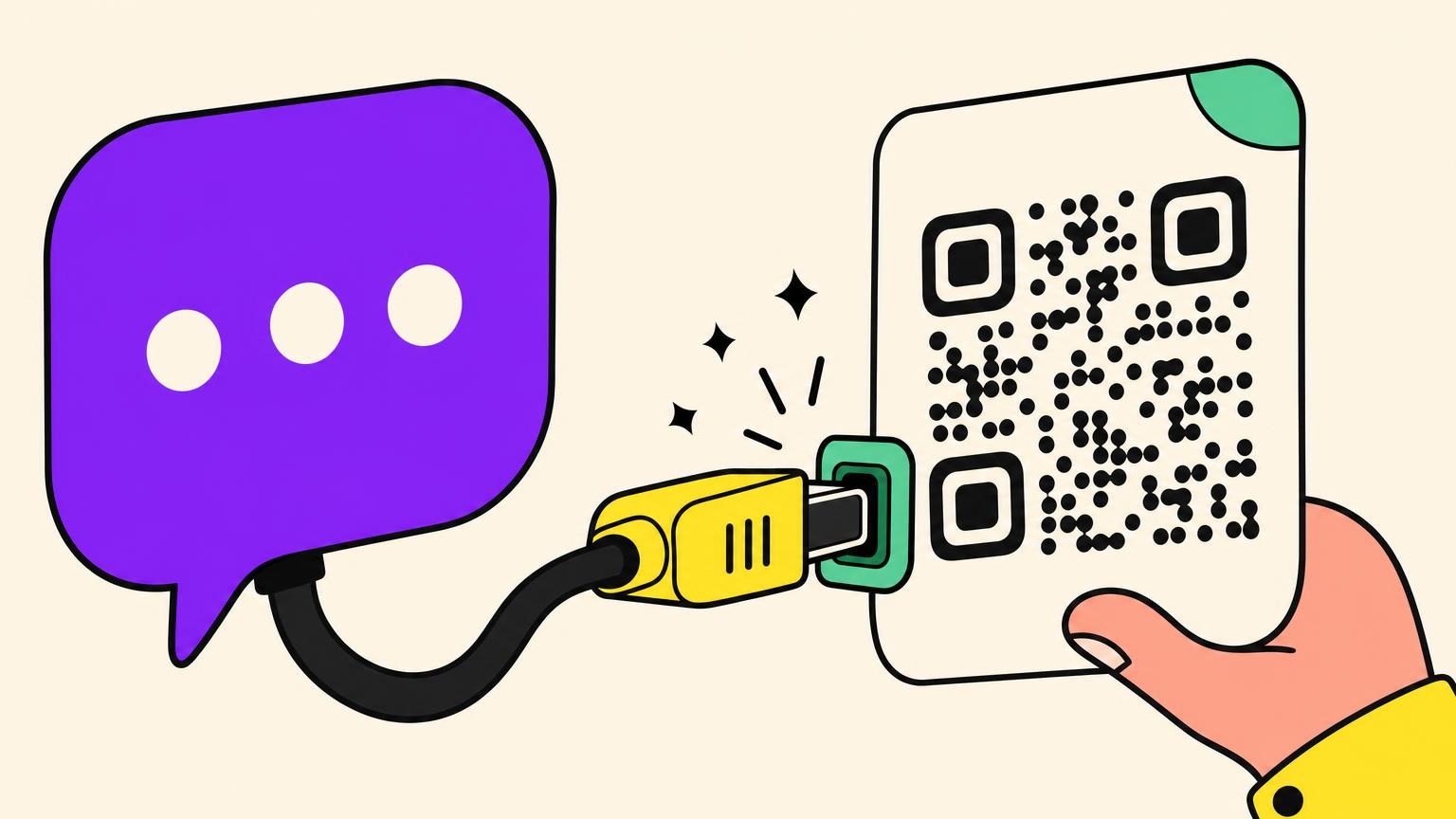
A static code stores the destination in its pattern, so changing it means reprinting. A dynamic code stores a short link, and the vendor's server picks its destination at each scan. Of static and dynamic codes, only the second can switch by the hour.
On 15 October 2026, we built test codes on one generator and had a script request each short link as a phone does after a scan, reading the answer without following it. Every answer was a 302, a temporary redirect to the page the rules picked. Those we inspected carried no caching instruction (no Cache-Control or Expires header), so the next scan goes back to the server and is judged at that minute. QRStuff's blog warns that browsers can cache a permanent 301 and miss later changes.
Vendors call this kind of QR code redirect Smart Rules, Smart URL, smart QR code, conditional redirect or time-based automation. Beware "scheduled": at several vendors it means switching on or expiring on set dates.
How to Set Up a Time-Based QR Code Menu, One Window per Service
Without time rules, three menus need three printed codes, or one code that makes diners choose: a Reddit commenter says many restaurants near them point their code at a Google Drive folder of PDFs. A time-based code chooses for them. Start on paper: write your day down before touching a setting.
Each rule pairs a time window with the page it opens. Any minute no window covers goes to the code's main link, called the default or fallback URL elsewhere.
The QR code menu from our test:
- breakfast, 07:00 to 11:00: the breakfast menu
- lunch, 11:00 to 15:00: the lunch menu
- dinner, 18:00 to 23:00: the dinner menu
- main link: the all-day menu, for the afternoon gap and the night
A window can open any web address: a Canva PDF menu, a page on your website, a booking page. Some menu platforms switch inside the menu, hiding breakfast once dinner starts; a time-based code switches at the link, with the pages you already have.
Beyond breakfast, lunch and dinner:
- happy hour: a short window that can overlap a meal, covered below;
- events: the session programme during sessions, the map or feedback form in between;
- hotels: breakfast hours in the morning, late-night services in the evening.
Before you set the windows, check when people actually scan: the time of each scan is part of what scan tracking records.
Whose Clock Picks the Menu: The Venue's or the Customer's?
A scan doesn't tell the server your customer's local time. HTTP has no standard field for it: a 2009 draft submitted to the IETF proposed a Timezone header, then expired in January 2010.
So each generator picks a clock, and they disagree. QR Planet's help centre says scans are judged in the scanner's local time, without explaining how that's found. Uniqode and QRCodeChimp have you pick a time zone; ME-QR's page names none. For a menu, you want the venue's clock.
Three codes with the windows above, differing only in time zone, got our request at the same second, 14:47:34 Paris time:
- Paris code (14:47 there): the lunch menu
- New York code (08:47 there): the breakfast menu
- Tokyo code (21:47 there): the dinner menu
The requests carried no time or time zone, just a browser name and a language: the server read the clock of each code's own zone.
A time rule ignores device and language: requested again by a script posing as an iPhone set to French, the Paris code still returned the lunch menu. Add them to a rule and they count. In a second test, a rule pairing 14:00 to 16:00 with English caught an English-language browser; a French one fell through to the next rule. That's a lunch menu in English for English speakers.
None of the 17 vendor and forum pages we read mentions daylight saving time. Our test ran on Paris summer time (UTC+2), and the switch in the next section came on time, not an hour late. We haven't watched a clock change yet: Europe's clocks go back on 25 October 2026, so scan your code that morning.
Happy Hour, Midnight and the Switch Minute: Where Windows Meet
Add a 17:00 to 19:00 happy hour and it overlaps dinner: at 18:30, which page opens? Vendor pages answer "rule order" with no example, or not at all; none covers midnight.
Overlaps: the first rule in the list wins. On the generator we tested, two codes listed a one-hour happy hour and a ten-hour window around it in opposite orders. Requested at 14:54, in the middle of both, each code answered with the top window's page. So short windows go above long ones, happy hour above dinner.
The switch minute: the end minute counts. We sent a request every 15 seconds to one code with two back-to-back windows meeting at 14:50 Paris time, the earlier one on top: the first page came back until 14:50:54, the second from 14:51:09, with no mixed answers in 21 requests. Windows are set to the minute, so a lunch window ending at 15:00 still opens lunch at 15:00:30; to stop at 15:00 sharp, end it at 14:59.
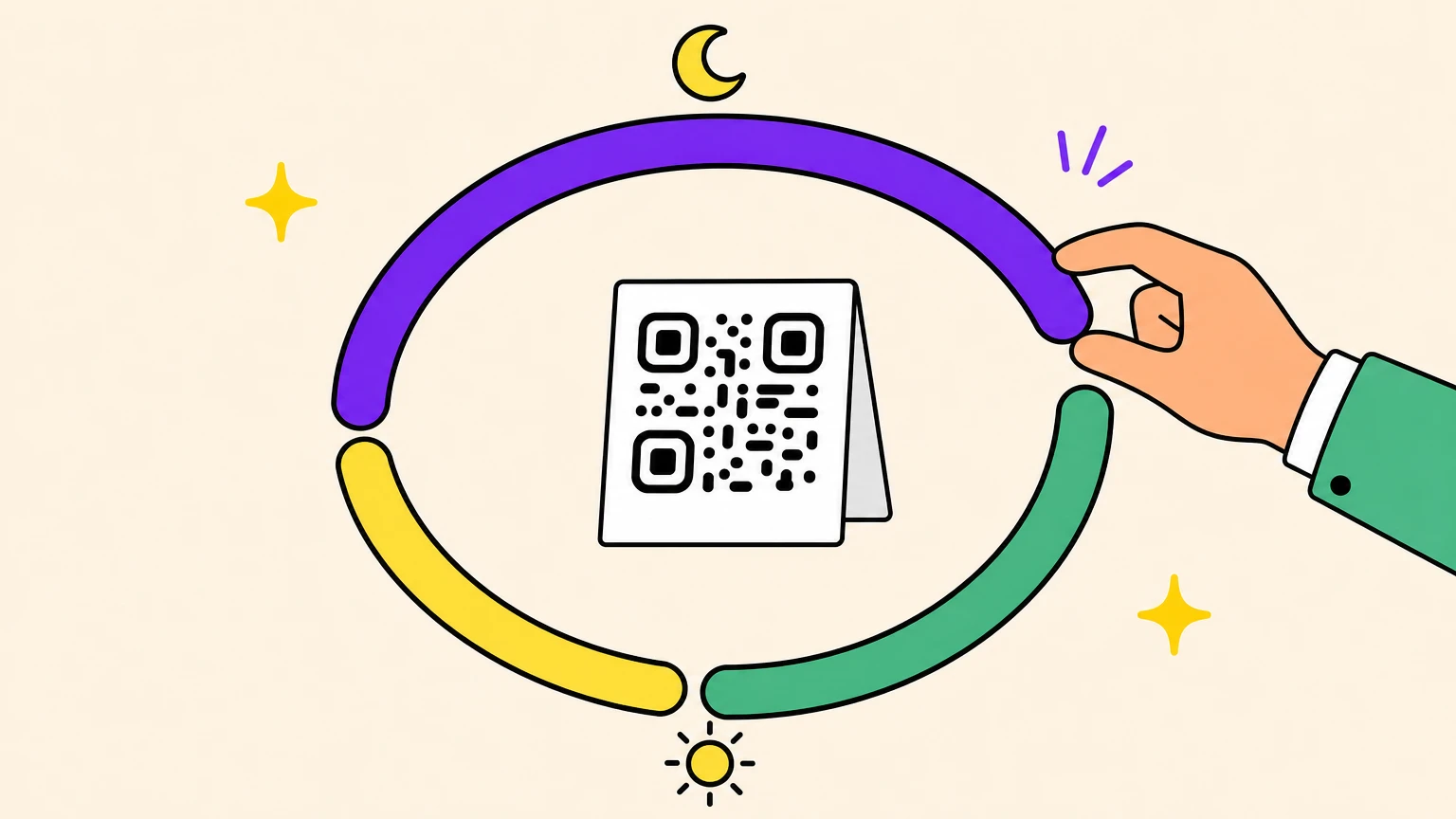
Midnight: a window can run past it. A 22:00 to 03:00 window, say a late bar menu, worked at 22:53 and at 01:53 local time, both sides of midnight. Two windows split at midnight also worked at 01:54, but you don't need them. These checks ran mid-afternoon in Paris; the testing section below shows how.
What Do Customers See When No Window Is Open? Your Main Link
16:00, between lunch and dinner: someone scans the table tent. What opens?
On the generator we tested, a request sent at 15:00 to a code whose only window ran from 16:00 to 17:00 landed on its main link. There's no separate fallback field: the main link is the catch-all. Elsewhere it varies: Uniqode has a fallback field and advises always setting one, while QRCodeChimp's default link is optional. If yours lets you skip it, don't.
That page shows in the afternoon gap and through the closed hours, so it has to make sense at any hour:
- restaurant: the full menu with each service's hours on top, when the kitchen reopens, the booking link;
- shop: opening hours, the map, the booking or order page;
- support: live chat during the staffed window, a contact form or help page on the main link.
The main link covers the clock, not broken pages, so open every page behind the code, not just the main link.
Test the Dinner Menu at Lunchtime: Borrow Another Time Zone
You don't have to stay up until 22:00 to see the late menu. Test on a copy, or before the code reaches the tables: real scans follow your test settings.
- Borrow a time zone, if your generator lets you pick one: switch the code to a zone where it's the hour you want, scan, then switch back. At 14:53 in Paris, we checked both sides of midnight on codes set to Auckland time (01:53 there) and Vladivostok time (22:53 there).
- Or move a window: make the next one start two or three minutes from now, scan before and after the switch, then put it back. Our live switch above worked the same way.
- Check the main link: outside every window, or with the windows moved away, make sure it opens.
- Finish with real phones: repeat the checks with the camera of an iPhone and an Android phone.
Once every window passes, get the print right.
Set the Clock Before You Print the Table Tents
You print the table tent once; the windows can move all year.
The generator in every test above is ours: Oh My Code's time rules, on its dynamic Website URL codes. A rule holds one or more conditions plus a destination; time of day sits next to language, device and country, and a rule's conditions must all match. Rules run top to bottom, the first match wins, and otherwise the main link opens. Each code takes one time zone, chosen from 418 (Paris by default), and the printed code holds the short link, never the destination, so the rules stay editable after printing.
Not tested yet: a clock change (Europe's, on 25 October 2026, is next, and we'll check it), more than three rules on one code, and how the statistics split scans by rule. Time rules need dynamic codes, which are paid, with a free trial; we ran the test on one paid plan.
Make one code that knows what time it is, then print the table tents.
Time-Based QR Code FAQ
Can a QR code change by time of day?
Yes, if it's dynamic: the squares hold a short link, and at each scan the server picks the page by comparing the time with your windows. The printed code never changes; a static code holds its destination and can't switch.
Can one QR code have multiple links?
Yes, in two ways. A landing page of buttons lets people choose (Scanova's takes up to 19), while automatic routing opens one link by condition, such as time of day, device, language or location, with nothing to choose.
Do I need to reprint my QR code when the menu changes?
Not with a dynamic code: change the file, the page or the windows, and the next scan follows. A static code needs reprinting when its address changes. In Uniqode's menu tutorial, a dish edited from $25 to $28 showed $28 on the next scan.
Which time zone does a time-based QR code use?
The generator decides: some use the scanner's local time, others a zone you pick, and a menu wants the venue's. On the generator we tested, a code has one zone, so venues in different zones need a code each, which also keeps scan counts apart.
What if a customer's phone clock is wrong?
Nothing changes when the rules run on a time zone you chose. A scan sends no clock reading or time zone, so the server's clock decides: a traveller whose phone still shows home time gets the menu being served where they stand.
What do customers see outside the hours you set?
They see the page behind the code's main link (the default or fallback URL elsewhere), so make it useful: hours, next service, booking link. Some menu platforms hide out-of-hours menus instead, so check what a diner sees when every menu is hidden.
Is a time-based QR code free?
Usually not: time rules need a dynamic code, one case when a QR code is worth paying for. Uniqode's Smart Rules start at Pro/Core; the generator we tested sells dynamic codes on paid plans, with a free trial. Free tools can vanish: Spotmenus, a free menu scheduler, was closing at the end of May 2025, an owner wrote.