500 flyers go to print tomorrow, and someone just told you QR codes die after two weeks. Half true, and the true half gets expensive once the ink dries. So: do QR codes expire?
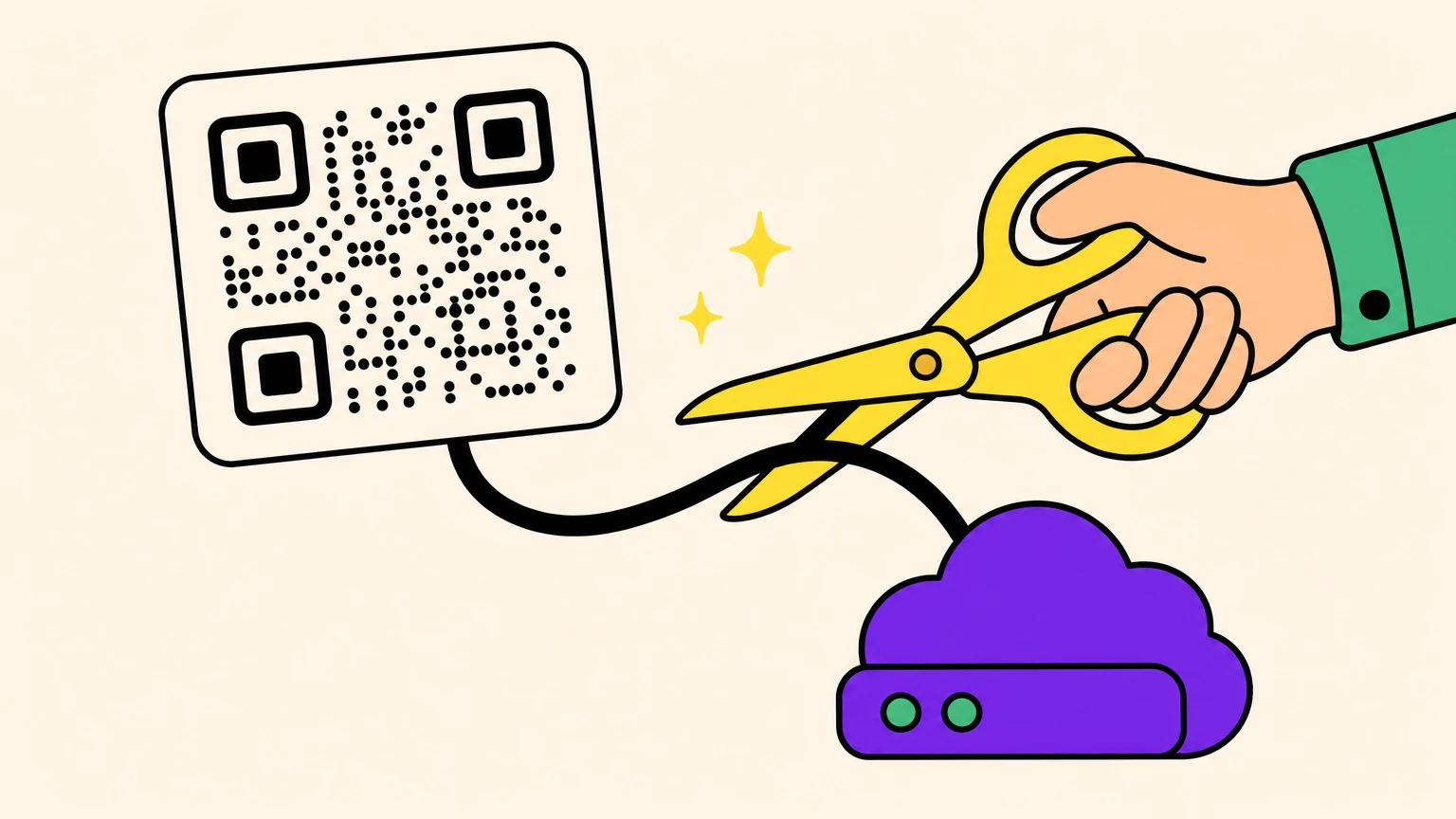
No. A QR code is a printed pattern of data, and nothing in that pattern can expire. What dies is the service behind it. If your code routes through a generator's redirect, it stops the day the trial, the subscription, or the company behind it does. A static code has no such dependency.
The rest is fine print: who can kill it, how to check yours, what to do next.
The Two-Layer Answer: Patterns Never Expire, Services Do
The black squares on your flyer answer to an ISO standard, not a billing department.
Every symbol follows ISO/IEC 18004: a quiet zone four modules wide, error correction recovering 7% to 30% of the pattern.
A static code holds your actual payload: the final URL, the Wi-Fi password, the contact card. Nothing sits between scanner and destination, nothing to switch off.
A dynamic code holds a short link on the generator's domain. Every scan hits their server first, and that dependency is what makes it mortal.
| Static | Dynamic | |
|---|---|---|
| In the squares | Your final URL | The generator's short link |
| Editable after print | No | Yes |
| Scan tracking | None | Yes |
| Lifespan | As long as the destination | As long as the provider and your plan |
It isn't the QR code that expires. It's the redirection service you picked.
The 14-Day Trap: How Free QR Codes Actually Die
More than thirty baby shower invitations, mailed, each with a QR code to the registry. Two weeks later the code led nowhere. A year later, another user posted under the same thread: same situation, wedding invites.
The mechanism is boringly consistent.
- You sign up for a free trial.
- The tool hands you a dynamic code by default, quietly.
- You test it. It works. You print.
- Day 15: the redirect goes dark and scans land on the platform's upsell page, not your registry.
Step four isn't a theory. One market-leading generator documents it on its own support pages: at trial end, dynamic codes die and static codes from the same account keep working.
A university student learned this with 100 sign-up cards printed and three days' notice to subscribe.
Dynamic codes renew revenue, which is why they're the default. As one vendor's own video puts it: you can't unprint a flyer. Still less a QR code tattoo.
If a tool handed you a code during a trial, assume dynamic until proven otherwise.
Scan Limits, Shutdowns and the Other Kill Switches
Even Google killed a redirect service.
Scan caps. Entry plans cap monthly scans, and what follows isn't standardized: your code pauses until the counter resets, goes inactive until you upgrade, or takes the account down on a second overage.
The company dies. Google announced the end of goo.gl on July 18, 2024, then partly reversed on August 1, 2025: those links were "embedded in countless documents, videos, posts". Links dormant since late 2024 died anyway on August 25, 2025. A brochure carrying one still scans perfectly and goes nowhere.
Policy moderation. Platforms calling their codes valid forever can still switch off any code whose destination breaks their content guidelines. Forever, with an asterisk.
Silent repurposing. A retail team found their packaging code now forces an ad click-through before the real page. Nobody told them.
None of the four can touch a static code.
The Fine Print on Static Codes Never Expire
Permanence cuts both ways.
A static code is only as immortal as the URL baked into it. Let your domain lapse, move the page, or mistype a character, and it's permanently wrong. No vendor can rescue you: no vendor is involved.
Self-contained payloads dodge that. A Wi-Fi code, a vCard, plain text: no destination to break, as close to forever as this gets.
The pattern can still die physically: fading, damage, poor contrast, wrong size. Different failure, different fix: why QR codes stop scanning.
Some codes are supposed to expire fast: government logins and device-linking codes last minutes by design, for security. Different animal.
Verdict: static when the destination won't move, dynamic when you need post-print edits.
The full comparison, with the five-year test to settle it in a minute: static vs dynamic QR codes, which one still works in five years?.
How to Check Whether a QR Code Can Expire (Two Minutes)
Your phone already runs this test. You just have to look before you tap.
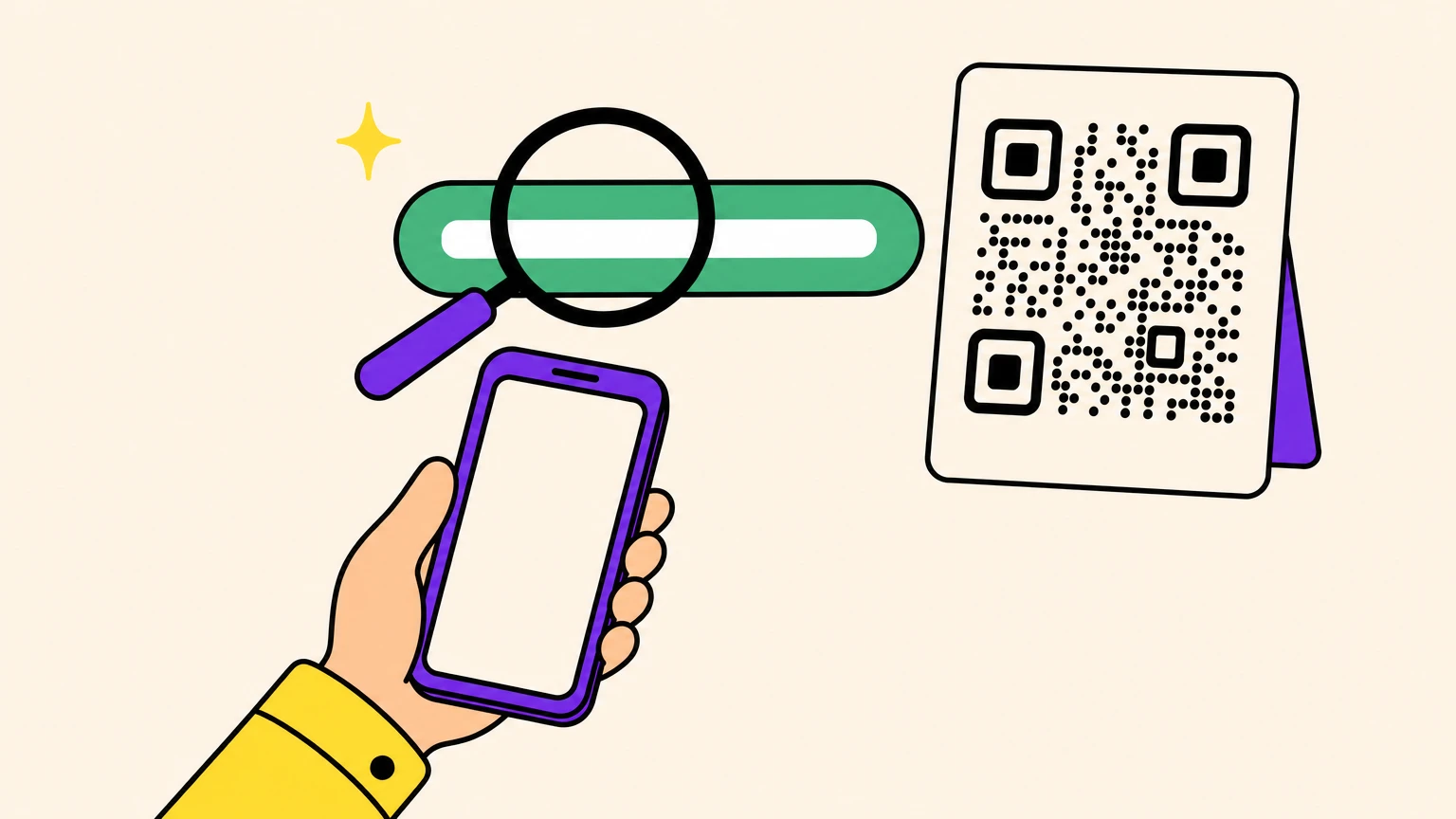
- Read the link preview your camera shows. Don't tap through yet. (If your phone fights you, this scanning guide covers every device, screenshots included.)
- Preview shows your own destination? Static. Nothing can expire it except your own website.
- Preview shows a short, unfamiliar domain? Dynamic. Its life depends on that provider's servers and your account staying in good standing.
- Only have the image file? Any QR decoder shows the raw encoded text. Same test, same verdict.
If it comes back dynamic, hunt two answers in the provider's help pages: what happens when the trial ends, and what happens at the scan cap. Pause or kill: very different futures for your print run.
Do Canva, Adobe or Google QR Codes Expire?
Canva says forever, Adobe says never, and Google doesn't sell one.
Canva. Its generator makes static and dynamic codes, and Canva's own FAQ says they're valid forever. The caveat, same page: Canva can deactivate a code whose destination breaks its guidelines.
Adobe Express. Static, does not expire, confirmed by an Adobe Community Manager. Adobe locks the destination at creation.
Google. No QR product to subscribe to, and the goo.gl shutdown above was a shortener, not a QR tool. Chrome and Edge have a native share-page QR button producing static codes: no account, no redirect.
Perfect for one fixed link. Skip them if you need post-print edits or scan counts.
Your QR Code Already Died? The Recovery Playbook
Three options, ranked by cost.
1. Reactivate. If the dynamic code lapsed but wasn't permanently deleted, renewing often restores the same printed code: pattern and account-side mapping are separate. Check before assuming it's gone.
2. Sticker-patch. Print a new static code sized to cover the old one exactly and patch what's in the field. Cheapest fix for anything on a wall.
3. Reprint. On small runs, reprinting with a static code costs less than a year of subscription. The 100-card student did that math in a minute.
Testing before printing doesn't save you: the failure only surfaces when the trial clock runs out. Not user error.
Decode the dead code first, so you know which case you're in.
The Part Where We Admit We Sell QR Codes
Full disclosure: Oh My Code is a QR code generator too. Read the above knowing that.
Static codes you create during our 14-day trial keep working forever, even if you cancel and never pay us a cent. Physics, not generosity: nothing of ours sits between the scanner and your destination.
Dynamic codes need our redirect alive, same as everywhere. The honest version: when one expires, scanners get a clear "QR Code Expired" page instead of a mystery error or an ambush ad.
If a monthly fee hanging over your print run is the dealbreaker, The Friendly plan has a $59 lifetime option. Pay once, question closed.
Print things that outlive the tool that made them.
FAQ
How long will a QR code last?
Indefinitely, as a pattern. A static code lasts as long as its destination stays live, and self-contained ones (Wi-Fi, contact cards) don't stop at all. A dynamic code lasts as long as the provider's redirect and your billing plan both survive.
Is there a free QR code that doesn't expire?
Yes. Any static code qualifies, and free static generators are built into tools you already own: your browser's share menu, your design app, several standalone sites. Free dynamic codes with no expiry exist at a few vendors, but they're the exception.
Do you have to pay for a QR code to stay active?
Static, never. Dynamic, usually, once the trial or free allowance runs out, because a hosted redirect carries real running costs. Most of the pain real users report comes from not knowing which of the two types they were handed at signup. Before you sign up, find your case: when a free QR code is enough, and what you actually pay for.
What does someone see when they scan an expired QR code?
It depends on the provider, and no standard exists. Reported experiences include a generic "oops" page, the platform's own upsell page, and a forced advertisement before the real destination. Better systems serve a clearly labeled expired page instead of a mystery error.