A restaurant menu, a parking meter, a review page, a shipping label. QR codes are everywhere, and you scan them on autopilot, without a second thought. That is exactly what scammers are counting on. Quishing is QR code phishing: a fake code that drops you on a booby-trapped site built to siphon your data or your money.
Good news: scanning is not the danger. Not checking where the code takes you is. Here is where the threat actually stands in 2026, how to spot a fake code, whether a QR code can infect your phone, and how a business can protect its customers. Updated in September 2026 with the summer's cases and the latest official warnings.
What quishing is, and whether you should actually worry
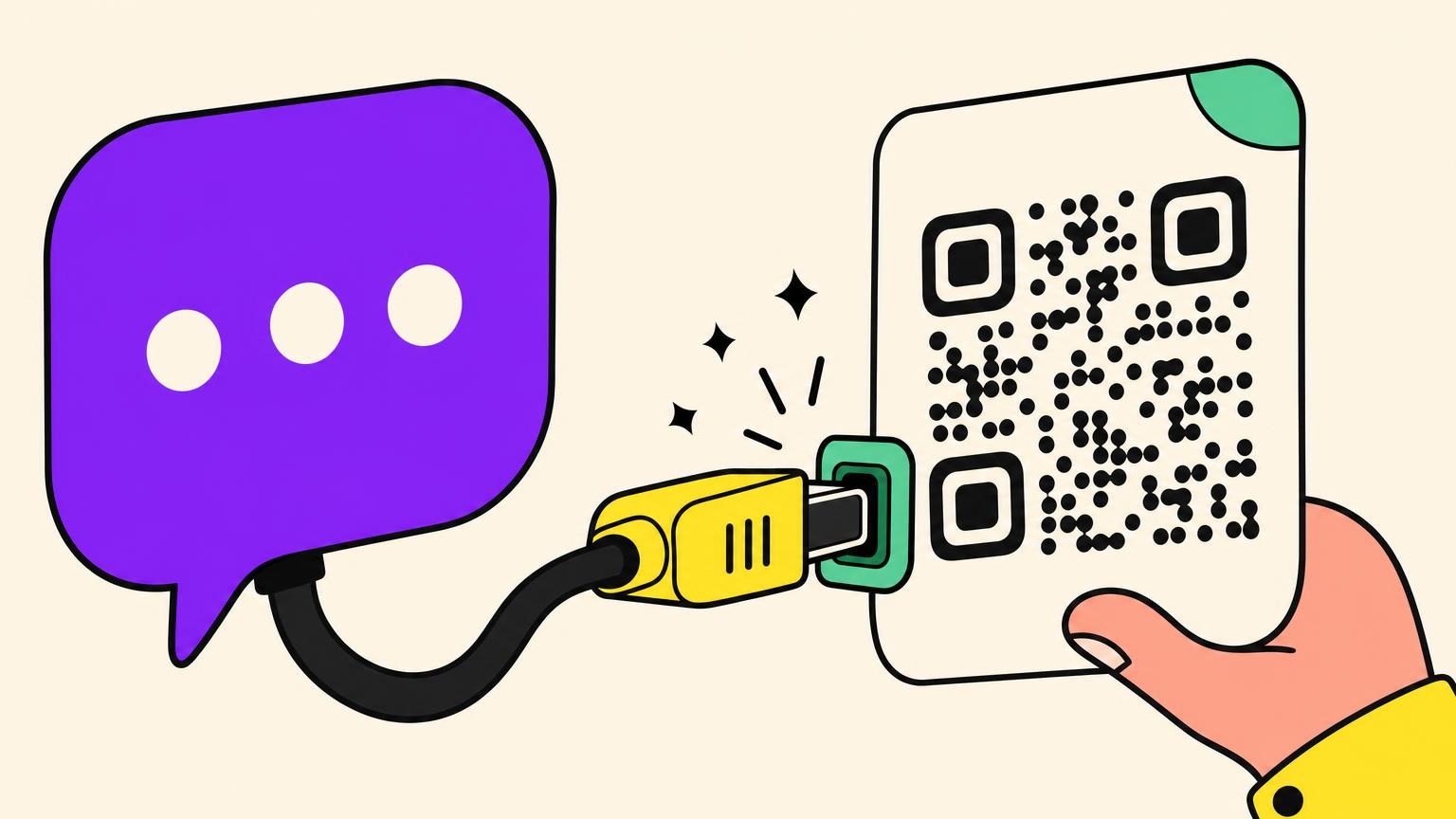
Quishing is phishing delivered by QR code. The same con you already know from email, moved onto a square you scan, sitting right next to smishing (by text) and vishing (by phone call). The goal never changes: lure you onto a fake site and lift your login or your card.
So should you panic? Two authorities, two opposite verdicts. France's public cybersecurity agency (Cybermalveillance.gouv.fr) refreshed its quishing page in August 2026 and still calls the threat "relatively minor", while adding that it is "no less real". At the same moment, Microsoft measured a 146% jump in these attacks in the first quarter of 2026, across 8.3 billion threats analysed, and ESET's half-year report found a QR code inside 11% of all the phishing emails it caught, around 100,000 detections a month with a peak in April. Both camps are right.
The catch is one distinction. The threat is exploding inside corporate inboxes, the turf security vendors watch, but stays rare in the physical life of an ordinary person. The cost, though, is very real. In the UK, an investigation by the Bureau of Investigative Journalism put the losses at £3.5 million in a single year, hitting a third of local councils and a dozen hospitals.
The first peer-reviewed review of the subject, 27 studies pooled in the Journal of Cybersecurity and Privacy in August 2026, lands on the same mechanism every time: a place that feels legitimate, a scan done out of habit, and a destination you cannot see. Nothing technical, just three seconds of attention missing.
Marginal today. But the curve is climbing, and it only takes once.
The QR code scams blowing up in 2026
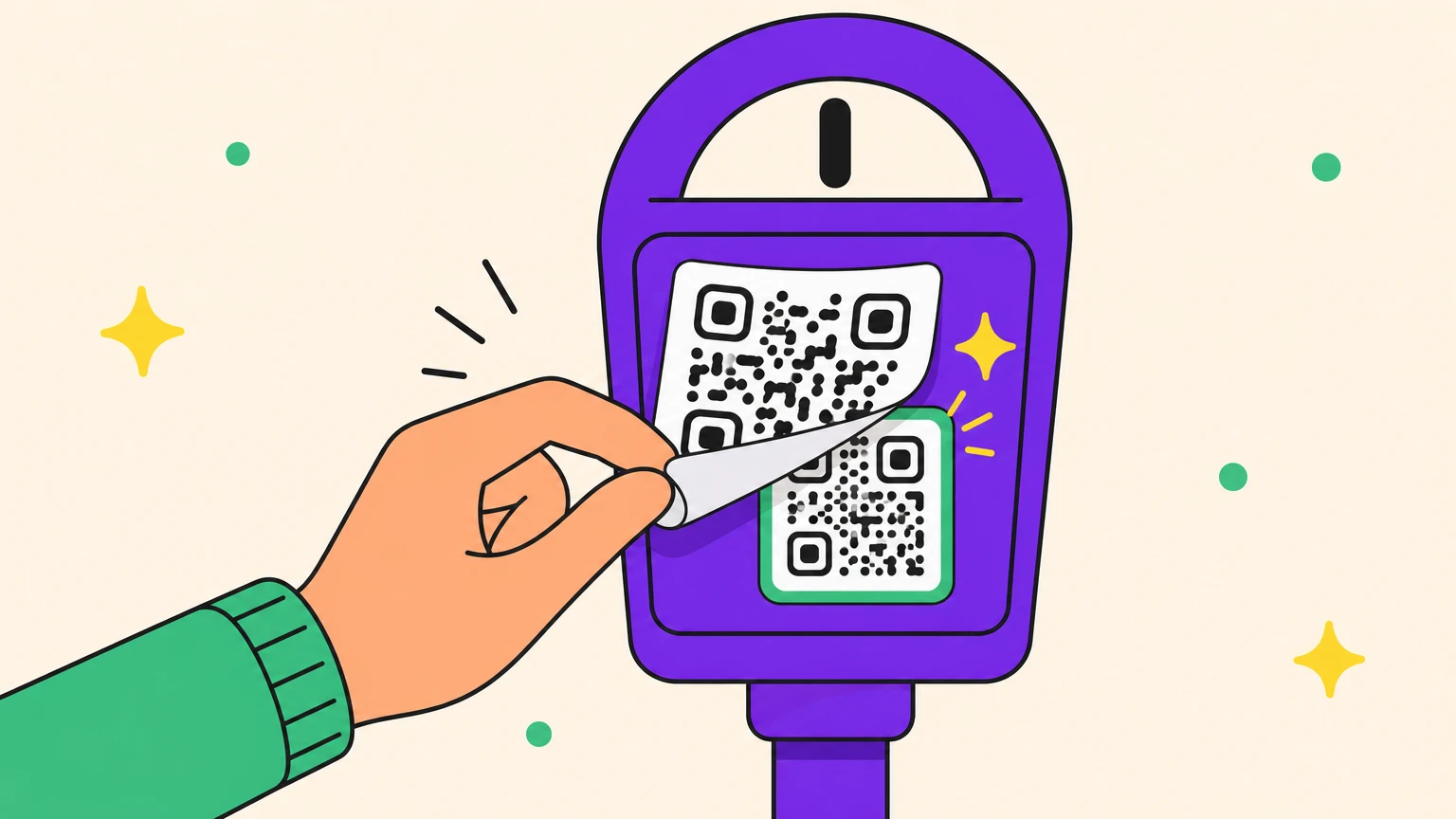
In Toronto, a driver thought she was paying $7 for parking when she scanned the code on the meter. Her bank saw nearly $2,000 go out. Nothing had tipped her off: the payment site looked completely normal.
She is not alone. In one California city alone, police pulled 150 fake codes off parking meters, all pointing to pixel-perfect clones of the official site where only the URL changed. In New York, authorities went as far as telling people to stop scanning meter codes altogether.
This August, on England's north-east coast, a couple scanned the code stuck to the pay-and-display machine of a seafront car park in Whitley Bay. The page carried the RingGo branding down to the privacy policy in the footer. It told them the payment had been declined, so they paid in cash. Overnight, five withdrawals between £20 and £150 left the account, £370 in total. RingGo's response is now a public statement: it never puts QR codes on its parking signs. The scale behind that one story: UK parking QR scams are up 1,300% in three years, with at least £56,000 known to be lost since 2022, and most small thefts never reported.
In 2026, the QR code scam is even moving to the checkout counter. In the US, fake PG&E agents threaten to cut the power, then send a fraudulent QR code for a cashier to scan. The tally: $211,000 gone in the first half of the year.
And in France? A fake "Pay by Phone" code turned up on a parking meter in Paris, along with booby-trapped charging stations out in the Loiret countryside. But it stays rare: one creator spent more than four hours hunting before he found a single one in Paris.
The 2026 twist is that the proof itself can be fake. In Nepal at the end of August, a man used ChatGPT to fabricate a payment receipt showing a 120,000-rupee donation to the national flood relief fund, posted it with his own payment QR code, and collected the donations it inspired until Ramechhap police arrested him. The QR code was real. The receipt next to it was generated.
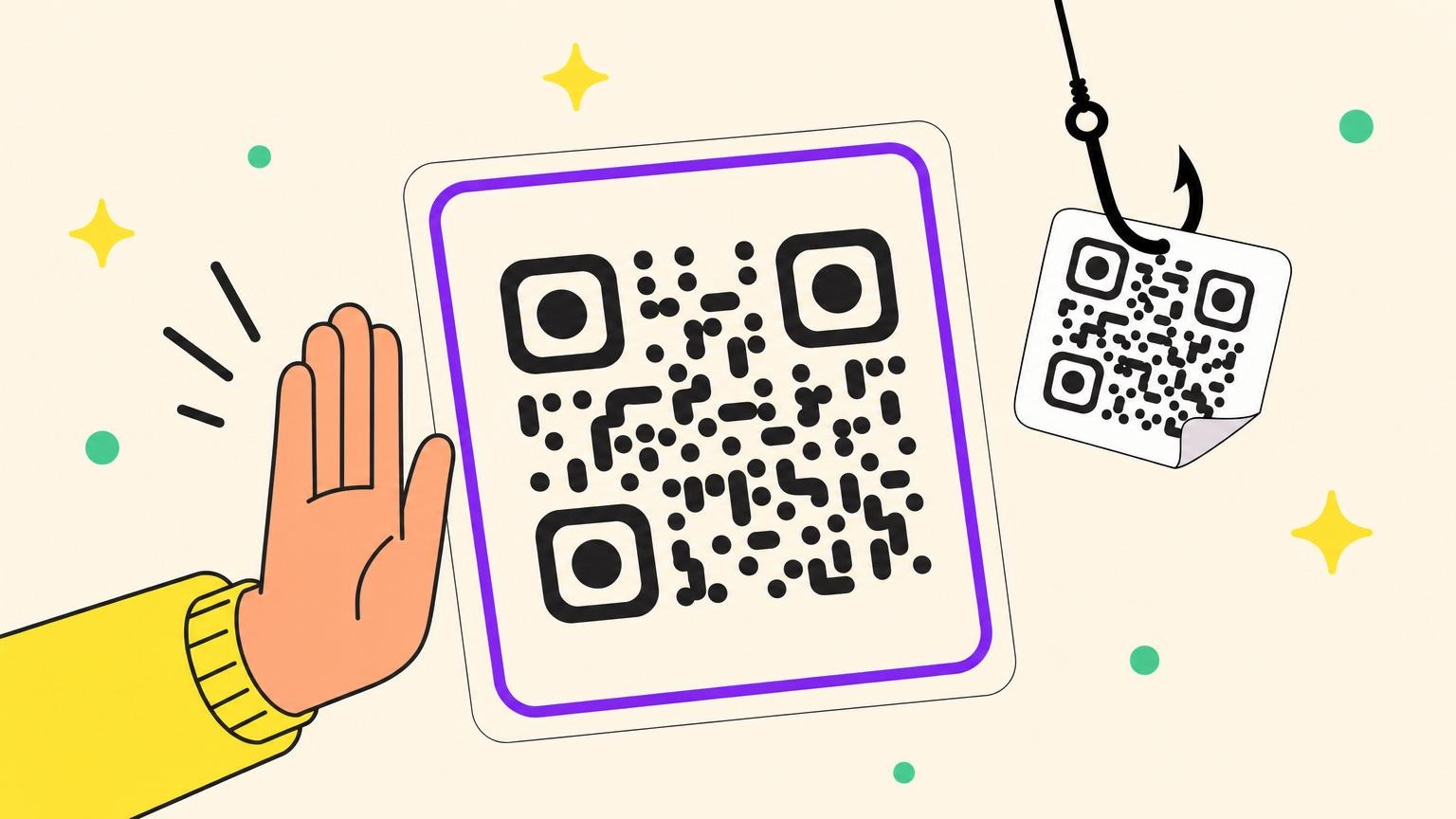
The thread running through all of these: a sticker slapped over something real, or a real code parked next to a fake story.
Why the QR code is a scammer's dream weapon
A QR code is a link your eye cannot read. On a spelled-out web address, you catch the typo or the odd domain name. On a square of pixels, the destination is invisible by design. The whole scam lives in that blind spot.
That blind spot cuts two ways. Out on the street, a sticker laid over a real code goes unnoticed, which is why Toronto police treat it as their most reliable sign of fraud. In your inbox, it slips past filters that read text and links but see the code as just an image. That is why 12% of phishing attacks already hide their trap inside an image.
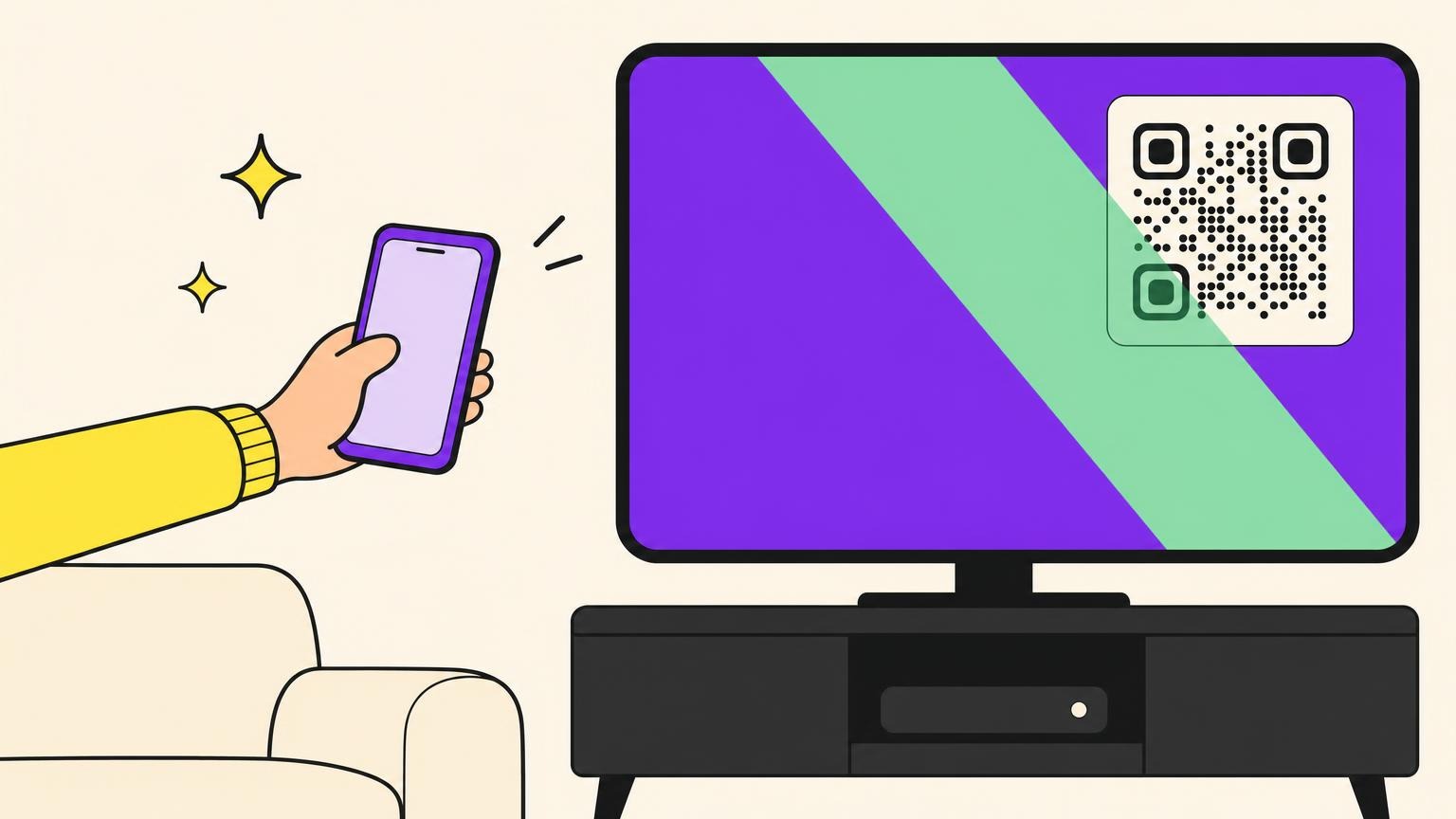
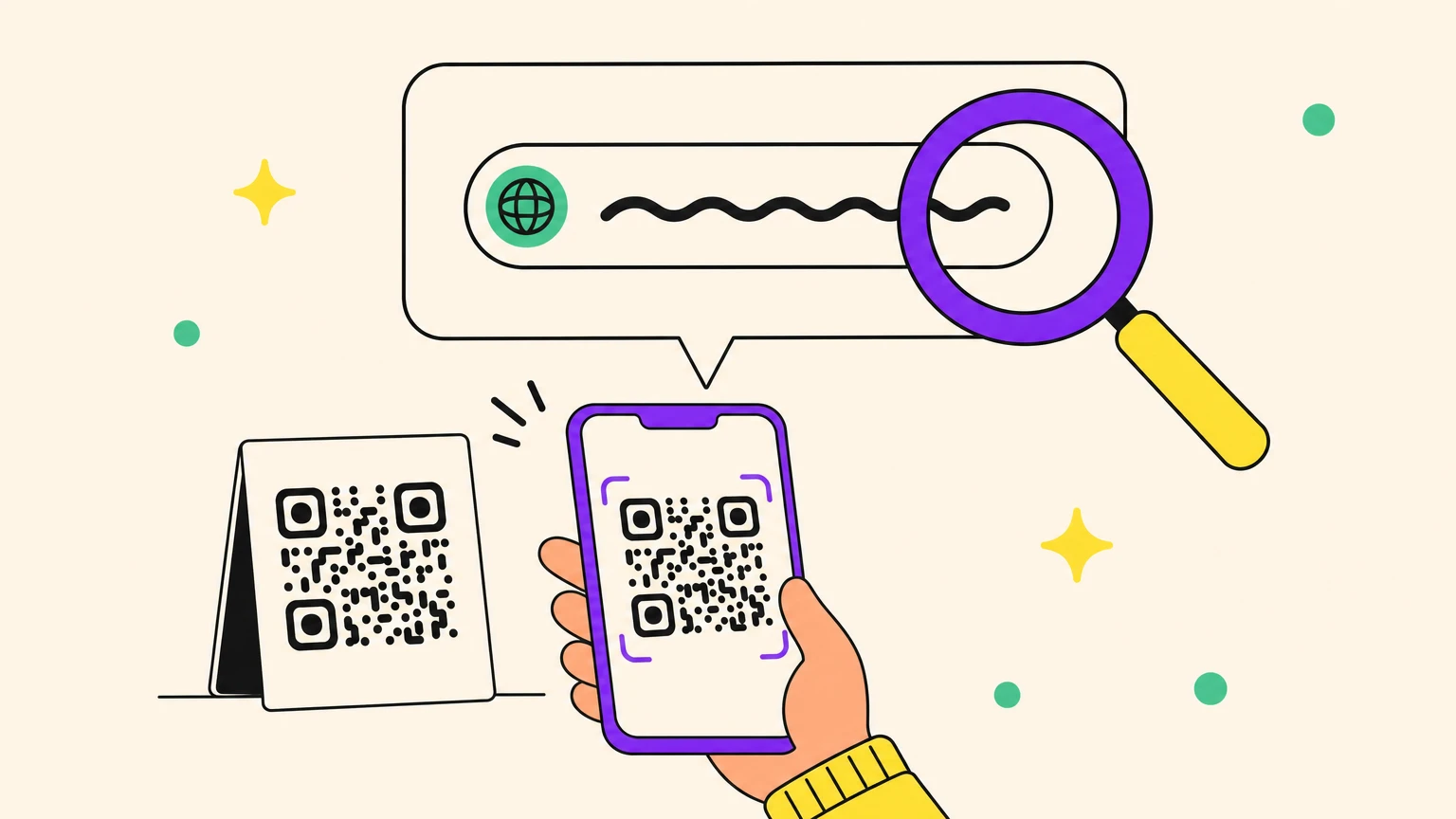
Except your phone already has the counter-move. Both iOS and Android show you a preview of the URL before anything opens. The problem is not technical, it is human: nobody reads the preview.
If you remember one move from this whole article: read that URL preview before you type anything.
Can a QR code give your phone a virus?
No, not on its own. A QR code is a container for data: a web address, a Wi-Fi password, a contact card, a prefilled text message. It holds nothing that can run. Your camera reads a pattern and hands your phone a short piece of text. The UK's National Cyber Security Centre says as much: the code is a way to disguise a link, and the risk lives in the link, not in the square.
So where does the "virus" come from? From what happens after the scan. Three doors.
The page asks for a login or a card number. That is quishing, most of this article.
The page pushes a download: "update your banking app", "install this viewer to see your parcel". Canada's Cyber Centre notes that some of these sites try to download malicious software on their own, but on an up-to-date phone nothing installs without your tap on Install. If a scan ends with an install prompt, that prompt is the scam.
The code triggers an action instead of a page: join a Wi-Fi network, save a contact, send a prefilled SMS, dial a number. Your phone asks you to confirm each one. Read the prompt before you agree. And skip third-party scanner apps, a malware risk of their own: both agencies tell you to use the camera that came with your phone.
Keep the phone updated, install nothing a QR code asked for, and the virus question answers itself.
Spot a fake QR code before you scan it
Three habits are enough, and none of them are technical.
First, your eyes. A real QR code is part of the thing it is printed on. Be suspicious of the lone sticker: peeling edges, a code sitting crooked, colours that are slightly off. When in doubt, run a finger over it. A double layer gives away a fake stuck on top of the real one, and that is exactly the check France's Interior Ministry recommends.
Next, the URL. Read the preview your phone shows before it opens anything. Watch out for shortened links (bit.ly) that hide the destination, and remember the HTTPS padlock proves nothing: a fake site can show one too. Never scan a code that arrives in an unsolicited email or letter, like the phishing scam dressed up as a court summons. And learn the Whitley Bay tell: a payment page that says "declined" and invites you to try again is charging your card twice.
Finally, the safety net. A password manager will refuse to autofill on the wrong domain, even when the fake looks flawless to your eye. An online QR decoder shows you the destination without ever opening it, and a QR safety checker goes one step further by running that destination through a malware blacklist first.
The most reliable tell is still physical: the fake sites themselves keep getting better and better.
Running a business? Protect your posted QR codes (and your customers)
A fake QR code stuck on your counter, and you pay twice: your customer gets their account drained, and your brand takes the blame. You become the backdrop for the scam without ever knowing it.
This is not hypothetical. In Switzerland, a pupil doctored the payment code in a school cafeteria and skimmed off tens of thousands of francs. In the Philippines, a shopkeeper scanned a "customer's" code and watched 80,000 pesos leave the till in four minutes. Small operations are the most exposed: rarely anyone on hand to catch a tampered code.
Here is how to lock yours down:
- Print the domain name in plain text under the code, so customers can compare before they scan.
- Print the code onto the material itself rather than a peel-off sticker, ideally under tamper-proof protection.
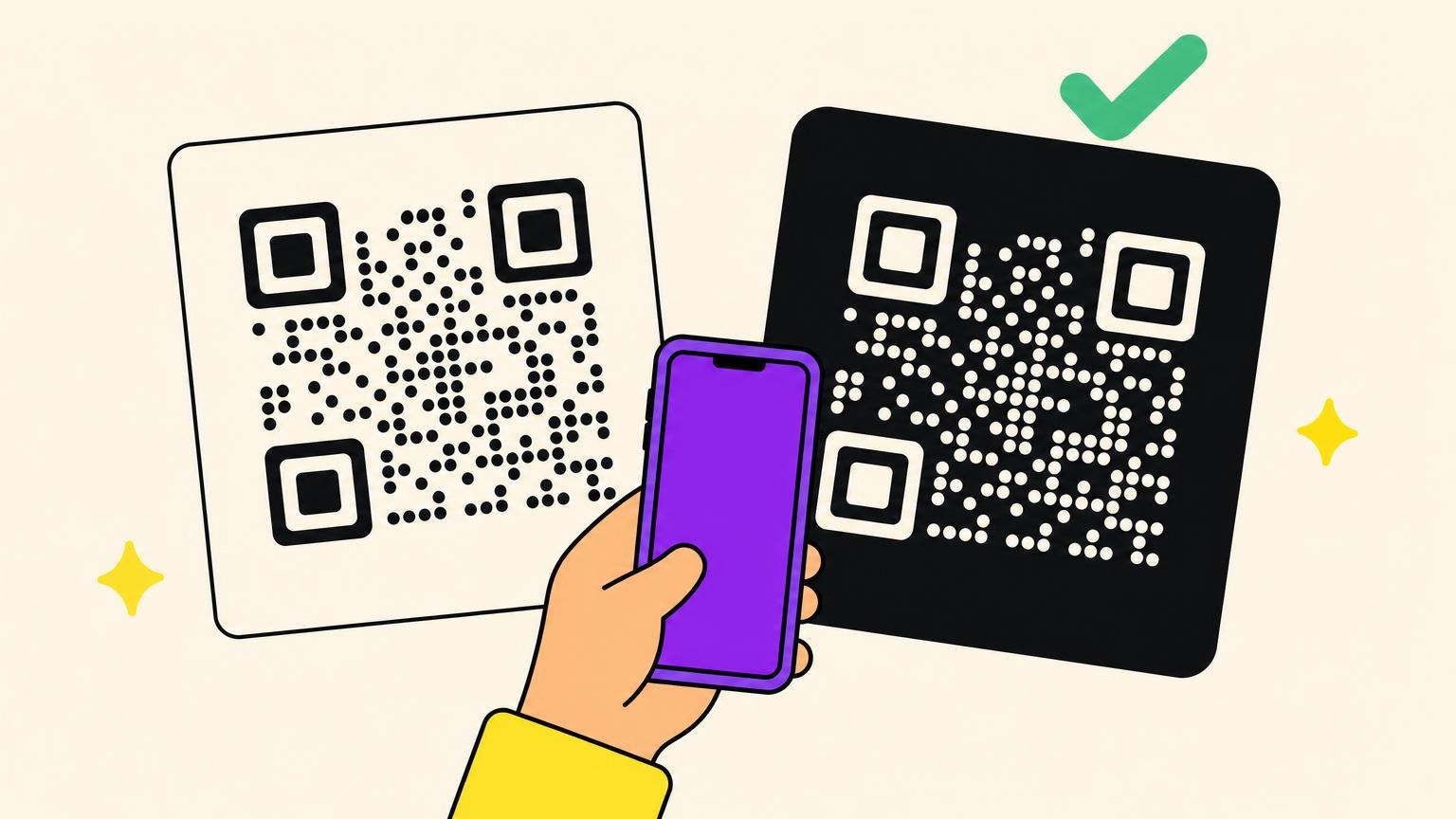
- Build your logo, colours and a frame into the code, so a generic sticker slapped over it stands out instantly.
- Train your team to run a regular visual check: extra thickness, misalignment, fading.
- Watch your scan stats, because a sudden drop can be the sign of a hijacked code.
- If your customers pay through an app, say out loud whether you use QR codes at all. RingGo's one-sentence statement now protects every driver who bothers to check.
The principle: if you display a payment or menu code, make it one that cannot be copied without it showing.
The right reflex takes three seconds
Scanning stays safe on an up-to-date phone. Every QR code scam above comes down to two lapses of attention. On the customer side, not reading the URL preview before you type. On the business side, leaving your code posted with no protection at all. Two three-second habits, and most of the threat falls away.
The rest comes down to your tool. A serious QR code generator makes your codes hard to fake: a distinctive brand design, a recognisable domain, scan stats that flag the anomaly right away. That is exactly what Oh My Code does.
Your competitors print a black-and-white square and cross their fingers. You print a code nobody can tamper with without it showing. Create a QR code nobody can fake.
Frequently asked questions about quishing
What is the FBI warning about QR codes?
Three warnings, in fact. In January 2022, the FBI's Internet Crime Complaint Center warned that criminals tamper with legitimate QR codes to redirect payments and steal logins. In July 2025, it flagged unsolicited packages that arrive with a QR code inside, built to harvest your details or push malware onto your phone. And in April 2026, the FTC added the fake traffic-violation text: a state seal, a case number, and a QR code to "pay the fine". Scan none of them.
What happens if I scan a phishing QR code?
On an up-to-date phone, the scan on its own does nothing. The risk only shows up if you act on the page it opened: entering a login or card number, or accepting an install. If you only scanned and filled in nothing, close the page, type nothing, and you are fine.
How do I check a QR code before scanning it?
Read the URL preview your phone shows before you open the link, and be wary of shortened addresses that hide the real destination. For a full check, drop the code into an online QR decoder (qrcoderaptor.com, barcodeocean.com) to see where it leads without opening it, or into a QR safety checker that also tests the destination against a malware blacklist.
What if I already handed over my bank details?
Move fast. Call your bank right away to block the card, then change the passwords on the account and the email address tied to it. Report the scam at reportfraud.ftc.gov if you are in the US, or through your country's national fraud portal, and file a police report: it helps when you dispute the charges.
Is a QR code in an email always a scam?
Not always, but treat it with maximum suspicion. Gmail and Microsoft Defender filters do not catch everything, because a fraudulent QR code shows up as a plain image rather than a readable link. The rule: never scan a code inside an unsolicited email, and type in the address you already know yourself.