Asking for a ChatGPT QR code has become a reflex. You describe what you want, the image lands ten seconds later. It looks good, and that's where most people stop. Without realizing they've just made a frozen object nobody can fix.
Under the hood, the mechanics have changed. AI assistants no longer just draw images, they drive real QR code generators. The standard that makes that possible went from 100,000 monthly downloads to 97 million in eighteen months. Here's what the direct method is actually worth, five business use cases, and what nobody tells you about security.
Generating a QR code straight from ChatGPT: what you actually get
Creating a QR code with ChatGPT works. That's precisely the problem: the trouble starts after you print it.
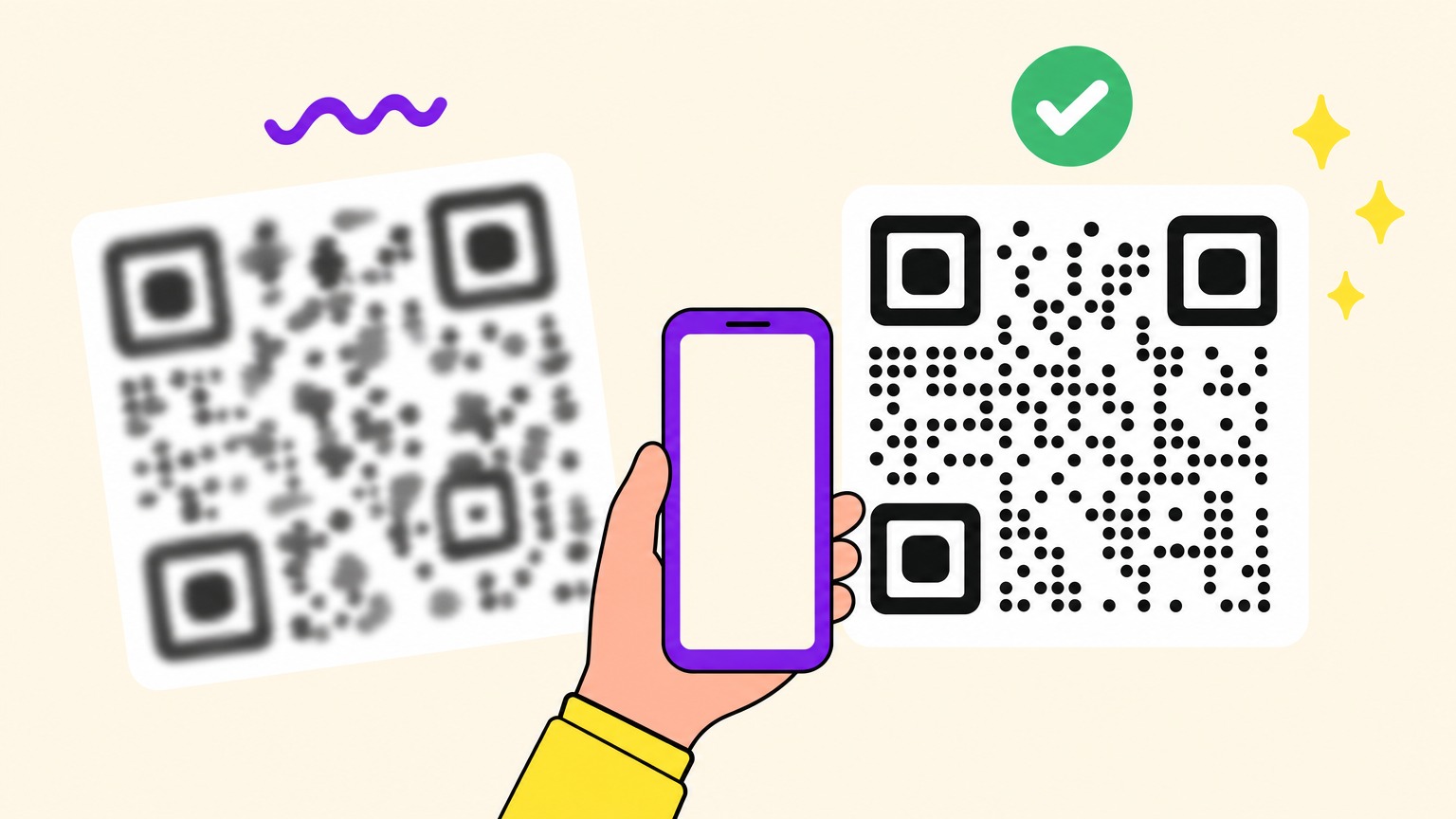
An image model doesn't copy a QR code pixel by pixel, it redraws it as a pattern. Resampling and compression then warp the binary grid the decoder reads. A 5% deviation on one module kills the entire code, while to the eye it looks perfect.
If it often works anyway, that's because the web interface adds a hidden compositing step. Through the raw API, scan failure hits 100%. On the OpenAI forum, users describe codes that open the right GPT one time and the generic screen the next. "Still no solution", one of them concludes.
Those misfires matter less than the nature of the object. What you got is a static QR code: destination burned into the pattern, zero stats, zero fixes. Wrong URL on 5,000 flyers means 5,000 flyers to reprint.
Models are improving. ChatGPT Images 2.0 occasionally slips a working code into an illustration, but the trick stays a one-off. The specialists' advice hasn't moved: the AI shouldn't draw the QR code, it should order one from a dedicated tool. Which leaves one question, whether ChatGPT can actually drive a generator.
MCP without the jargon: the USB-C port of AI assistants
The standard is less than two years old. Anthropic published the Model Context Protocol, or MCP, in November 2024. On March 26, 2025, Sam Altman announced support at OpenAI: "People love MCP and we are excited to add support across our products." Google, Microsoft and Salesforce followed in under thirteen months.
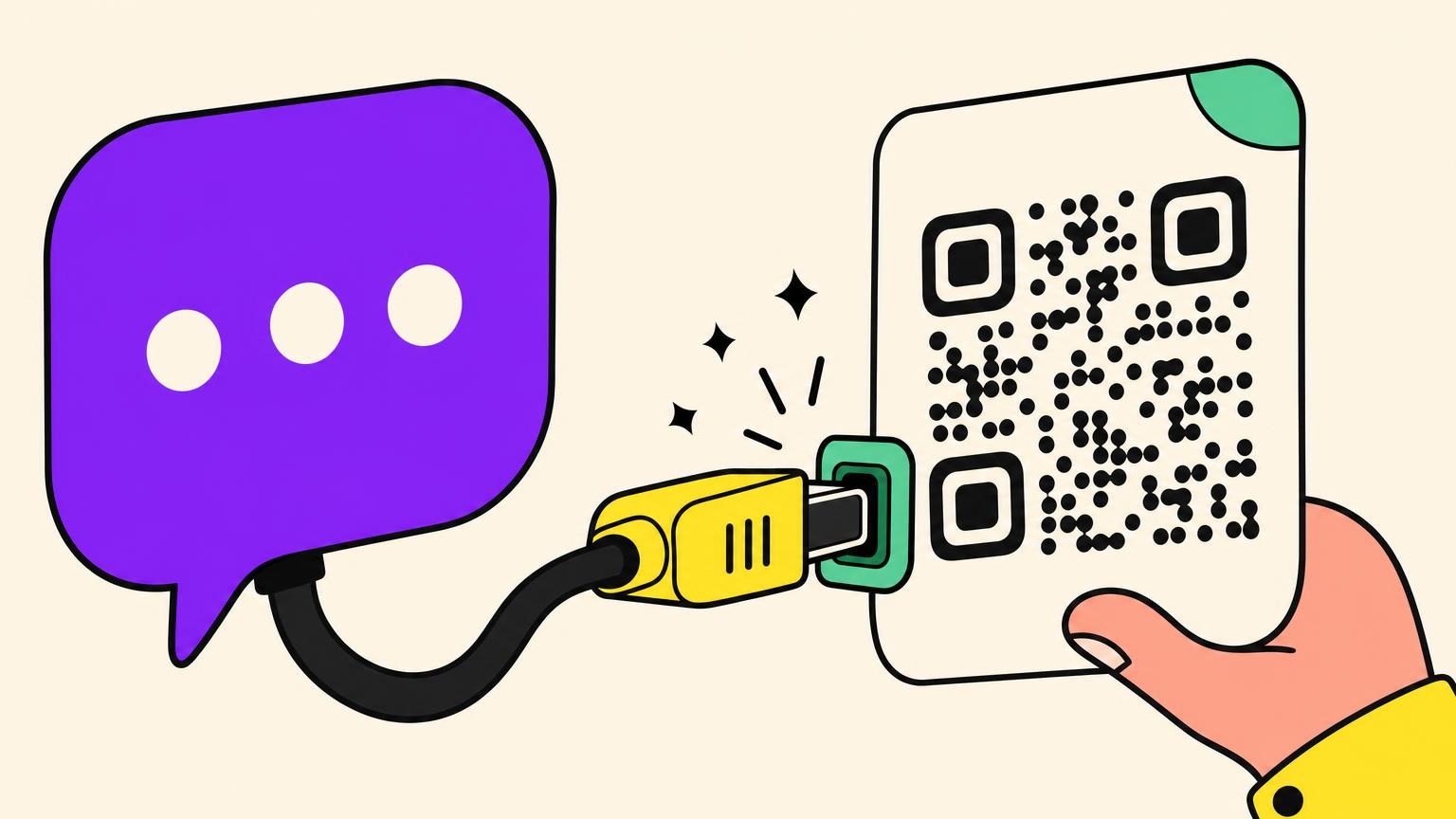
The ecosystem calls it "the USB-C of AI", and the image holds up. An AI can't work a graphical interface the way you do, and before MCP, plugging in each tool took custom code. MCP is the single port.
For a marketer, that means zero lines of code. Tools button in the chat window, "add connectors", you approve access, done.
A QR code MCP connection therefore changes what you walk away with. The code comes out of a generator that guarantees the grid, and the assistant only places the order. You get a code that genuinely scans, and a destination you can still change afterwards. Managing your QR codes becomes a conversation.
Five real use cases for the AI-driven QR code
Once ChatGPT or Claude is wired to a generator, you have a QR code AI agent on call. None of these five use cases requires learning a tool. They require knowing how to ask. Small businesses running AI save an average of 5.6 hours a week, with marketing the top use case for 77% of them.
- The campaign QR code created mid-conversation. You're already discussing the campaign in the thread. The URL, the name, the UTM parameters sit right under the assistant's nose, and it creates the code with that context without you switching tabs.
- Statistics in plain English. "How many scans on the menu QR code this month?" replaces the trip to the dashboard. Then you decide what to do with those scans, for instance turning them into ad audiences.
- Bulk generation from a file. A hundred and fifty codes from a spreadsheet, one per store or per poster, produced in a single request instead of a hundred and fifty round trips through a form.
- The QR code slipped into an existing workflow. The assistant writes the product sheet, the email or the event handout, and drops the right code in on the way: website, pre-filled email, WhatsApp conversation, app download.
- The destination changed without reprinting. Menu of the month, seasonal offer, dead page to redirect: the printed material doesn't move, the destination does. Which settles the 5,000-flyer problem from earlier.
In all five, the detour through the dashboard disappears.
A typical session with ChatGPT or Claude at the controls
A typical session fits into three sentences typed in the thread. Considerably less spectacular than you'd imagine.
Finding a service that offers a connector used to be step one. Done: Oh My Code now ships an official MCP server. In claude.ai or Claude Desktop, add a connector pointing to https://ohmycode.net/api/mcp and approve access on the Oh My Code screen; in Claude Code or Cursor, an API key does it. Seven tools, from website and Wi-Fi codes to WhatsApp and video, and everything lands in your usual dashboard. Then:
- "Create a dynamic QR code pointing to the booking page." The assistant confirms the URL, creates the code, returns a PNG, an SVG or an EPS.
- "Change the destination to the new menu." Updated, without the printed material moving.
- "How many scans last week?" The number lands in the thread.
On compatibility, as of summer 2026:
- ChatGPT: Plus and Pro accounts open a developer mode that is mostly read-only. Connectors able to write, and therefore to create a QR code, stay reserved for Business, Enterprise and Edu workspaces, in beta. Web only, no mobile, and agent mode ignores them.
- Claude: remote connectors work on the web and in the desktop app.
- Gemini: command line only, so out of scope here.
These rules move fast, so recheck them before you commit. Which leaves the question nobody asks before clicking "authorize".
Security and blind spots: what to know before connecting your AI
An MCP server runs code on your behalf. You pick one with the caution you'd give a downloaded executable. Only connect ChatGPT or Claude to services you already use and whose account you own.
A serious connector limits the damage by restricting access to its one job, QR code management, never your passwords or your payments. Inspect every permission before you accept. You unplug it in one click from the settings.
The ecosystem is young and it shows. People are still documenting, in 2026, connectors that vanish from the directory, or an authorization that goes through without the connector ever showing up in the chat. Expect friction.
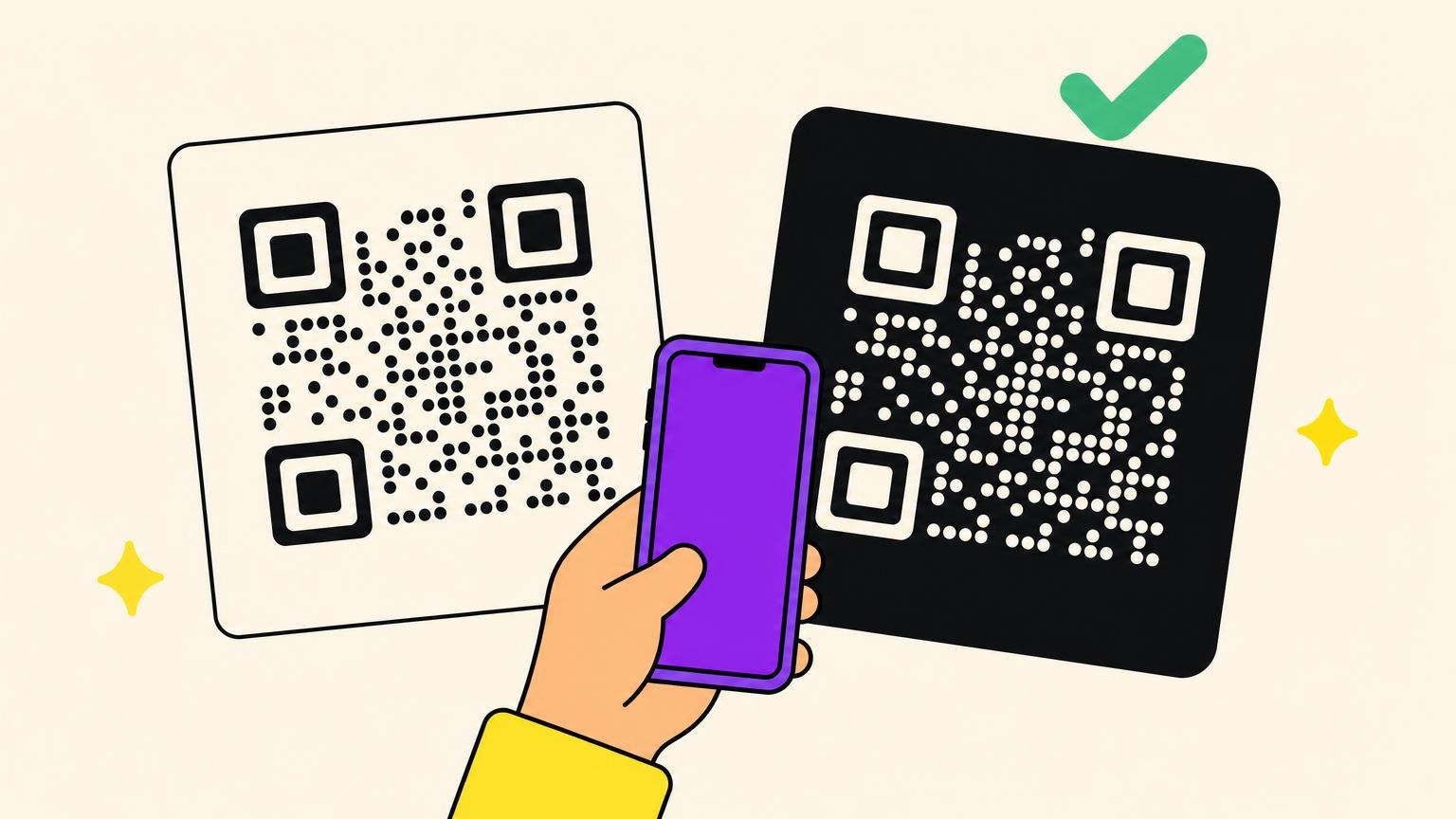
On the QR side, three habits are enough. Test the code on two phones before printing, check the domain that's actually encoded, and prefer a redirect domain your customers recognize. That's also what protects them from the fake QR code scam stuck on top of the real one.
You choose a connector like software, not like a photo filter.
A QR code that survives the printer
The question was never whether ChatGPT or Claude can draw a QR code, but whether the code they produce stays editable and measurable once it's on paper.
A static QR out of an image model is frozen the day it's born. A dynamic QR gets corrected, gets measured, and gets driven from the tool of your choice.
At Oh My Code, QR codes are dynamic by nature: destination editable after printing, scan statistics, bulk creation, and a design that doesn't look like a parking ticket. And since the official MCP server shipped, Claude creates, repoints and reports on your codes without leaving the conversation. 14-day trial.
Your competitors are printing codes they'll never be able to fix. Create your first dynamic QR code and give your scans a sequel.
Frequently asked questions about QR codes and ChatGPT
Do ChatGPT QR codes expire?
No, the image doesn't self-destruct. A QR code generated by ChatGPT is static, so it stays valid as long as the encoded address exists. The risk runs the other way: the destination changes or dies, and you can't correct anything, because the link is burned into the pattern. Only an intermediate shortener can expire.
Why is my ChatGPT QR code not working?
Because the model redraws the pattern instead of copying it. Resampling and then compression warp the grid of modules, and a deviation of a few percent is enough to break it. Test the scan on two phones before printing, and go back through a dedicated generator whenever you have a doubt.
What plan do I need to connect a QR tool to ChatGPT or Claude?
On the ChatGPT side, connectors able to write are, as of summer 2026, reserved for Business, Enterprise and Edu workspaces. Plus and Pro stay mostly read-only. On the Claude side, remote connectors work on web and desktop. On the Oh My Code side, the MCP connector comes with the account: static QR codes stay free, dynamic ones need a subscription.
Is it risky to connect your AI assistant to a QR code service?
The risk isn't zero, it's manageable. A connector runs code for you, so only plug in services you already use and recognize. Serious connectors restrict access to QR code management alone, never to passwords, and can be revoked in one click.