



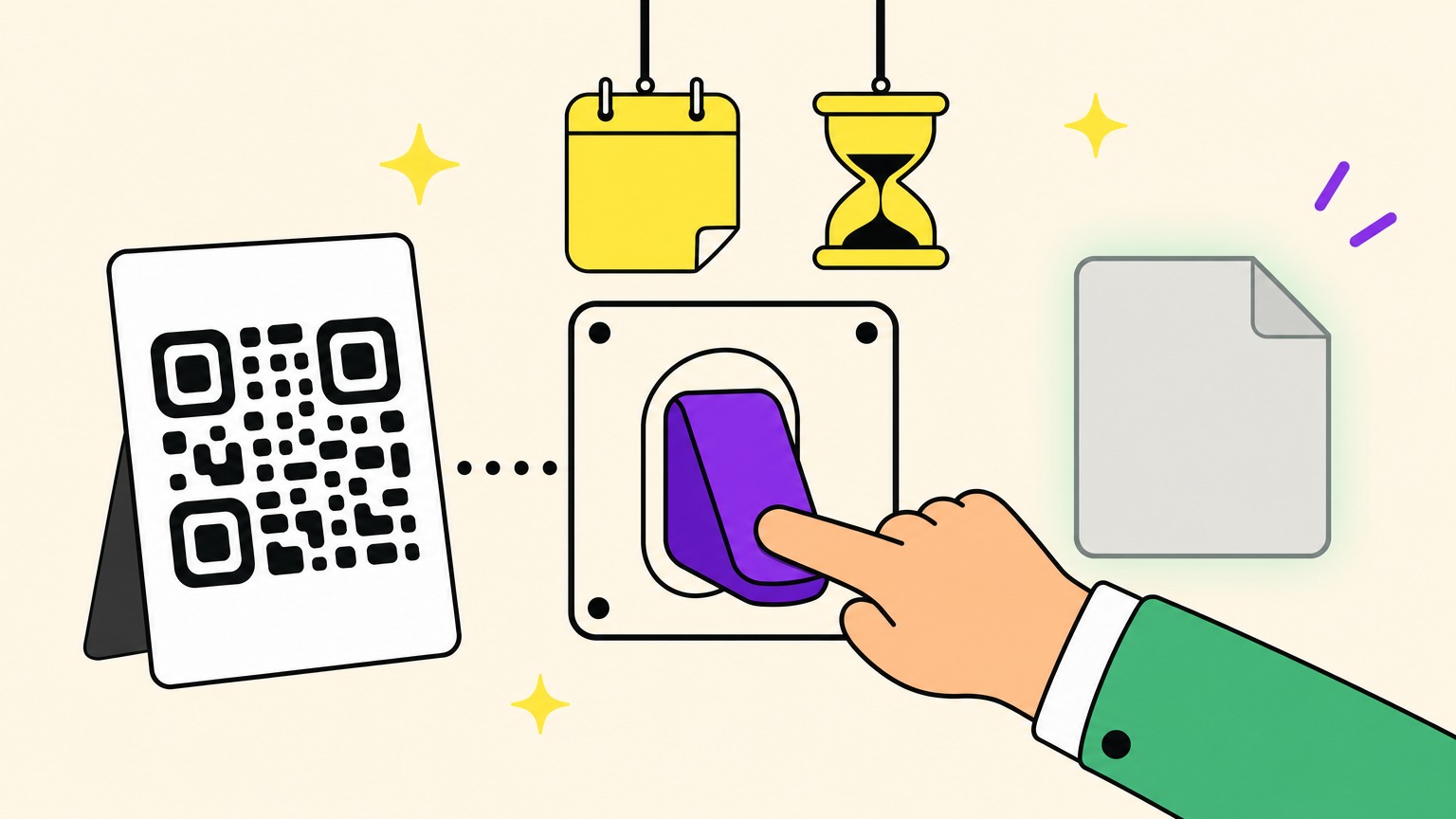
Can you make a QR code expire on purpose? Yes, if it's dynamic and your generator offers expiry: set a date, a number of scans or both, and the code stops sending people on when you said it would. QR code expiration is a rule on a server behind the code's short link, not ink in the squares. The print never changes, and editing the rule can bring the same code back.
Came here because a code of yours stopped working and nobody set a limit? That's a different story: why QR codes stop working when nobody decided.
We tested one generator to settle four things: whose clock sets the date, what "one scan" really means, what people see after expiry and how a code comes back. One of those answers changes how you should set a scan limit.
Three Ways a QR Code Expires: By Design, by Plan or by You
Search results file three different things under "expire". Ten seconds of sorting spares you the wrong fix.
- Some codes expire by design: whoever issues them decides how long they last, and nobody else can stretch them. Fazz's documentation says a PayNow code it generates expires after 5 minutes by default. Microsoft Entra's temporary sign-in QR codes, issued when someone forgets their staff badge, last 1 to 12 hours.
- Some stop by plan, when the provider's quota runs out or the account lapses. Uniqode's documentation ties a yearly scan limit to the subscription and deactivates codes beyond it: a billing matter, covered in whether you have to pay for a QR code.
- And some expire because you said so: a date, a number of scans or both, set on a dynamic code. A date gives you a temporary or expiring QR code; a one-scan limit gives you a one-time or single-use QR code.
Everything below is about that third kind of QR code expiration.
How QR Code Expiration Works: A Rule Behind the Short Link
Nothing in a printed QR code knows your offer has ended. Ink can't read a calendar. A static code can't expire on purpose: its content sits in the pattern, with no server to refuse it, and that's where static and dynamic QR codes part ways.
A dynamic code holds a short link instead. Every scan asks a server where to send the person, and the server answers with your page, a password prompt or an "expired" page. QR code expiration lives in that answer.
The generator we tested offers two limits, a date and a number of scans. With both on, it asks one more question. "Expire when either is reached", the default, stops at whichever comes first; "Expire only when both are reached" holds out for whichever comes later.
Picture a survey that must reach its sample size, a cap QRTrac's guide suggests, and stay open until its closing date: "both" covers it. None of the twelve vendor pages we compared on 2 November describes a "both" mode; QRLynx, for one, stops at the first condition reached.
Because the rule sits on the server, an edit acts on the next scan. Move the date later or untick the limit, and an expired code works again from the same print.
What People See When They Scan an Expired QR Code
A week after your offer ends, someone at a bus stop scans your coupon's QR code. What they see depends on the tool behind it.
QRminds shows an expiry message instead of the destination, Scanova tells scanners the code "is no longer active" and HighLevel shows an explanatory message at the limit.
The generator we tested sends people to a plain page: a warning sign and a short notice, no link, no button. The notice says the owner set the code to expire and invites people to get in touch if it looks like a mistake. This isn't the "QR Code Denied" page shown when the owner's subscription has lapsed.
On your side, that generator shreds nothing: the code and its scan statistics stay in your dashboard; only the short link's answer changes. Linkbreakers does the opposite: at expiry, it deletes the code and its analytics for good.
The kindest notice comes before the scan: print the deadline beside the code, as in "Offer ends 30 November 2026, 23:59 Paris time". Not warning customers of the deadline is on QRminds' list of mistakes.
QR Code Expiration Dates: Whose Clock, Which Minute?
Set a coupon's QR code to expire at noon: noon in Paris, or noon in New York? A web form's date-and-time field carries no time zone, as MDN Web Docs points out. The generator we tested reads the date in your computer's time zone and stores one exact instant. The code stops at that minute, and the scanning phone's time zone plays no part.
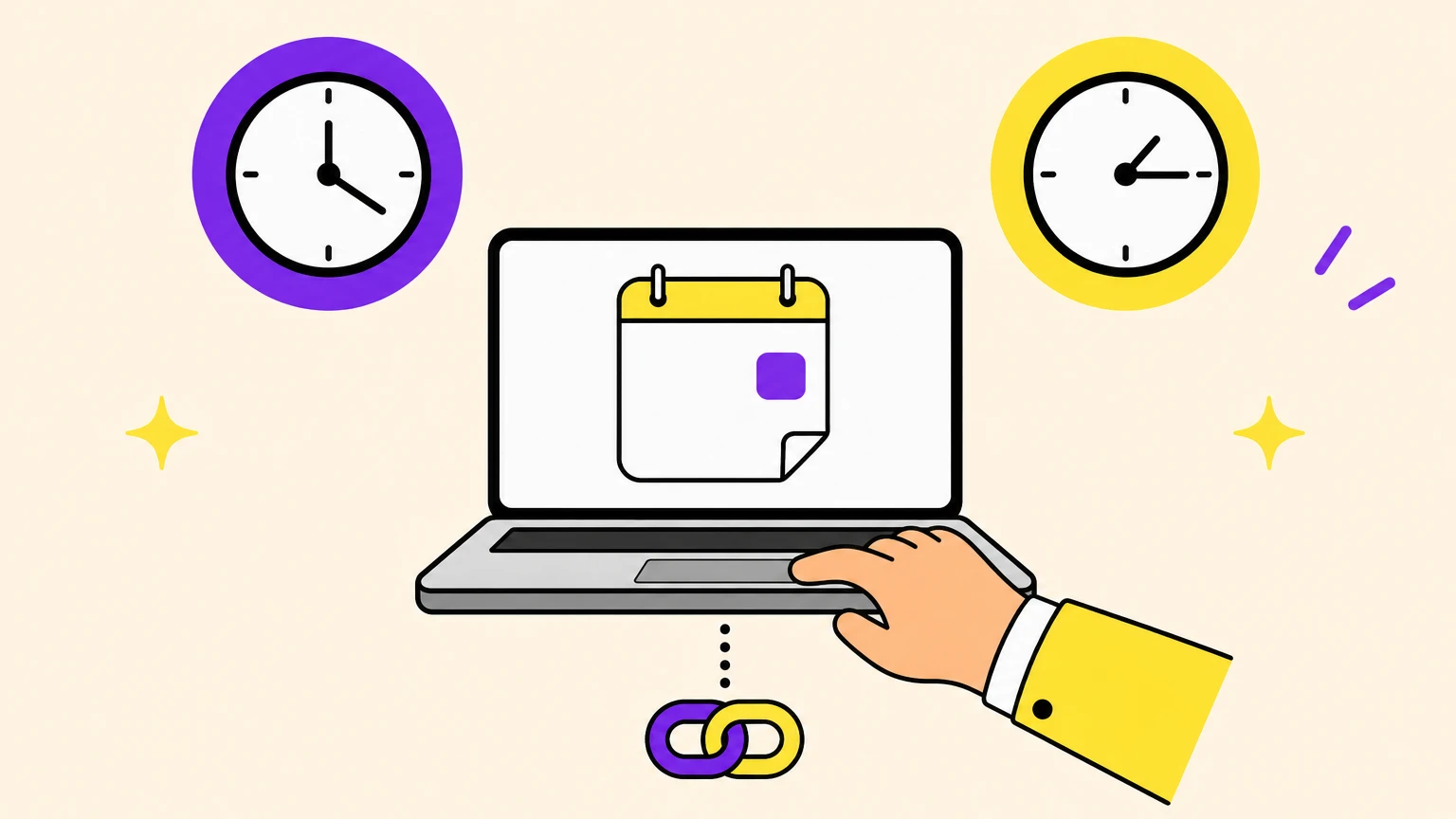
Vendors answer the clock question five ways:
- A calendar date in UTC, stopping from midnight UTC, with no time of day: QRLynx's expire rules.
- "Server time", with the zone unnamed: QRminds.
- An exact instant, set in the creator's local time: the generator we tested, and Linkbreakers, which defaults to 23:59.
- A zone you pick: HighLevel, Scanova (one per rule, starting from the browser's) and ME-QR.
- A duration counted from the moment the code is created: HighLevel again.
Set the date from a computer in your audience's time zone, or convert it first. Leave a buffer too: people may scan hours or days after seeing a code, as QRminds warns. Want a code that changes with the hour instead of stopping? That's a time-based QR code.
A Scan Limit Counts Requests, Not People (or Tickets)
Your coupon's "one-time" QR code went out to every customer, and customer number two got an expired page. On the generator we tested, a QR code scan limit is a budget of requests, not a guest list. One scan is one request to the code's short link, whoever sends it. Up to the limit, requests go through; after it, every one gets the expired page.
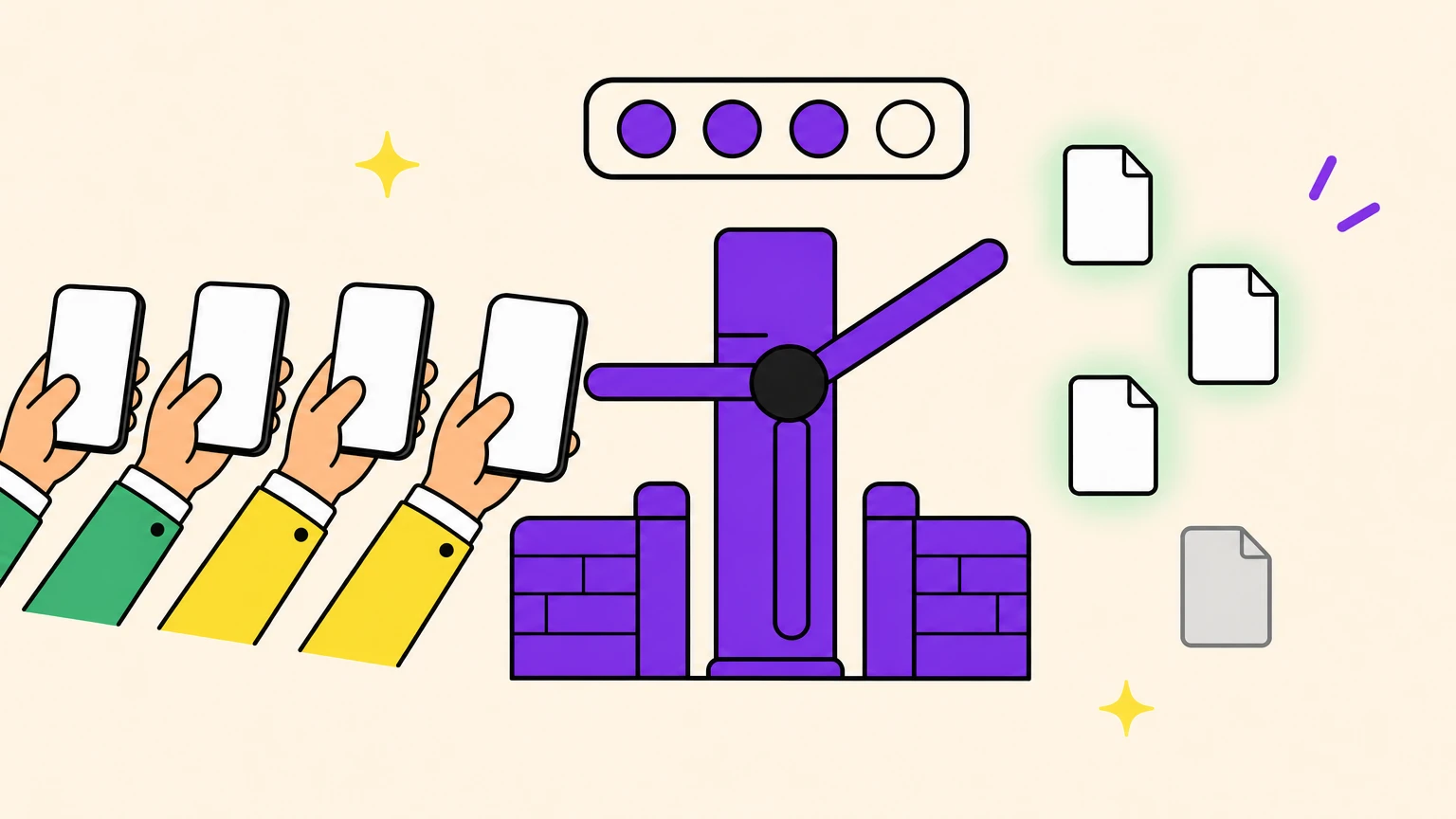
Set it to one and you get a one-time QR code, a QR code that expires after one scan in total, for everyone, not per phone. Other tools count differently: Uniqode builds its one-time codes on unique users. QR Planet counts the first scan overall, one per IP address, which everyone on a Wi-Fi network shares, or one per cookie. Check which "one" a tool means before you print.
The limit still moves after printing. Raise a used-up limit above the code's scan count and the same print works again. Lower it under the count and the next scan gets the expired page at once.
A capped code makes a poor QR code for tickets: it can't tell a guest from anyone holding a photo of the same code. Real ticketing gives every ticket its own code. Ticketmaster's moving barcode even refreshes every 15 seconds, and its help centre warns that screenshots won't get you in.
Before you cap a code:
- Test with a small cap first, as QRTrac suggests, and do it on a spare code: your own test scans spend a limit like anyone else's.
- If one person must mean one entry, give everyone their own code, or count redemptions at the till.
What We Measured, and What It Doesn't Prove
The twelve vendor pages we compared contain no measured test of expiry, so we ran one on 2 November 2026, between 10:38 and 10:53 Paris time. We created eleven test codes on one generator, then deleted them. A script sent the requests below to their short links with a phone browser's signature, from fresh anonymous sessions, and read each reply without following it. No phone camera was involved.
- We had Apple's Vision software, on a Mac, read a downloaded code limited to 3 scans: one short link, no trace of the limit.
- The same 10:00, typed in browsers set to Paris and New York, was sent to the server as 09:00 UTC and 15:00 UTC. A code due at 10:46 Paris time, polled every 10 seconds, was last served 8 seconds before the minute and first refused 2 seconds after.
- We set a limit of 3: requests one to three went through, the fourth and fifth were refused. A date a day away plus one scan: "either" refused the second request, "both" served two more. A near date plus 100 scans: "either" stopped at the date, "both" still served after it.
- We limited a code to one scan: a request signed as an iPhone was served, then one signed as an Android phone was refused, and so was a third.
- Refusals got an HTTP 302 to a page on the generator's own site; its address held no trace of the destination. Opened on its own, that page answered HTTP 200: a warning sign, a short notice, no link, no button.
- We raised a used-up limit of 3 to 10 and the code came back. Lowered to 2, under what the code had already served, the limit stopped the next request at once. Pushing a date a day later and unticking a scan limit brought codes back too, short links unchanged.
We never saw "both" stop a code: neither test met its two limits. We didn't test a reload on the same phone, and nothing here was scanned with a real phone.
Immortal by Default, Expired When You Decide
Every test above ran on Oh My Code, our own generator, in its development environment. By default, its codes don't expire and their scans aren't capped, as long as your account is active: the site's FAQ calls them immortal.
QR code expiration is a switch you flip yourself, code by code. Unfold the optional expiration section of a dynamic code and tick a date, a number of scans or both. With two limits, you also choose "either" or "both". Change it later and the printed code follows.
Give your next campaign code an end date, and the party's over at the minute you chose.
QR Code Expiration FAQ
Will my QR code expire?
Only if you set a date or a scan limit on a dynamic code, or its provider stops it, as when a scan quota runs out or the account lapses. The printed squares never count down: the rule sits on a server, editable without reprinting.
Do QR codes have a time limit?
Not in the code itself: a QR code's validity is a rule someone sets, such as a date or, on HighLevel, a duration counted from the code's creation. Among the pages we read, only QR Planet's vouchers can start the clock at the first scan.
Can a QR code be scanned only once?
Yes, with a scan limit of 1, though on the generator we tested that's one scan in total, for everyone. For one scan per person, give everyone their own one-time use QR code, like Orange Belgium's single-scan eSIM codes.
What happens when a QR code expires?
Scans stop reaching the destination: on the generator we tested, an owner's date or limit swaps it for a short notice, and the code keeps its stats. A lapsed subscription or a payment code's deadline is the provider's or issuer's refusal, not yours.
Can you reactivate an expired QR code?
Usually, if it's dynamic: move the date later, raise the limit above the scan count or remove the rule, and a deactivated code works again on the same print. Not on Linkbreakers, where expiry deletes the code and its analytics.
Is there a QR code expiration date checker?
No checker can read an owner-set expiry date from the code: its squares hold only a short link, and the rule sits on the server. Scanning shows whether it still works; the owner sees the rule in the code's settings.