The dark artwork is approved, the code on it is white, and the print file ships tomorrow. One phone in the office refuses it. Everyone else's opens it first try.
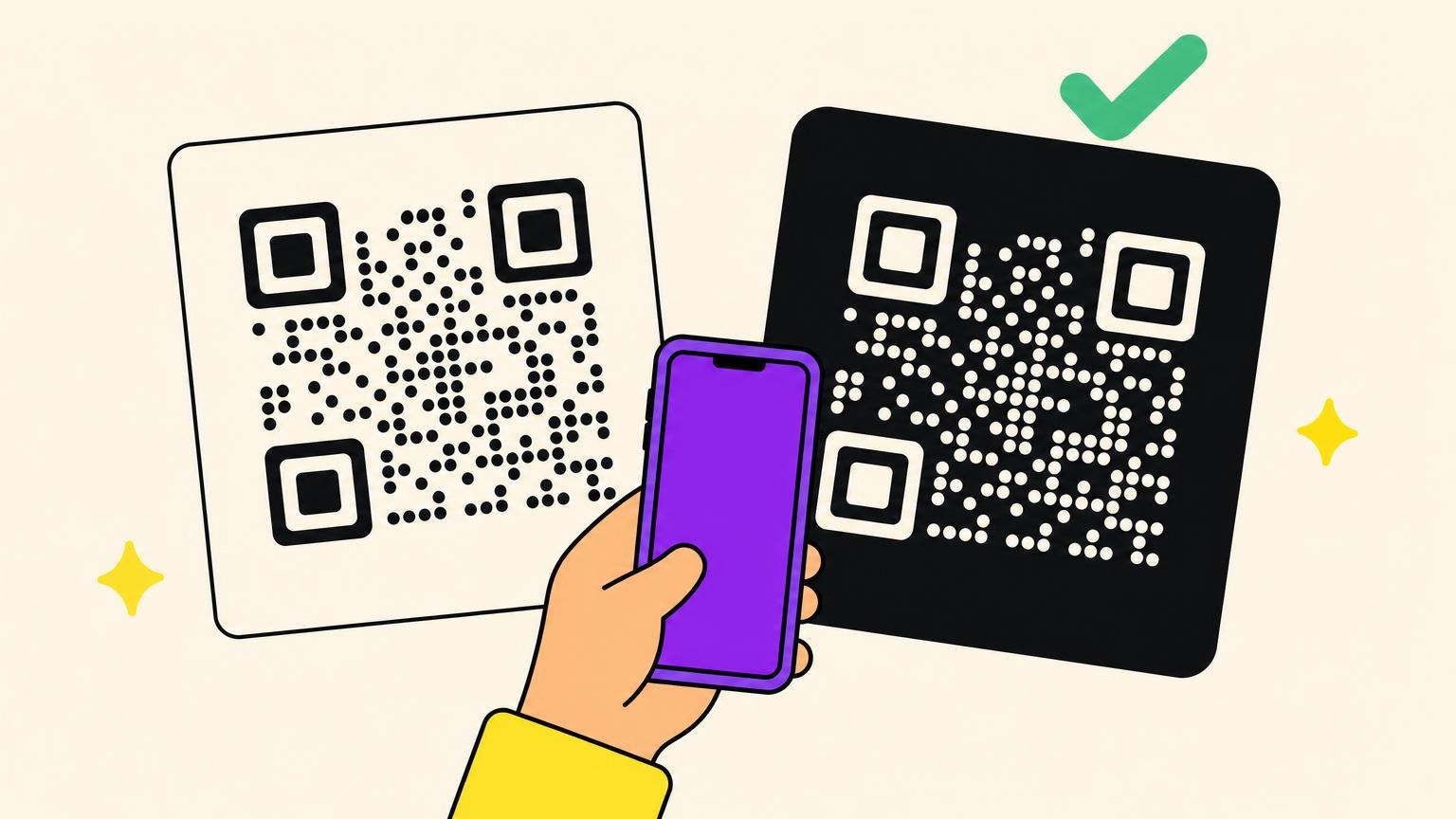
An inverted QR code scans. ISO/IEC 18004 lists reflectance reversal in clause 6.2, and clause 12 tells a decoder that finds no corners to reverse the pixels and start over.
Phone cameras read light on dark unasked. App scanners, libraries and warehouse guns often ship that ability off.
Contrast, a quiet zone in the dark colour, and which scanner your reader holds decide it. Which of the three do you control?
Below: the map of what reads inverted codes, and seven we scanned on September 10, 2026.
What an Inverted QR Code Is, and What the Standard Actually Says
Two authoritative sources say the specification forbids inverting a QR code. It says the opposite, twice, and one of them contradicts itself three paragraphs later.
Inverted means light modules on a dark background. The data does not change, only which colour carries the ones.
Honeywell's support article says inverting QR codes is "according to the QR specification not allowed". ZXing's maintainer closed the feature request on January 2, 2013: inverted codes are "not a part of the required spec and so should not be used".
ISO/IEC 18004:2015 clause 6.2 says symbols are "intended to be read" either "dark on light or light on dark". Clause 12 tells a decoder that finds no candidate finder areas to "reverse the colouring of the light and dark pixels and recommence". A decoder that refuses an inverted code is skipping a step the standard spells out.
On the highest-ranking discussion of this question, February 2024, four commenters insist that inverting the colours inverts the data. A packaging designer in the thread says it does not.
Honeywell gets its due: the same article concedes that "more and more scanner algorithms" correct inverted codes. The complaint, then, is about a factory default. The rule was never there.
Which Scanners Read an Inverted QR Code, and Which Ones Refuse
Honeywell's knowledge article asks: "Why can I read a specific QR code with my cell phone but not with my Honeywell device?" Phones fix it silently, so customers blame the scanner.
Decoders hunt three dark finder patterns on a light field, so flipping the image hides what they seek. Supporting both means decoding every frame twice: jsQR warns that costs "a ~50% performance hit", and ZXing refused on that basis in 2013.
Reads inverted by default:
- Phone cameras and Google Lens: an iPhone, a Pixel 7a, Android's Quick Settings tile and Lens all read white-on-black in the only published multi-device test, June 2025. Apple and Google document none of it: observed, not promised.
- zxing-cpp (tryInvert) and jsQR (inversionAttempts): both try both ways by default.
- Datalogic's Android scanners: 2D inverted ships as Both, the one industrial vendor shipping it on.
Has a setting, and it ships off:
- Zebra handhelds: QR Inverse, parameter 587, default Regular Only; Inverse Autodetect reads both.
- Honeywell: QRCodeInverseVideo, default normal, 2 for automatic, from the company calling it forbidden.
- Scandit and Dynamsoft: colorInvertedEnabled and GTM_INVERTED, both off by default.
- ZXing for Java: ALSO_INVERTED, opt-in, added in 3.5.0 on May 1, 2022, absent from 3.4.1.
- ZBar: test-inverted, off by default and global to every decoder.
Cannot, at least not today:
- html5-qrcode: open request since July 29, 2020, still open on September 10, 2026.
- OpenCV's QR detectors: invert the image yourself; its WeChat bug is open since June 18, 2023.
- Magic Leap 2's marker tracker (May 3, 2024), and ZXing.Net.Mobile, whose TryInverted flag failed on every iOS device in a June 2019 report.
The age of the phone has little to do with it. Who owns the device does.
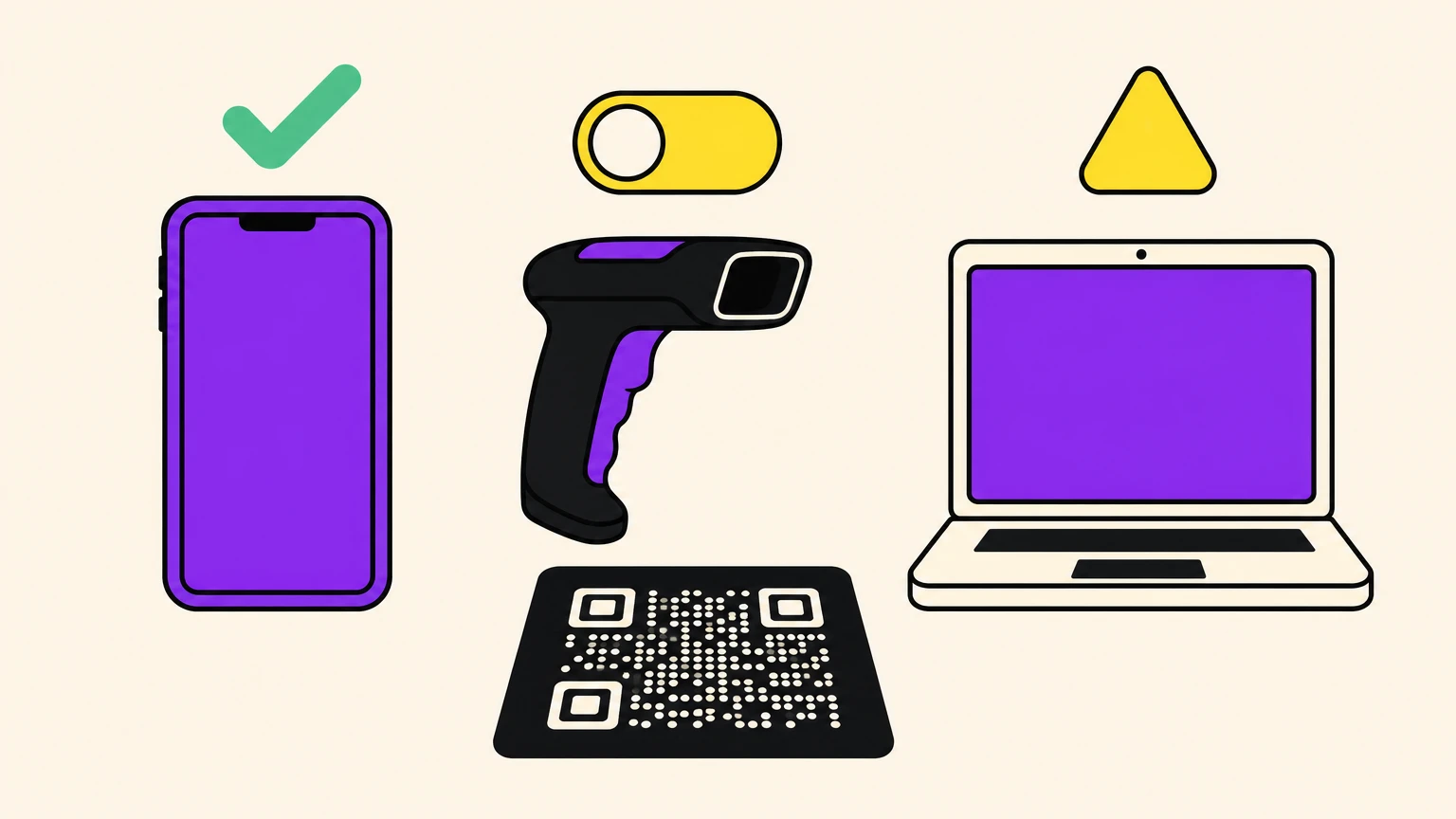
We Tested 7 Codes on an iPhone 17 Pro
The iPhone is not the most forgiving reader: in QR STOCK's ladder an iPhone XR quit at 1.3:1 where a Pixel 7a, Android's Quick Settings and Lens still read. "It scans on my phone" is not a test.
Seven codes, same URL, QR version 2, error correction M, each with a 4-module quiet zone in the intended colour. Full screen on a Mac, 30 cm away, iPhone 17 Pro Camera app, September 10, 2026. One device, one app, one lit screen; Google Lens and Android untested.
- A, black on white, 21:1: the control.
- B, white on black, black quiet zone, 21:1: a clean inversion.
- C, that block on a white page, 21:1: its quiet zone stays black.
- D, navy on white, 10.4:1: dark, not black.
- E, yellow on navy, 11.7:1: inversion plus colour.
- F, light grey on white, 1.9:1: low contrast, not inverted.
- G, red on green, 1.5:1: contrasty to the eye, flat to a camera.
All seven scanned first pass, including F and G, the two built to fail. Read it narrowly: a lit screen is not paper, and one phone is not a fleet. The phone in your pocket is the least of your worries. The readers in the map above, and the accidents two sections down, are what break an inverted QR code.
We are not the first: that same QR STOCK test, June 13, 2025, read white-on-black on all five paths; QR Planet found one unreadable for 2 of 5 apps on January 26, 2023. QR STOCK's has been online since June 2025, and no vendor page cites either.
The Guardrails That Keep a Dark QR Code Scanning
Five checks separate an inverted QR code that works from one that fails without telling anyone. The expensive one is the one nobody runs.
- The quiet zone has to be the dark colour. Clause 6.3.8 sets its reflectance equal to the light modules; clause 6.2 makes that the dark ones under reversal. Four modules, every side, background colour, not white. In February 2020, a frame fixed an app that could not read a vendor's frameless codes.
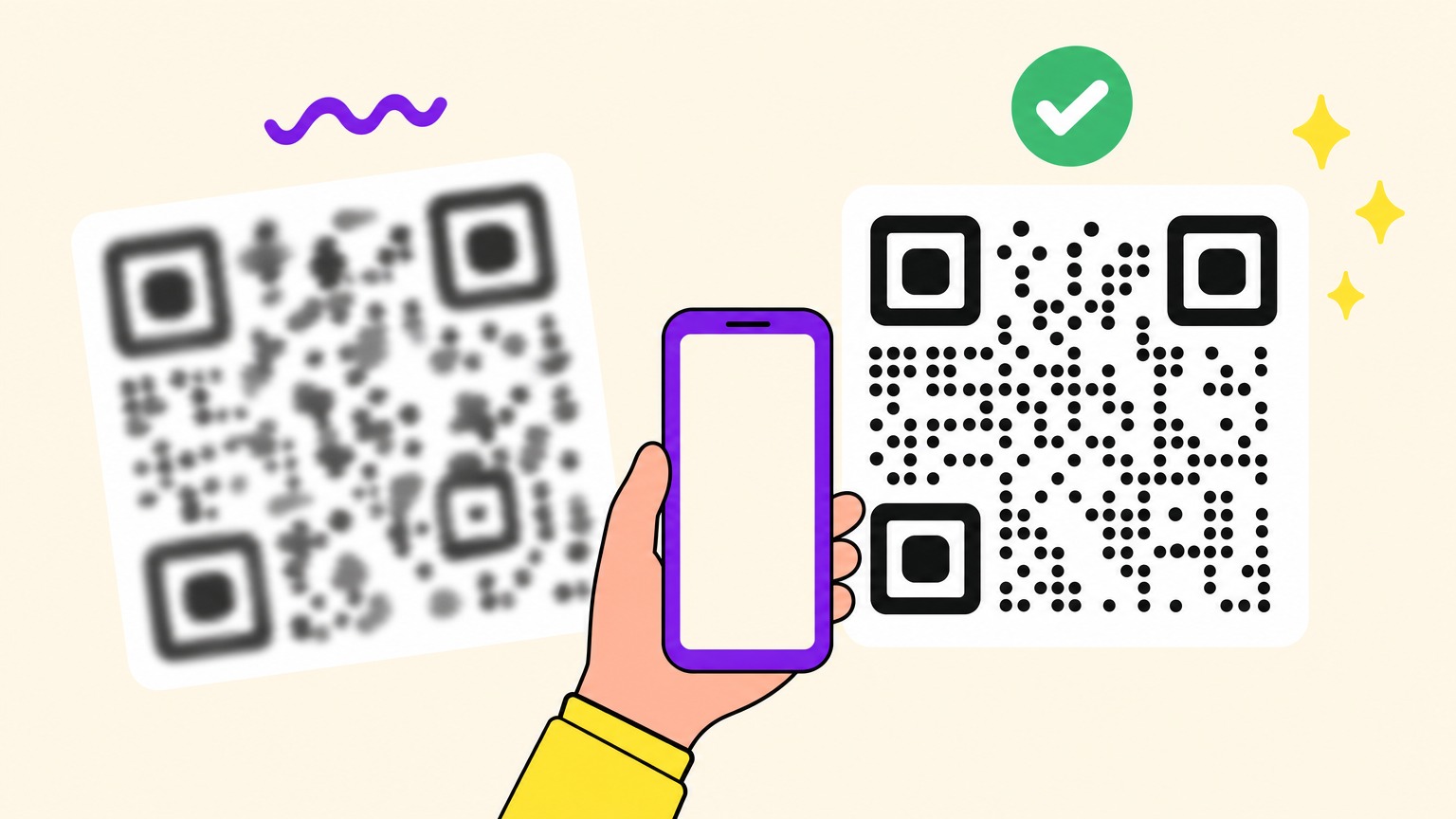
- Contrast is luminance to a camera, not what your eye sees. GS1's January 2018 DataMatrix guideline warns that some scanners use a red light, so red reads as white, and that intermediate hues "should not be used". Vendors publish 4:1 and cite nothing, and the standard names no ratio. The measured floors are 2:1 in QR STOCK's ladder and 1.5:1 on our screen, both lit; on paper, keep the 4:1.
- No gradient across the finder patterns, and no transparency: a PNG built dark on light inverts itself on a dark slide.
- Matt beats gloss, and bigger beats smaller. The standard's Annex K warns that specular reflection "can greatly exceed the desired diffuse component". A code that looks fine on screen dies on card: check how small a QR code can get.
- Test on the worst device you can find, in bad light. Rule out what makes a QR code stop scanning before blaming the inversion.
A print run is not reversible, and the failure is silent: whoever could not scan it never calls you. Cannot tick every box? Keep dark on light.
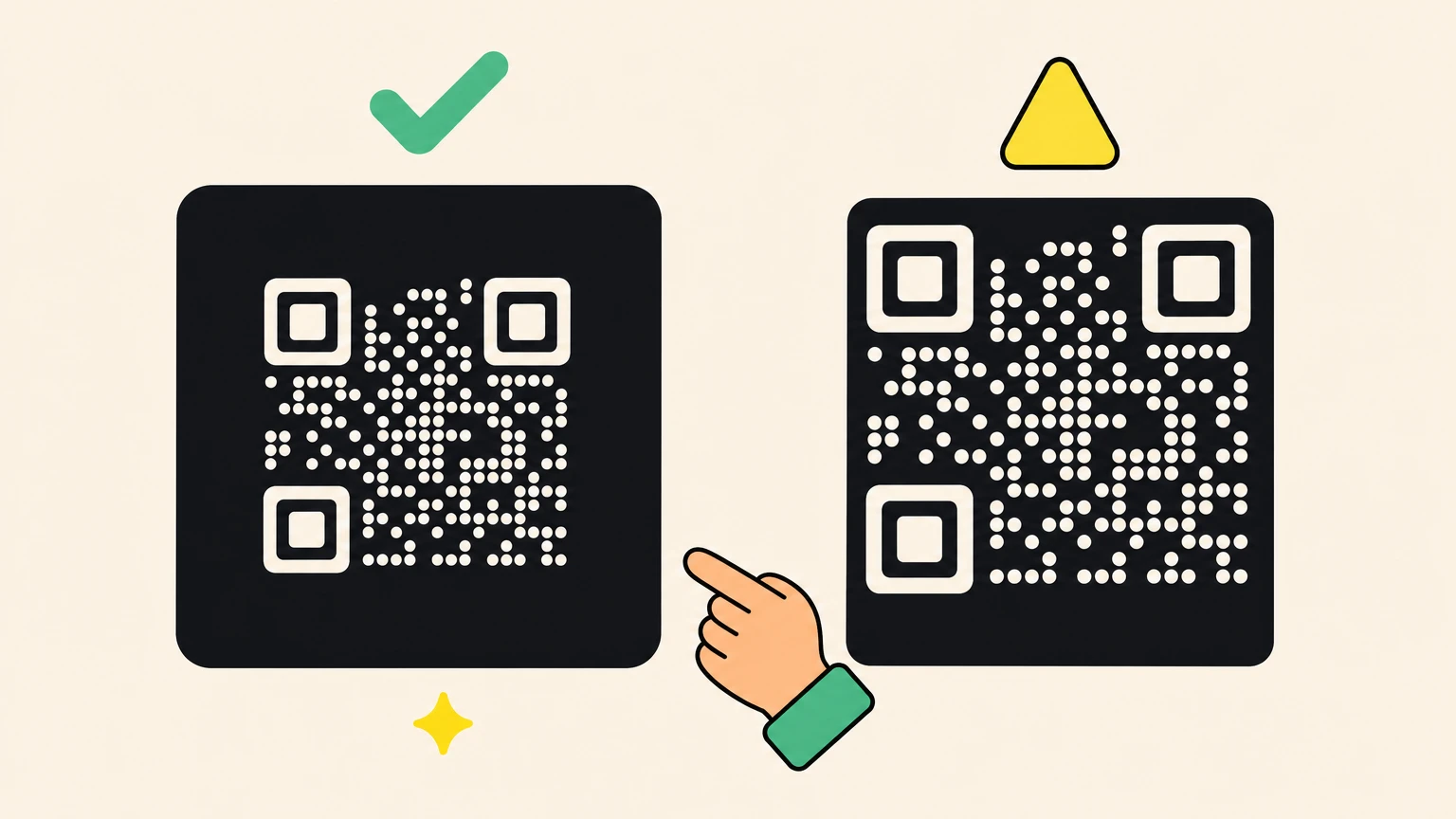
When Your QR Code Gets Inverted Without You Asking
The strangest version is the one nobody chose: the code shipped dark on light and arrived white on black. Three things do it, none of them the QR code.
Litmus documented on February 27, 2025 which email clients fully invert images in dark mode: Gmail on iOS, Outlook 2021 and Office 365 on Windows, Windows Mail.
Dark Reader inverts page images too, and has been breaking QR pairing flows since a 2016 WhatsApp Web report, with another case in 2024.
Then products that shipped it by accident: the whole reproduction in PairDrop's bug report of October 23, 2023 is "Set theme to Dark" then "Pair devices with QR Code".
Dark mode on the scanning phone changes nothing; the display side flips it. Put the code on a solid light box, or invert it on purpose with its own dark quiet zone. Accidental inversion is deliberate inversion minus the quiet zone.
What to Do When Your Phone Will Not Read an Inverted Code
Twenty seconds, no app store, no settings.
- iPhone: screenshot the code, open it in Photos, press and hold, tap the link preview. iOS 15 and later.
- Android: open the image in Google Photos, tap the Lens icon, then the link, as scanning a QR code describes.
- When an app's own scanner is the problem, switch to a general one: QRDroid and Binary Eye are user-confirmed on inverted codes.
- Last resort, flip it back: Settings, Accessibility, Display and Text Size, Classic Invert reverses every colour on screen, so a second device reads the code off your display. Smart Invert will not: Apple defines it as reversing colours "everywhere except images".
If you build the scanner, it is one flag, named above. If it took you four steps, it takes your customer four, and most will not bother.
When to Go Inverted, and When to Stay Classic
The best-known QR code in advertising was a light, colour-shifting code bouncing on a black screen: Coinbase, Super Bowl LVI, February 13, 2022, over 20 million landing-page hits in a minute, per Branch. Whether an inverted QR code works for you comes down to who owns the device reading it.
Go dark when you own the context, or the reader holds their phone:
- Dark packaging, black business cards, event badges, dark signage, dark UI with its own quiet zone.
- TV and dark slides, where QR codes on a TV screen have their own rules.
- Laser-etched and anodised metal labels come out light on dark.
Stay dark on light when the device is someone else's:
- Retail packaging at a till: GS1 UK told brand owners on July 21, 2025 to "refrain from reverse reflectance", because point-of-sale scanners may not support it. GS1's General Specifications 26.0 of January 2026 do not forbid it, so read the advice as a warning about the hardware on the counter.
- Healthcare, logistics, warehouses, AR headsets: anything read by a gun or a machine.
Own the scanner or trust the phone: go dark. Borrow one: stay classic.
The Part Where We Admit We Make QR Codes
Full disclosure: we make a QR code generator too. Read the above knowing that.
Oh My Code gives modules and background separate colour pickers with a live preview, so light on dark is an ordinary choice. PNG and SVG exports carry the dark quiet zone, the guardrail most designs lose before the print file, and the editor flags a colour pair that weakens the scan before you find out from a customer.
Build the dark one and the safe one, then let a phone pick.
Inverted QR Code FAQ
Do QR codes work if inverted?
Yes. ISO/IEC 18004 lists reflectance reversal as a feature, and its reference decoder retries with the pixels reversed when it finds no corners. Every native phone path tested in June 2025 read white-on-black. Failures cluster in app scanners, libraries and industrial guns that ship it off.
Can a QR code be white?
Yes, white modules on a dark background. Three conditions: a dark ground rather than a mid-tone, a quiet zone in that same colour four modules wide, and a transparent PNG only on a surface you control. Vendors quote 4:1; that number is theirs, not the standard's.
Can I change the direction of a QR code?
Rotation is free: the standard lists orientation independence for both rotation and reflection, so a code scans at any angle. Mirroring is riskier, recovered late in the decode by re-reading the format information, not by flipping pixels. Inversion is a third thing.
What is a reverse QR code?
Two meanings. In print, reverse-printed means light modules on a dark ground, what this page calls inverted. Online, "reverse QR code" usually means decoding a code back into text, which is just reading it. Google's AI Overview mixes the two.
Do QR codes have to be black and white?
No. A decoder measures luminance contrast, not colour. Navy on white is safe; red on green, at 1.5:1, is a gamble our iPhone won off a screen. Denso Wave, which invented the format, notes that scanners read with red light: a red code on white can vanish, and it recommends black on white. A logo on top of the code is a separate budget: we measured how big it can be.
What is the FBI warning about QR codes?
It concerns tampered codes and stolen credentials, not colour, so nothing in it turns on whether your modules are light or dark. A dark-background code is neither safer nor more dangerous than a classic one. How QR code scams work covers the real risk.