Someone holds their phone up to your menu. The camera opens, frames the code, and does nothing. A QR code not scanning costs you the customer standing right there, phone already in hand.
The failure sits at one of three layers: the phone doing the scanning, the code itself (contrast, quiet zone, size, print quality), or the link behind it. Test them in that order and you know which layer broke in under two minutes, whether your phone reads nothing or the code you printed comes back as a complaint.
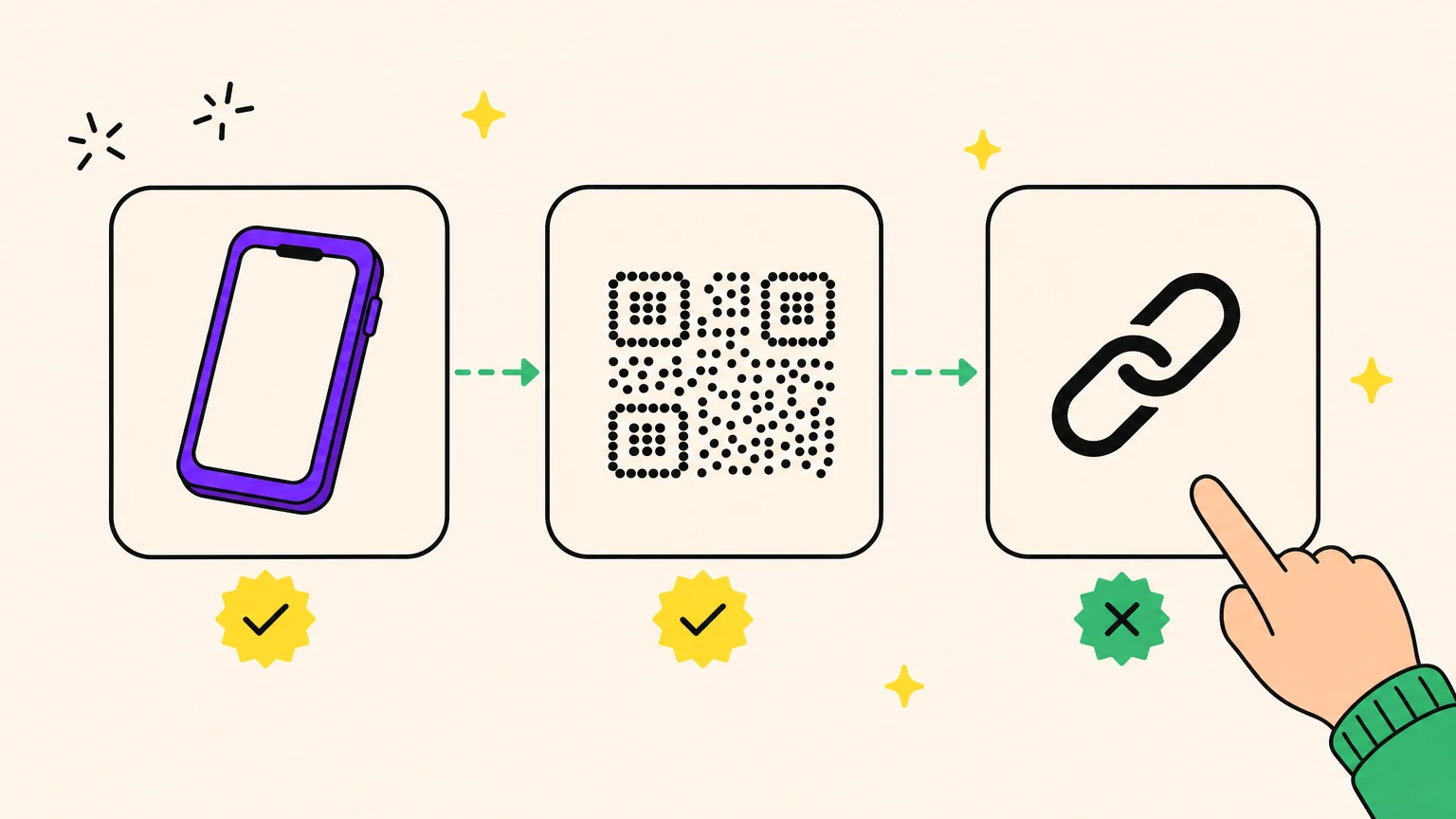
1. Start here: is it the phone, the code, or the link?
Three steps, three minutes, and you know which items below to skip.
- Scan it with a different phone. On Reddit, a three-year-old Android read a code the poster's Moto g refused. If it works there, the fault is your device: go to item 2.
- Run it through Google Lens or a desktop QR decoder. If a URL comes back, the pattern is readable: the fault is downstream (the link) or marginal (contrast or density only some cameras survive).
- Open that URL in a browser. A 404, a blank page or the wrong site means the link layer broke. Jump to item 9.
Run all three before calling the printer. Reprinting is the most expensive way to test a guess.
2. Your phone scans nothing: the 60-second checklist
Cheapest fixes first.
- Clean the lens with a cloth, not a fingertip: skin oils make it worse.
- Stay in Photo mode: Video and Portrait detect nothing.
- Check the toggle. iPhone: Settings > Camera > Scan QR Codes, on since iOS 11 but known to flip off after updates. Android has no universal path: Samsung says "Scan QR codes", Pixel says "camera scan suggestions".
- Skip the camera app: Google Lens, or the Quick Settings tile.
- Restart, then re-check that toggle.
Start 30cm out and move toward the code, not away: autofocus locks on approach. Per-device steps: how to scan a QR code.
Phone reads other codes now? Cleared. The rest is the code.
3. Low contrast, or a code printed light on dark
Light-on-dark QR codes are spec-legal. ISO/IEC 18004 §6.2 calls it reflectance reversal and permits it, then writes every other rule for dark-on-light. Legal is not reliable. Which readers cope, which refuse, and what seven test codes did on an iPhone: inverted QR codes, do they scan?.
The contrast percentages everyone quotes come with no measurement method. Print it in greyscale instead. Muddy to your eye is muddy to the camera. Usual killers: tone-on-tone, gradients, a photo behind a transparent code.
In our tests, a generator shipped a template with white caption text on white: a 1:1 ratio, invisible in preview and export alike.
Run the greyscale test before that file goes near a printer.
4. The quiet zone is missing or crowded
The QR spec (ISO/IEC 18004 §6.3.8) wants 4 modules of quiet zone on all four sides, free of all other markings, at the same reflectance as the light modules.
Four modules means the width of four of those little squares, not just white space. No border, no strapline, no photo edge crosses it.
Blame a crop to fit the layout, or a background that ate the margin.
A code with no margin is not a tighter design. It is a code with a bite out of it.
5. Too small, too blurry, or exported in the wrong file
Scan distance divided by 10 is your minimum code width, plus a 20-30% buffer. A code read from 3 metres needs 30cm. Never below roughly 2x2cm. The full QR code minimum size guide has the chart by use case, from business card to billboard.
Forget DPI numbers. Denso Wave, the format's inventor, sizes modules against the scanner that will read them. Shorten the URL: fewer characters, fewer modules, bigger modules at the same size.
Print from vector, never a resized JPEG. In our tests, one code exported to PNG and to SVG did not match: a decorative frame sat in the raster, missing from the vector the printer would get. File, black ink, material and proof each get a step in how to print a QR code. If the code you have is already soft, a screenshot or a stretched PNG, how to read a blurry QR code and export a sharp one covers both the rescue and the fix.
Three things: the preview, the export, the printed proof. Only the last counts.
6. Your logo is covering the wrong modules
Error correction comes in four levels, recovering 7%, 15%, 25% and 30% of the symbol's codewords (ISO/IEC 18004 §6.1 f). M is the sane default, H only when a logo sits on top.
Placement beats percentage. GS1's 2025 packaging guidance warns that a logo over the three corner finder patterns can break the read even when the percentage looks safe.
It cuts both ways: crank correction to H and the grid gets denser, so it needs a sharper camera. That is item 1's "works on their phone, not mine" puzzle.
Test on three phones. Make one of them old.
7. Glare, curves, and codes nobody can reach
The file was fine. The object it landed on was not.
- Gloss, lamination and glass throw the camera's light straight back. Print matte.
- Ink bleed softens module edges: blur by another route.
- A crease through a finder pattern is a dead code. Menus and table tents go first.
- Curves. Mugs, bottles, cans: the warp stops the finder patterns lining up. Use the flattest panel, size up.
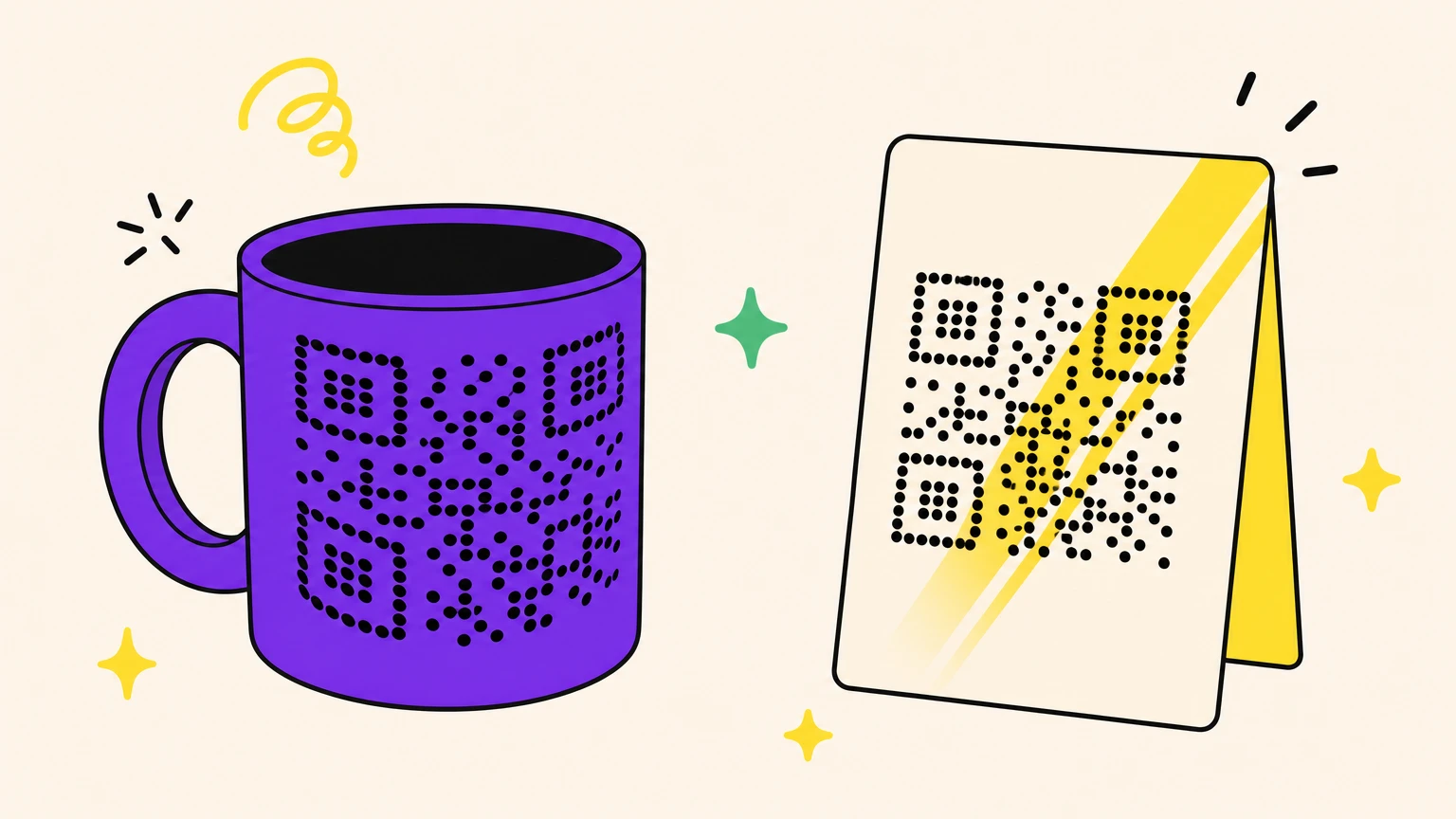
Rotation and mirroring are not causes: the same spec (§6.1 h) makes QR codes orientation-independent, courtesy of the corner squares.
Flat, matte, chest height, arm's reach. Everything else is a gamble on the customer's behalf.
8. The code lives on a screen, not on paper
Screens break codes in ways paper never does.
Three causes: brightness too low or warmed by a night filter; a dark-mode extension inverting the grid into the reflectance reversal from item 3; a dark page background swallowing the quiet zone from item 4.
Brightness to max, kill the dark-mode extension, refresh for a fresh code (login codes expire by design), and for app logins use the app's own scanner.
Two toggles and a page refresh. That was the last physical cause. The next two live behind the link.
9. It scans, but nothing opens
The scan worked. The browser got the URL. This is a web problem in a QR costume.
- A typo or a dead page, frozen at print time.
- No https prefix, so it decodes as text, not a link.
- A destination unusable on a phone.
- No signal, or captive-portal wifi: one merchant's codes worked on cellular, not wifi, for months.
A code opening a URL unrelated to the business it sits on is not broken. It is a scam, usually a sticker over the original.
Nothing on the paper needs fixing. Fix the page, or repoint a dynamic code.
10. The code is fine, the free plan behind it expired
The printed pattern never changes. What stops working is the redirect service that pattern points to.
Free dynamic codes die two ways: trial expiry, commonly 7 to 14 days, or a hard scan cap, like the 1,000 scans a month on one free tier. One merchant described being embarrassed when customers came back saying the code was not working, after the free plan hit its limit.
A static code has no server behind it and cannot expire. A dynamic code dies only when the account behind it does.
The full story, traps and rescue plan included: do QR codes expire? The honest answer.
11. Make your next QR code unbreakable
Design for the worst phone in the room, not the best one on your desk. Then notice which half of this list actually costs money: contrast, size, quiet zone, curve and glare all mean a reprint. Everything behind the link costs nothing, provided the code is dynamic. That turns a QR code not scanning into a settings change.
With Oh My Code, you repoint a dynamic code the day its destination breaks, and the flyers sitting in a thousand letterboxes quietly start working again. 14-day trial, zero reprints.
Printed QR dead and the flyers already out? Give your QR code a second life.
Frequently asked questions
Why is my iPhone not scanning QR codes anymore?
Check Settings > Camera > Scan QR Codes. On by default since iOS 11, it can flip off after an update or a stray tap. Confirm the camera is in Photo mode, not Video or Portrait, and use the Code Scanner in Control Center as a fallback.
Why does a QR code scan on one phone but not on another?
Camera resolution, autofocus age and code density. A code built with high error correction is visually busier and needs a sharper camera to resolve, so results vary from phone to phone. Try a second scanning method before blaming the code.
How do I fix a QR code that cannot be read?
Decode it on a desktop first, to find which layer is broken. Then act: reprint it larger, dark modules on a light background, with a clear four-module margin on all four sides. If the code is dynamic, repoint the destination instead of reprinting anything.
Why does my QR code scan but nothing opens?
The link layer failed, not the code. The camera decoded the URL and the browser could do nothing with it: a 404, a typo, a missing https prefix, no signal, or captive-portal wifi intercepting the request before your page loads.
Do QR codes stop working over time?
The printed pattern does not degrade or expire. A dynamic code's redirect can stop resolving when the trial, the scan cap or the subscription behind it ends. It looks identical from the customer's side, but it is an account problem, not a printing one.