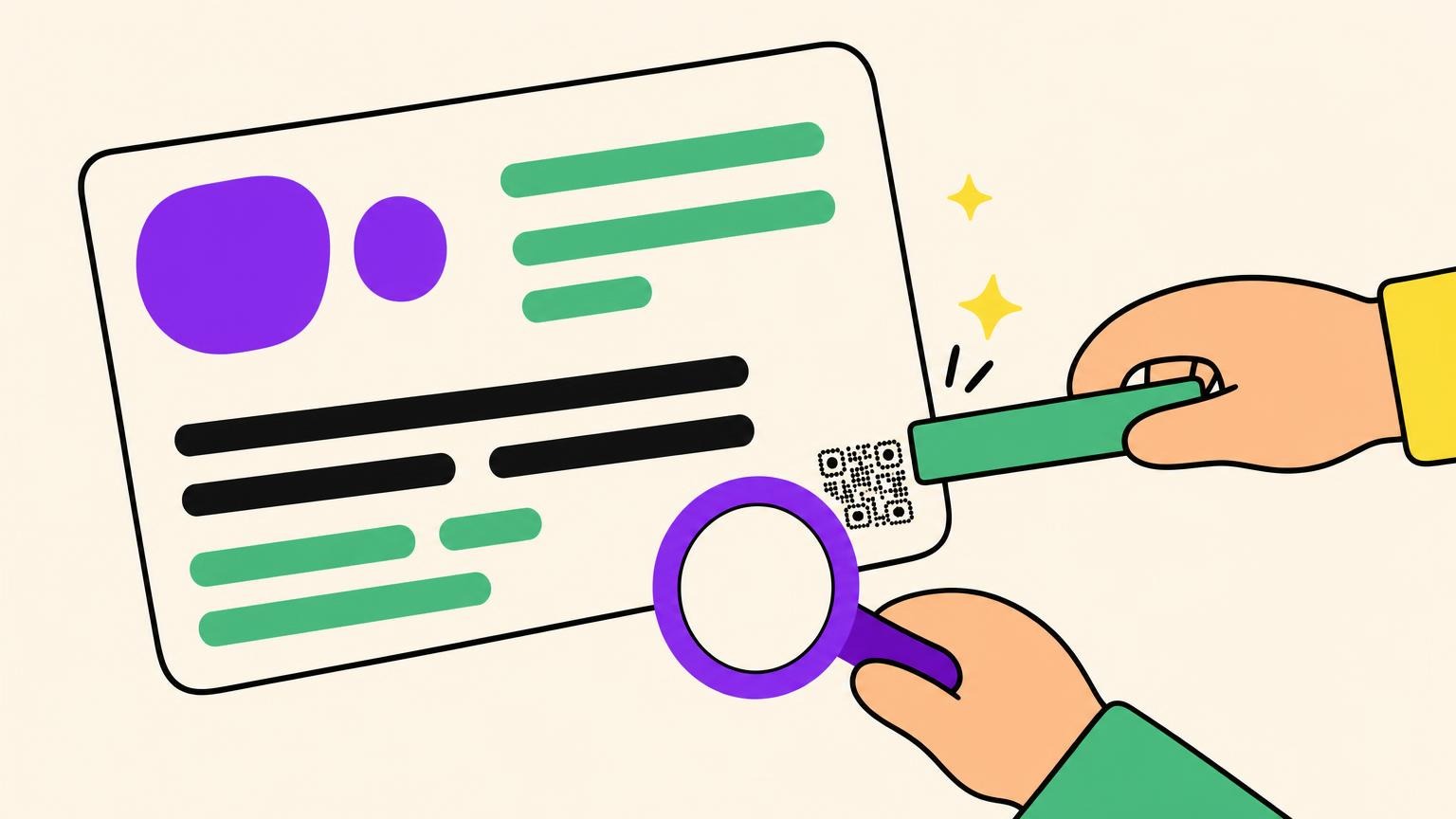
The card is full. Logo, name, phone number, the second logo somebody insisted on. The QR code gets the leftover corner, shrunk to 0.3 in (8 mm) to fit.
The minimum QR code size for anything read at arm's length is 0.8 x 0.8 in (2 x 2 cm). The technical floor is half that, 0.4 x 0.4 in (1 x 1 cm), and it is fragile.
That is a default, not a law. The real minimum moves with the reading distance and how much data you crammed inside.
Below: the chart, then the rule that makes it unnecessary.
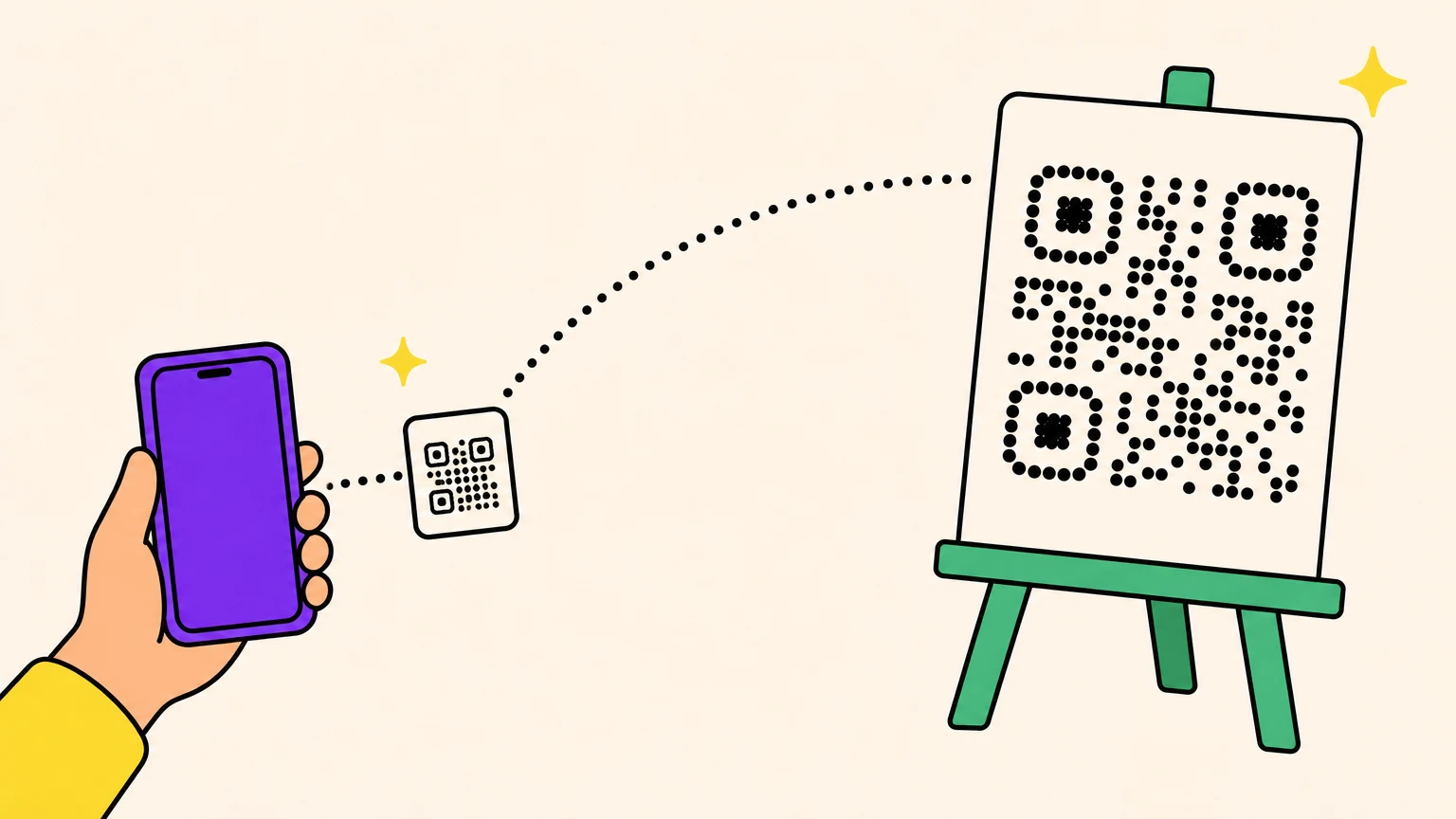
QR Code Size by Scan Distance and Use Case
One rule carries the whole table: minimum width equals scan distance divided by 10. One caveat carries the rule: 10:1 is industry lore, not a documented standard.
Everyone credits Denso Wave, the format's inventor. It appears nowhere on their pages. A QR vendor publishes 2% of viewing distance instead, a 50:1 ratio, equally uncited. Use the conservative one.
| Where it lives | Scan distance | Minimum | Comfortable |
|---|---|---|---|
| Business card, leaflet | 6-8 in (15-20 cm) | 0.8 in (2 cm) | 1 in (2.5 cm) |
| Flyer, menu, brochure | 10-12 in (25-30 cm) | 1.2 in (3 cm) | 1.5 in (4 cm) |
| Table tent | 18-24 in (45-60 cm) | 2.4 in (6 cm) | 3 in (7.5 cm) |
| Indoor poster | 3-6 ft (1-2 m) | 7 in (18 cm) | 9.5 in (24 cm) |
| Shop window | 5-10 ft (1.5-3 m) | 12 in (30 cm) | 16 in (40 cm) |
| Vehicle wrap | 10-16 ft (3-5 m) | 20 in (50 cm) | 26 in (65 cm) |
| Billboard | 50-65 ft (15-20 m) | 6.5 ft (2 m) | 8.5 ft (2.6 m) |
| Screen or TV | Same rule | See the pixels section |
Codes are square, so those are one side. Comfortable adds the 20-30% margin that real paper and real light demand.
Check any chart against its own rule: more than one guide states 10:1, then lists 3 in for a poster read at 3-6 ft.
The rows assume a short link inside the QR code and a flat, matte, well-lit surface. Break either and they move.
Module Count: The Real Minimum QR Code Size Formula
Two QR codes, same 2 cm square, same press, same paper. One scans across the table. The other never scans. The difference is the number of squares inside the square.
Those squares are modules. Modules per side = 4 x version + 17: Version 1 is 21 x 21, Version 2 is 25 x 25, Version 10 is 57 x 57. You do not pick the version. Your character count and error-correction level do.
The four levels, L, M, Q and H, can restore 7%, 15%, 25% and 30% of a damaged code (ISO/IEC 18004, section 6.1 f). The cost is capacity: one Version 1 grid holds 41 numeric characters at L, only 17 at H. Raise the level and the version climbs.
A 25-character short link at level M fits Version 2: 25 x 25 modules. A 200-character vCard needs Version 10: 57 x 57. Print both at 0.8 x 0.8 in (2 x 2 cm) and divide. 20 mm / 25 gives the link 0.8 mm modules; 20 mm / 57 gives the vCard 0.35 mm.
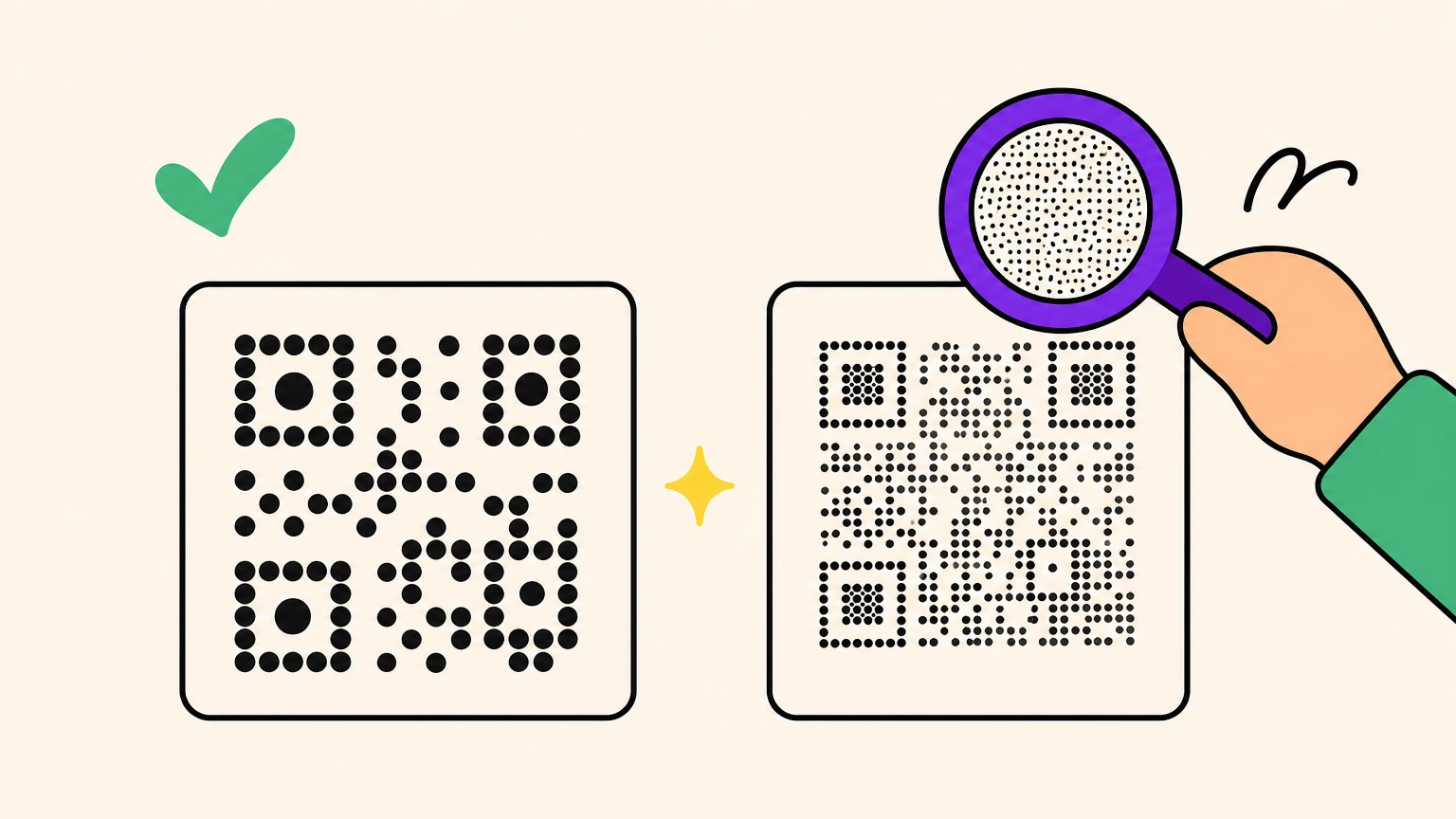
That 0.35 mm sits under a published floor. GS1 General Specifications 5.12.3.1 puts the minimum module width on a retail point-of-sale item at 0.396 mm. Your vCard has finer squares than a supermarket scanner is expected to read.
Less data, fewer modules, fatter squares, smaller safe print. Shorten the link, and do not set H just in case. Tempted by a Micro QR code to go smaller still? Read why most phones cannot scan one before you print.
Print Files: Vector, 300 DPI, and the Quiet Zone
You can get the size right and still kill the code in the file. Four ways.
Send vector. SVG, EPS or PDF has no resolution: it prints at whatever size you scale it to. Any serious generator exports SVG. The full workflow, from file format to press proof, is in how to print a QR code.
If it has to be raster, 300 DPI at the final printed size. Not a 300 px PNG stretched onto a poster, which is how codes die. DPI alone is the wrong unit: Denso Wave's rule is four or more printer dots per module, which caps 300 dpi at 0.33 mm modules.
Quiet zone: four modules, every side, always. ISO/IEC 18004 section 6.3.8 says its width shall be 4X, where X is one module. It scales with the code, which is why the fixed quarter-inch everyone repeats is right for exactly one module size.
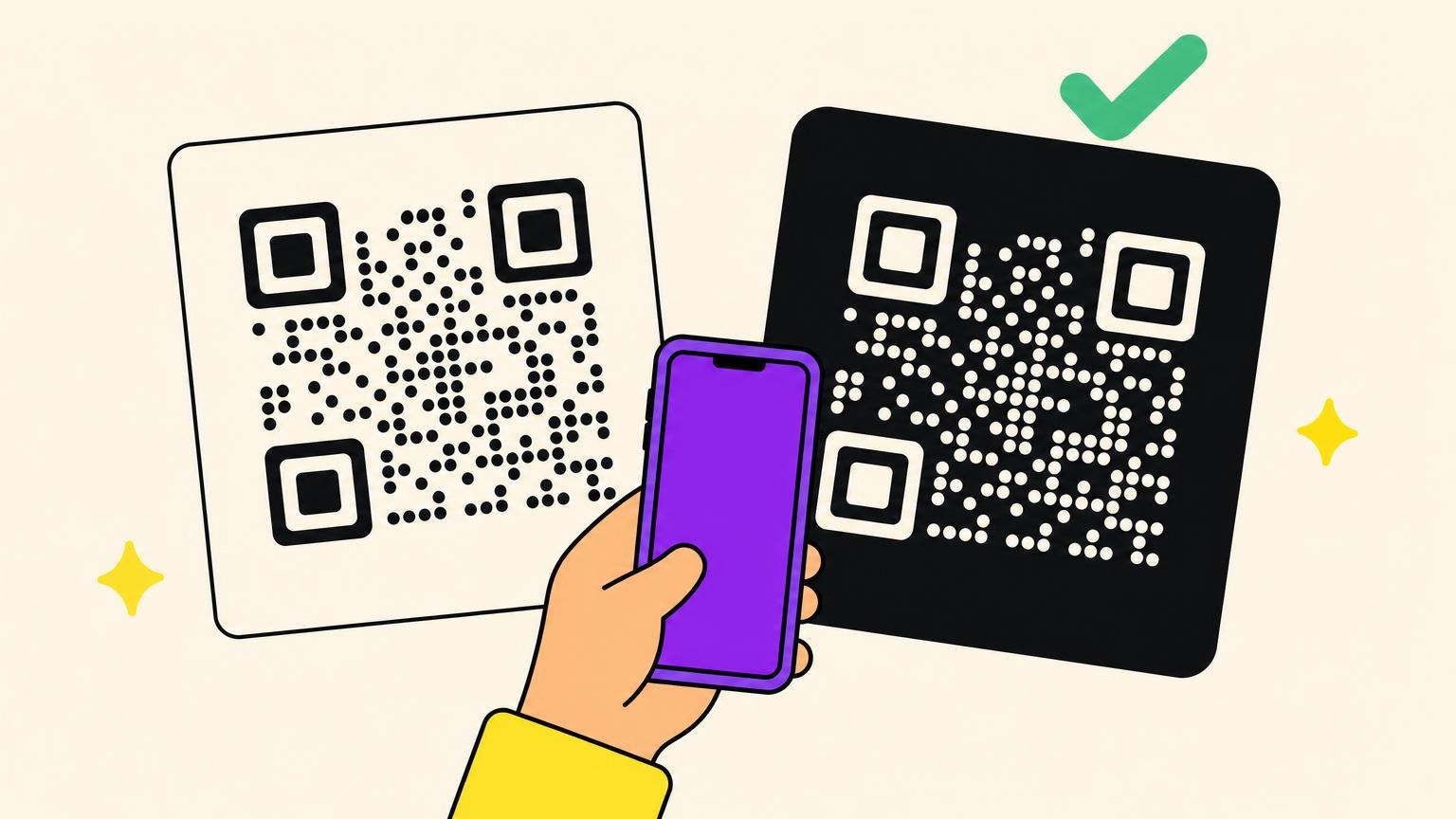
Dark on light, and mind what you print on. Real contrast, no inverting, no gradient underneath. Ink spreads: dot gain runs 10-20% on coated stock and past 30% on uncoated, so add 20-30% on absorbent paper, 25% on corrugated, 30-40% on laser-etched metal. A logo raises the error-correction level, so decorated codes print bigger, not smaller.
When a QR code that looked perfect on screen refuses to scan off the press, size, contrast and quiet zone are the usual suspects.
QR Code Minimum Size in Pixels for Screens
Ask the internet for a pixel minimum and you get 38, 76, 150 and 240. One guide manages 38 x 38 and 76 x 76 in the same article.
Pixels equal physical size times DPI. A pixel count without a resolution is a number without a unit.
Count modules instead. A short-link code plus its quiet zone is 33 modules across, and at 4 to 6 px per module that is 132 to 198 px, which is why 150 x 150 px works as a default at 1:1 and moves as your payload grows.
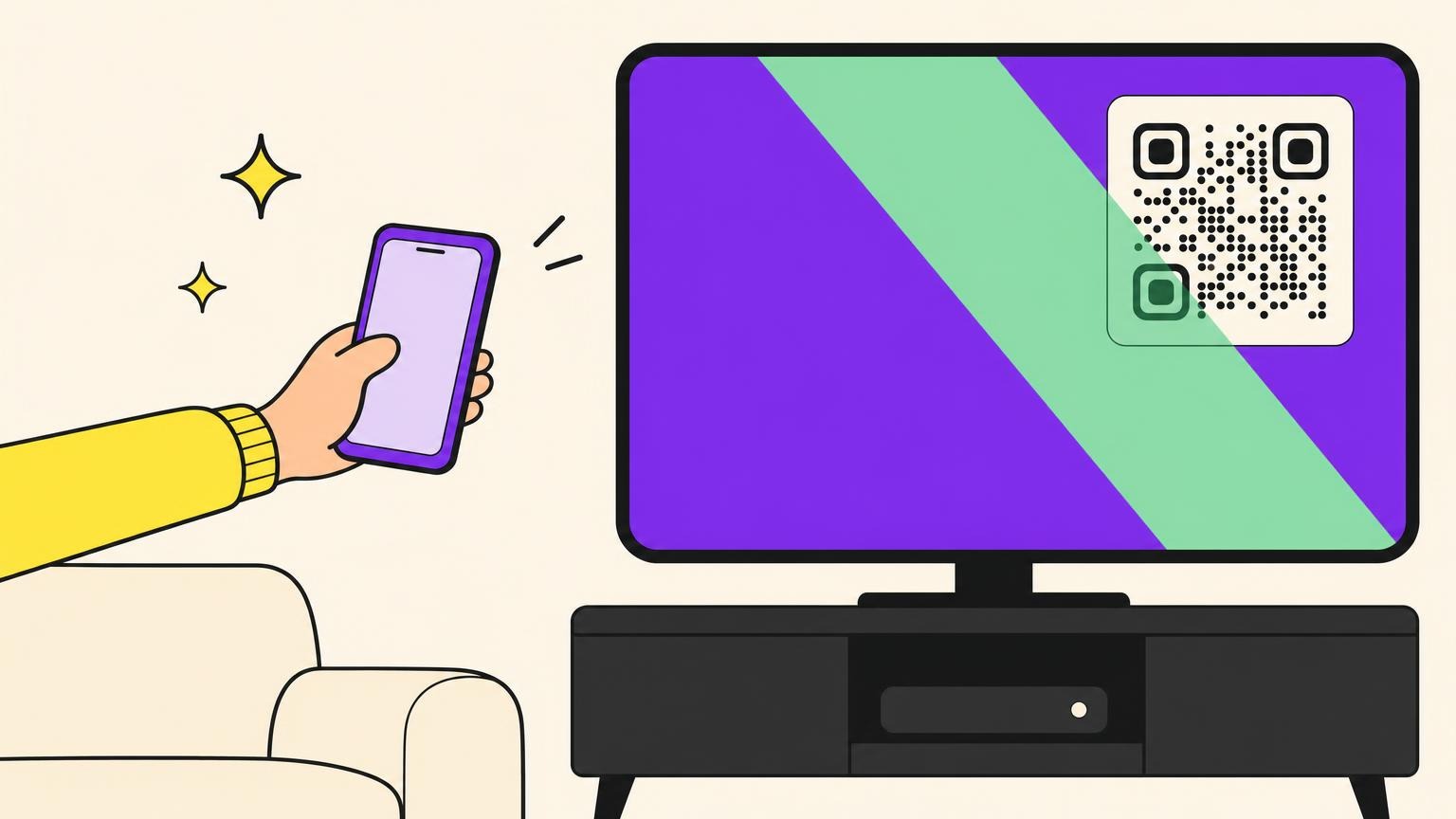
Distance still applies. A code on a TV across the room follows the same divide-by-10 math as a poster, which makes sizing a QR code for a TV its own exercise.
The 3-Minute Test That Beats Any Size Chart
Every number above is an estimate. Three minutes on the office printer turns it into a fact.
- Print the actual layout at actual size on an office printer. Not the code alone: the neighbors eat the quiet zone.
- Scan from the real reading distance with a mid-range phone, not the newest in the office, in normal light.
- Do it again with the sheet curved and tilted. Paper does not lie flat on a table, a lamppost or a bottle.
- Use the native camera app, not a scanner app: in one designer's device tests it read from half the distance.
If it needs a steady hand, a perfect angle or a second attempt, it is too small. Move up one row.
Getting closer has a floor: phone cameras will not focus below roughly 3-4 in (8-10 cm) without macro mode. A tiny code against the lens gives blur, not a scan.
When the proof fails you have two levers: print bigger, or put less inside. The first is rarely available.
That second lever is where Oh My Code lives. Vector SVG and EPS at any size, so the DPI question disappears. Dynamic codes carry a short link: fewer modules, fatter squares, a smaller safe print. And the destination changes without reprinting the run.
Your layout already decided how much room the code gets. Make the code that fits it.
QR Code Size FAQ
How small can a QR code be?
Smaller than you will ever print it. Denso Wave's own math puts a Version 1 code on a common laser printer at roughly 3.57 mm, and ultra-high-precision printing reaches 0.03 mm modules, pointless unless the scanner can resolve them. The practical floor is different: 0.4 x 0.4 in (1 x 1 cm) is fragile, 0.8 x 0.8 in (2 x 2 cm) is not.
What is the ideal size for a QR code?
The one that fits your layout after you apply distance divided by 10 and add 20-30%. There is no maximum size and no prize for shrinking it: Denso Wave recommends printing the symbol as large as possible within the available printing area, so round up when the layout allows.
What is the minimum QR code size in pixels?
There is no fixed number, which is why published answers range from 38 to 240 px. Pixels only mean something next to a stated resolution. Count modules: a short-link code plus its quiet zone is about 33 modules across, so 150 x 150 px is a sound default at 1:1.
Does a bigger QR code scan from further away?
Yes: about ten times the code's width is the working rule of thumb. But it still has to be flat, contrasted, and further from the lens than the phone's minimum focus distance of about 3-4 in (8-10 cm), so a huge code held right under the camera still fails.