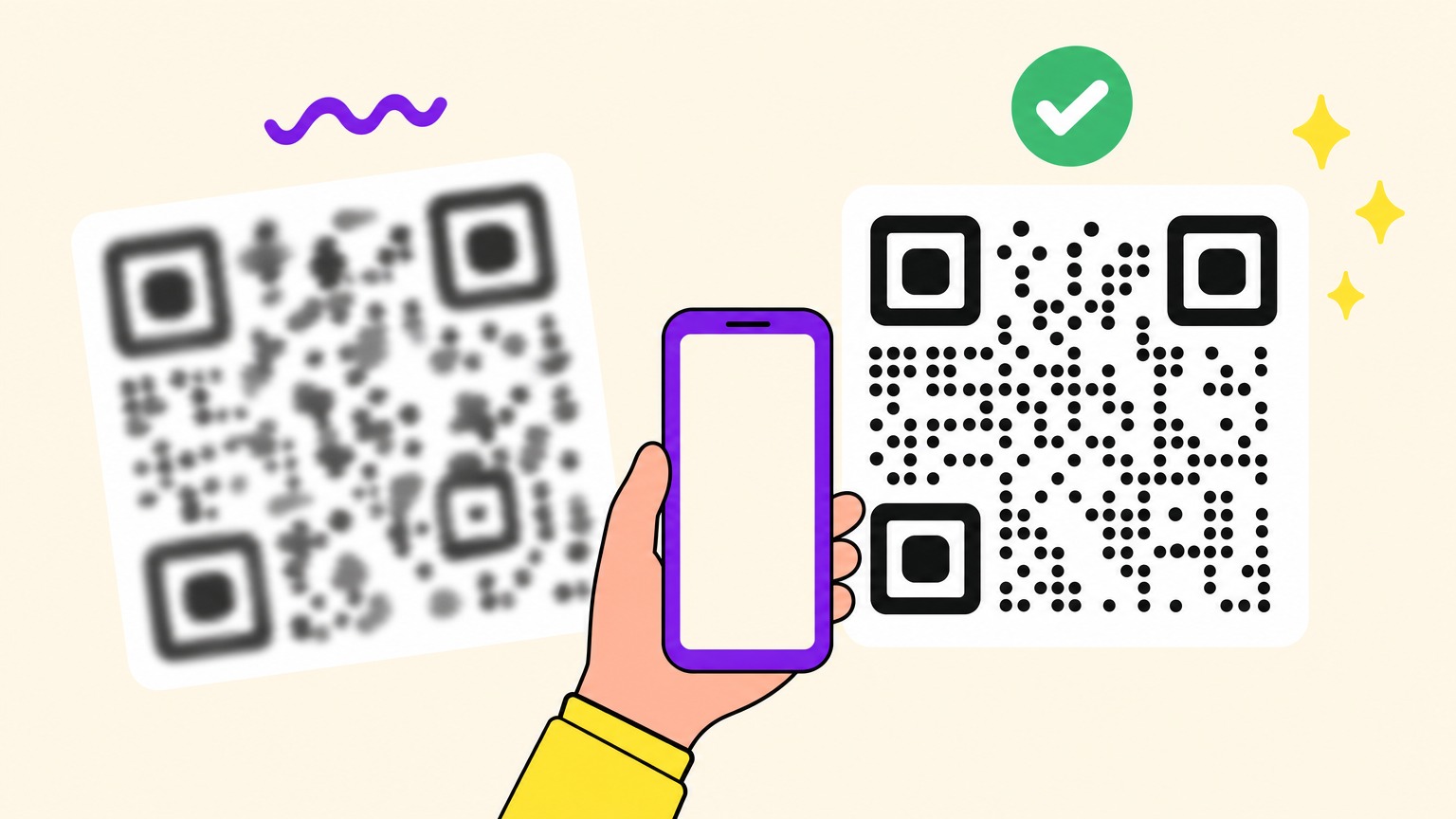
A blurry QR code is one whose modules, the small black and white squares, have lost their sharp edges. Either the file did it (resized, compressed or screenshotted once too often) or the photo did (out of focus, shaky, too far away). The fix depends on which side of the code you're on.
Someone else's code (a screenshot, a photo of a poster, a code in a chat)? That's a rescue job, and the next section starts with fixes that never touch a pixel. Your own code comes out soft on screen or on paper? That's prevention, and the two sections after that fix the file.
How to Scan a Blurry QR Code You Didn't Make
Before you open an image editor, open your messages. Cheapest moves first:
- Get a better copy. Ask the sender for the link, or the original file sent as a document, not a photo. No sender? Find another copy. A blurry QR code on a firework box, frozen from a TikTok video, stumped r/codes until someone found a sharper photo of the box online.
- Scan the saved image, cropped tight. Don't photograph the screen with a second phone: yours reads saved pictures. Crop to the code and its white margin, then scan a QR code from a screenshot or a photo.
- Shrink it, don't zoom it. Yes, backwards. A field researcher ran the ZBar decoder over 27 photos of plant samples: 13 decoded untouched, 18 at a fifth of the size, only 9 at a tenth. So shrink, just not to a postage stamp. Contrast boosts barely helped, because black on white paper is already high contrast (light on dark is another fight: see inverted QR codes).
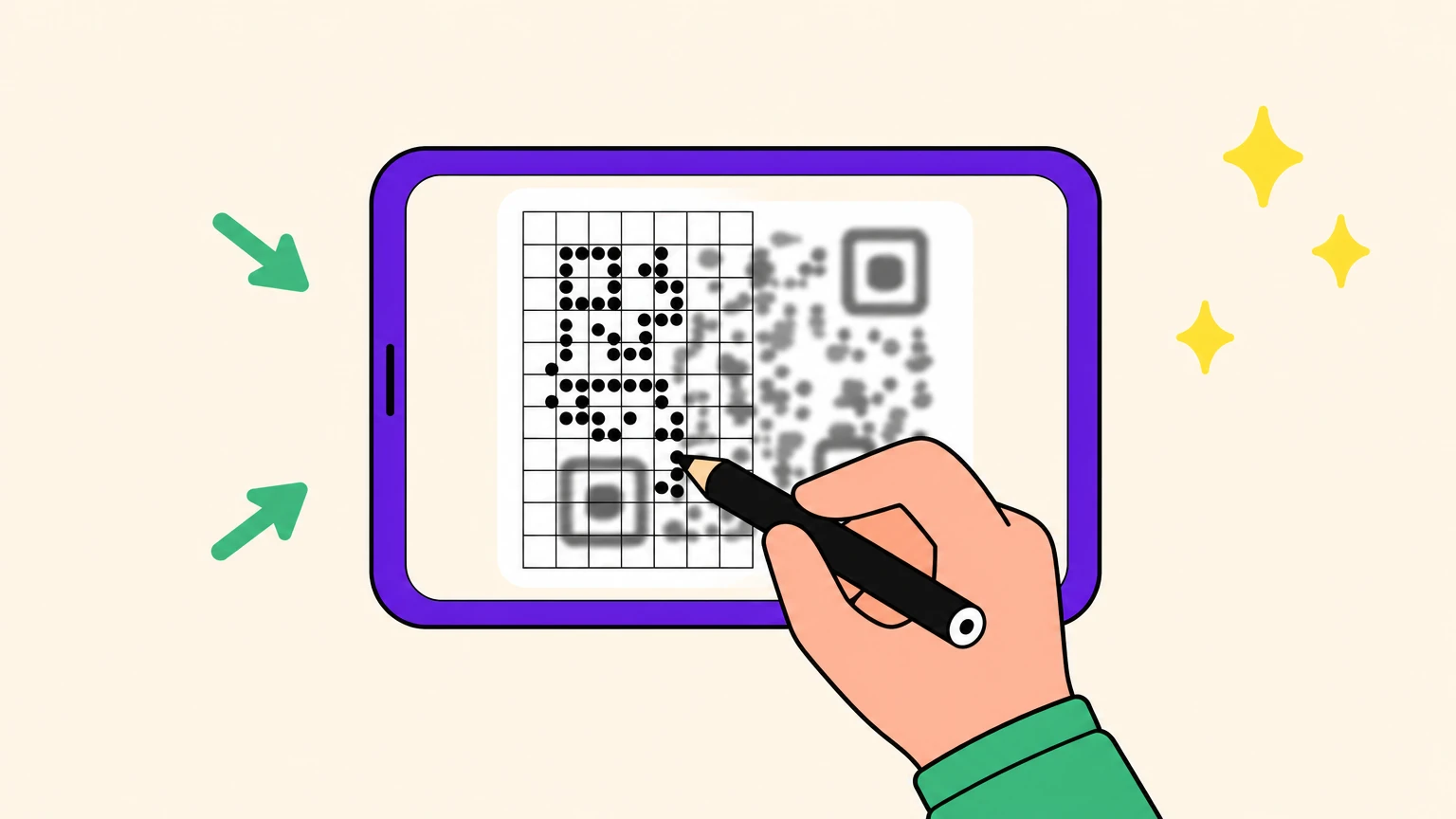
- Redraw it on a grid. The recipe from the r/qrcode thread on page one of this search: count the modules along one side (29 there), draw a grid that size, distort the photo until the three corner squares sit on it (Perspective in GIMP, Distort in Photoshop, or free Inkscape), then fill each cell black or white. The best attempt ended two modules off, which is fine. Error correction absorbs a few wrong modules once the grid is clean. Doable on a short link, a slog on a dense code.
- Let a tool fill the grid, then check where it leads. QR Code Sharpener, a free open-source tool, reads only the centre pixel of each grid cell; you line the grid up yourself. Generic photo enhancers smooth edges, the opposite of what a scanner needs: "we WANT it pixelized," as an r/qrcode solver put it. Never ask a chatbot to eyeball it. One guess came back as Bee Movie's opening script, another as a Rickroll. An AI that actually decodes can rebuild a clean code, and any rebuild needs checking: one code, run through an upscaler built for anime, scanned with text that looked corrupted.
What error correction won't do. Denso Wave, which invented the QR code, says error correction restores data in dirty or damaged codes, up to about 30% of codewords at level H. Blur isn't on that list. Before any repair, a scanner has to find the three corner squares and measure the module size from them (that's how the open-source ZXing detector works). Melt those edges far enough and the repair never starts.
Guides claiming a higher level forgives blur are mixing up damage and blur. Error correction is a spellchecker, not a pair of glasses: it fixes typos on a page it can read, not a smudged one.
Why Your QR Code Comes Out Blurry or Pixelated
Your own code, then. Denso Wave's troubleshooting page is blunt: resize a QR code image and "every module becomes distorted." The code can still look normal and scan badly, or not at all.
Resizing. Enlarge a PNG and software has to invent the missing pixels. Smoothed resizing (bilinear or bicubic, the usual defaults) blends neighbouring pixels, so every edge grows a grey fringe. Nearest neighbour copies the closest pixel: blocky, but the edges stay hard. A vector (SVG) isn't stretched at all; it's redrawn.
So a pixelated QR code beats a blurry one: a scanner wants hard edges, not pretty ones.
The arithmetic: a short-link code with its white margin is 33 modules wide, so a 330 px export gives each module a clean 10 px. Stretch it to 500 px and each needs 15.15 px, so smoothing paints those fractions grey.
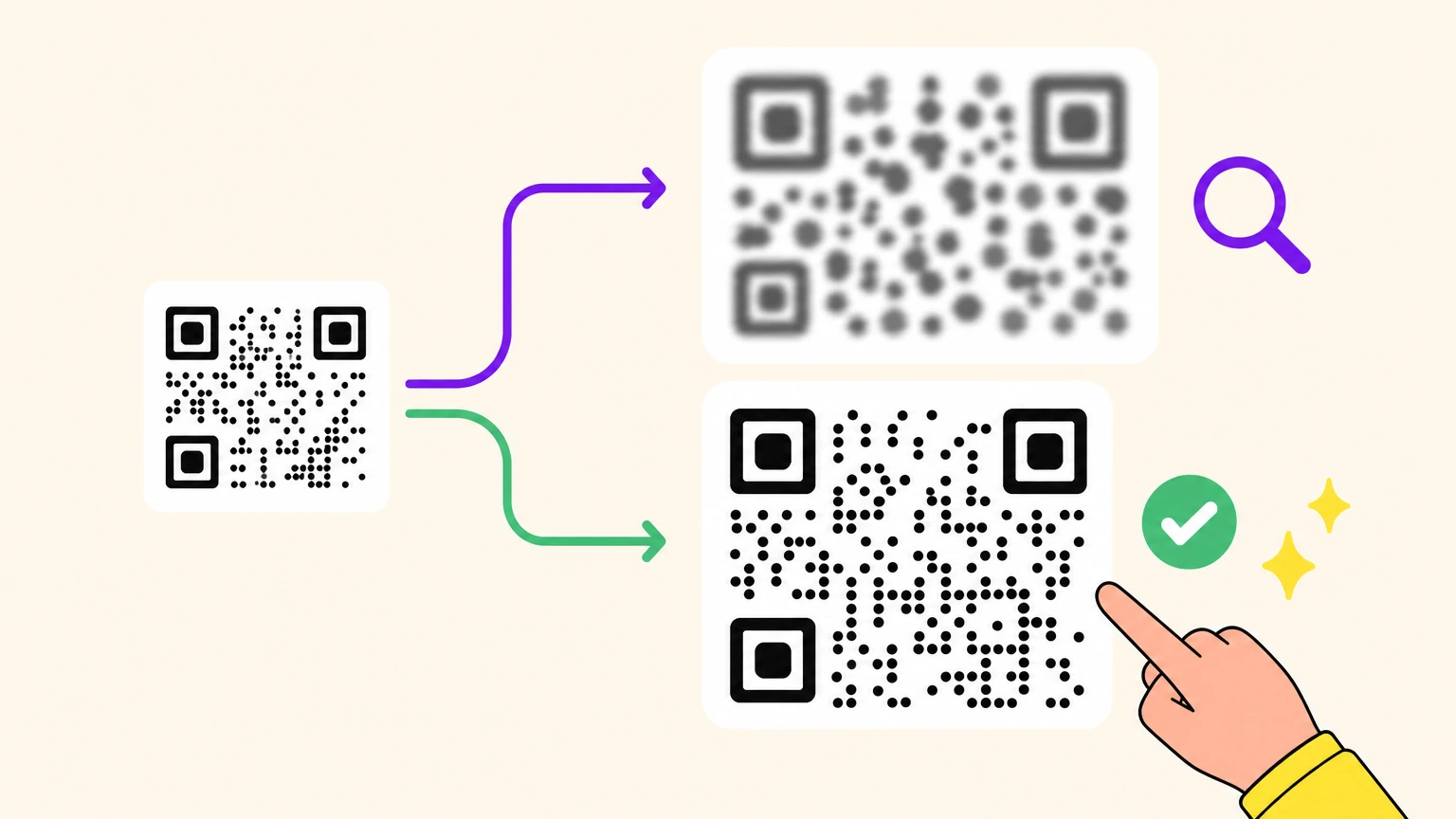
The copy chain. Every screenshot, re-save, upload and chat hop can resample or recompress, like a photocopy of a photocopy. Chat apps recompress and resize the photos they carry, and platforms add their own pass: on r/qrcode, a solver noticed Reddit's recompression had left a posted code blurrier than the original. And a low-resolution PNG pasted into a PDF quote or ticket stays low-resolution: zooming in or printing it large only enlarges the blur.
Label printers. A thermal head fires whole dots, so each module should span a whole number of them, and a bitmap scaled to an arbitrary size lands unevenly. Brother's own FAQ on unreadable barcodes recommends print quality over speed. The rest lives in how to print a QR code.
Distorted isn't blurry: a curved or crumpled code keeps sharp modules in the wrong places, a geometry problem with its own fixes. That's the diagnosis. Now the file.
How to Make a QR Code That Stays Sharp
No filter sharpens a blurry QR code after the fact. Sharpness is a ratio: how many printer dots, or camera pixels, each module gets.
On paper, Denso Wave recommends at least 4 printer dots per module: more dots, less distortion and blurring. In the camera, a 2022 study in the journal Sensors puts the floor for practical decoding at 3 to 3.5 pixels per module in the captured image. So a flawless file can still fail when the photo gives each module fewer pixels than that, which means the code is too small for the distance. Sizing for distance has its own formula: how big a QR code needs to be.
The protocol:
- Start from the generator. Never from a screenshot, an email attachment or a PDF.
- Going to print or a big screen? Export SVG. Vectors scale without resampling.
- Going to a web page, an email or a document? Export PNG at its final display size, with a whole number of pixels per module. If you must enlarge an existing PNG, use nearest neighbour and a whole-number factor (x2, x3), never the smoothed default.
- Don't answer blur with a higher error-correction level. It only kicks in once the grid is read, and the same link at a higher level often needs more modules, so each one gets smaller at the same printed size.
- Test the copy that arrives, not the one you sent. Send the file to yourself the way it will travel (chat app, email), print one proof at real size, and scan those.
Sharp file, still no scan? Then blur isn't your problem. Here's every other reason a QR code won't scan.
Want to Blur a QR Code in a Photo? Blur Hard or Cover It
Sometimes you want the opposite: a code nobody can read. A developer on X blurred a pairing code in a screenshot, then noticed the untouched QR code beside it held the same code. In his words, "the blur was useless." Lesson one: a QR code is machine-readable text, so blurring the data beside a sharp code hides nothing.
Lesson two: lightly blurring the QR code itself isn't much safer. QR Code Sharpener reads only the centre pixel of each cell, and a soft blur, or a mosaic with module-sized tiles, can leave those centres readable. And the anime upscaler above got a code to scan after scanner apps had failed on it.
Blur is a puzzle, not a lock. If you blur, blur until no grid survives. Safer still, drop a solid box over the code or crop it out.
We Tried to Wreck One QR Code 11 Ways
Every guide on this search tells you what blur does to a QR code. Not one puts it to the test. Here's our test sheet: one short link, version 2 (25 x 25 modules), error correction level M (15%), rendered clean at 10 px per module, then wrecked 11 ways and scanned from a screen with an iPhone camera.
- A: the clean reference.
- B and C: exported at 2 and 1 px per module, enlarged x5 and x10 with smoothing.
- D: exported at 2 px per module, enlarged x4.5 with nearest neighbour: uneven modules, hard edges.
- E: the clean file as a quality-15 JPEG.
- F to I: Gaussian blur, radius 2, 4, 6 and 8 px.
- J: a 12 px horizontal motion blur.
- K: the screenshot chain: shrunk, JPEG, enlarged, JPEG again.
- L: the same link at level H (30%), 29 x 29 modules of 9 px, under cell H's 6 px blur.
Nine of twelve scanned. The three that didn't, H, I and L, are the blurred ones: on a 10 px module a 4 px blur still read and a 6 px blur didn't, so the cliff sits around half a module, where the corner squares melt.
Cell L settled the error-correction question: more correction, smaller modules, the same 6 px blur, the same failure as cell H. Correction fixes modules on a grid the scanner can read, and it never got a grid.
The phone forgave everything else: JPEG blocks, motion smear, screenshot chain, even B and C with their grey fringes, all displayed large on a screen. We didn't try them printed at label size, where each module gets far fewer dots.
Full Disclosure: We Make the Sharp Ones
Your next QR code shouldn't need a stranger on Reddit to redraw it. Prevention beats rescue, and prevention starts with the file you export. That file is what Oh My Code makes.
Our static QR codes are free and export as PNG and SVG. The SVG is vector, so it stays sharp at any size, with nothing to melt.
Dynamic codes let you change the destination after printing, and they come with the paid plans, which include a 14-day trial. Wrong destination on a stack of printed flyers? Change it, keep the flyers.
Make one that stays sharp at any size and leave the grid-redrawing to Reddit.
Blurry QR Code FAQ
How can I sharpen a blurry QR code?
You can't unblur melted edges, only rebuild them. Your own code: re-export it from the generator, SVG for print or PNG at final size. Someone else's: redraw it on a grid or let a tool read each module's centre, then check the destination. Photo enhancers that smooth edges work against you.
How can I decode a blurry QR code?
Scan the saved image, not a photo of the screen, cropped to the code and its margin. Then shrink it rather than zoom in, since in one decoder test smaller copies raised the read rate. Still stuck? Try another scanner app, ask the sender for the link, and never let a chatbot guess by eye.
What makes a QR code unreadable?
A QR code becomes unreadable when a scanner can't find its three corner squares or can't tell its modules apart. Blur (a resized PNG, compression, a shaky photo) can do both. Other culprits: weak contrast, a missing white margin, a logo over the wrong modules, a code too small for the scanning distance.
How to make a QR code better quality?
Export it from the generator: SVG for print, or PNG at its final size with a whole number of pixels per module, never enlarged with smoothing. On paper, give each module at least 4 printer dots, as Denso Wave recommends. Then scan the copy people receive, not the file you sent.
Can error correction fix a blurry QR code?
No. Error correction restores data in dirty or damaged codes (up to about 30% of codewords at level H, says Denso Wave, the QR code's inventor), but only after the scanner has read the grid. Blur smears every module and can hide the grid itself. A higher level often adds modules, so at the same size each one is smaller and melts sooner.