A link is open on your laptop, your phone is in your hand, and you would rather not thumb sixty characters of URL into it. So you go looking for Google's QR code tool, because Google makes a tool for everything. Can Google create a QR code?
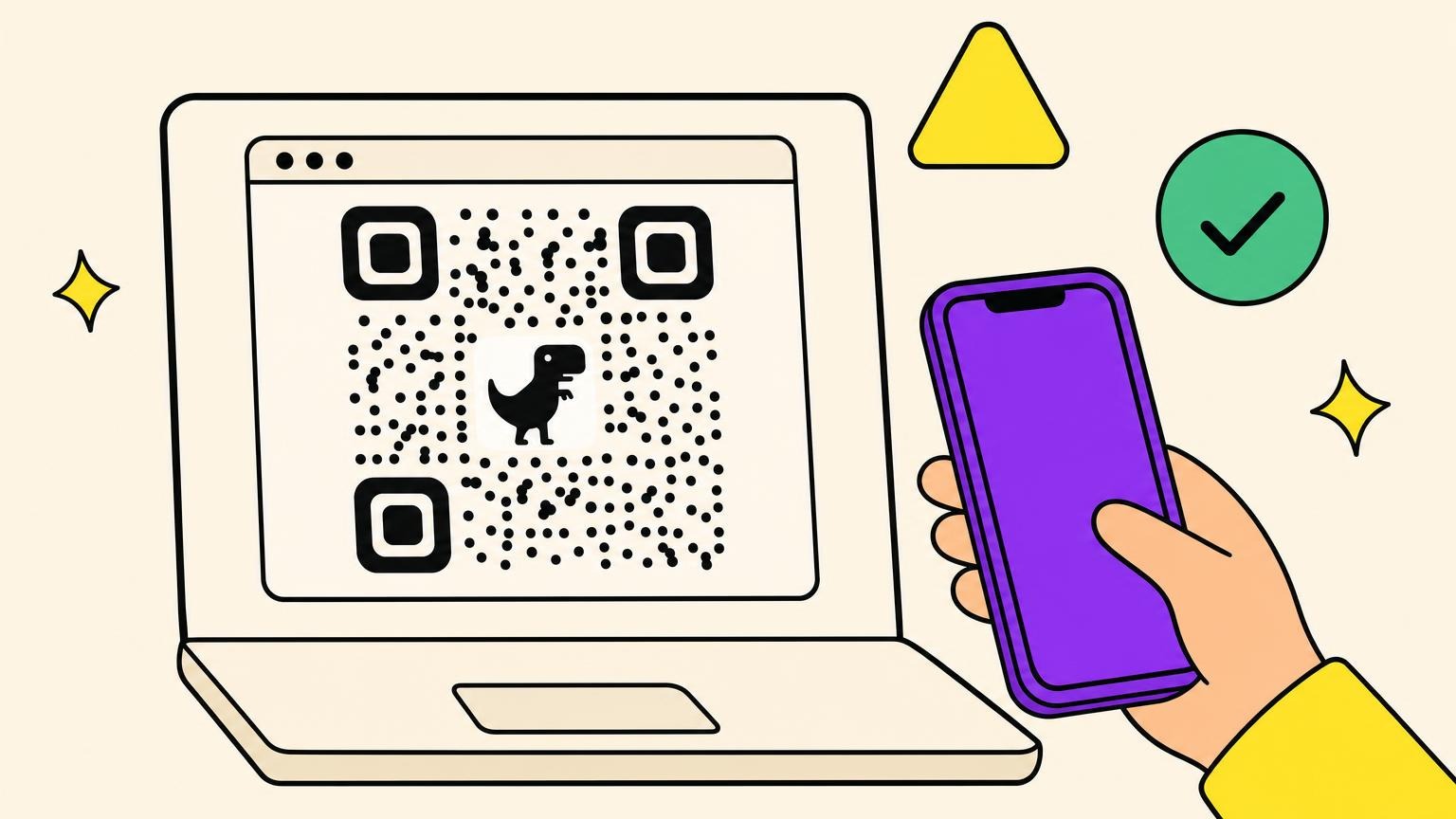
Google has no standalone QR code generator: no google.com/qr, no Workspace app. Chrome has one built in, on desktop, Android and iPhone. It is free, needs no account, takes two clicks, and makes a static black and white PNG of the page you are on. You cannot change the link later, you cannot count a scan, and on desktop and Android there is a dinosaur in the middle.
The path to make a QR code with Google differs by platform. What sits inside that file, and where the tool stops, takes the rest of the article.
How to Use the Google Chrome QR Code Generator: Desktop, Android, iPhone
Two clicks on a laptop, three taps on a phone. Half the tutorials you open will not match your screen: Google has moved this entry three times since 2020. Open the page you want to share, then:
Desktop
- Click the three-dot More menu, hover Cast, save, and share, click Create QR code. Google's wording in its Help article "Share pages in Chrome", as of September 2026.
- Or right-click blank page space and choose Create QR code for this page, a route Google's Help pages never mention.
- Copy puts the image on your clipboard, Download saves a PNG.
Android
- Tap More beside the address bar, then Share..., then QR Code.
- Download or share from the sheet; the file lands as chrome_qrcode_number.png.
iPhone and iPad
- Tap Share at the top, then Create a QR Code.
- Tap Share under the code. No Download button: Chrome on iOS hands the job to Apple's generator, so you get the iOS share sheet.
Google's Chrome blog announced it on 25 August 2020, reachable from a QR icon in the address bar. Android Police dated the wide rollout to Chrome 88 in February 2021, flag-gated in Chrome 84 before that: two stages of one rollout. By 18 February 2024, 9to5Google reported it folded into the overflow menu as Save and Share.
Cannot find it? You probably right-clicked an image or a text selection: that offers a code for the image, not the page. Or your device is managed and updates late, which a school technology specialist filmed on 26 March 2026. When the menu moves again, go back to right-clicking blank page space.
What You Actually Get: One Static PNG of the URL You Are On
The pixel size quoted around the web is Chrome's in-panel preview, 240 across, not the file. From the Chromium source and a code downloaded from Chrome desktop on 14 September 2026: each module renders at 10 pixels, the quiet zone is 4 modules a side, and the PNG lands at (modules + 8) times 10 pixels. That code was 37 modules across, which the formula puts at 450 by 450.
A short link is nearer 370, a 2,000-character input near 1,850: the file grows with the link.
A Chrome QR code encodes the URL in your address bar exactly as it stands, query string included, no shortening, no UTM added for you. Session tokens ride along, so check the bar first. Less obvious: the panel's field is editable up to 2,000 characters and redraws as you type. You get there from the page you are on, but you can type straight over it.
The code is black round dots on white, three rounded corner markers, error correction level M, saved as qrcode_example.com.png. PNG only, no vector, and colour is not a setting either: Chromium's comment says white and black are always used, which makes a light code on a dark background a different exercise. The download path is annotated "this request never contacts the network": nothing about your link reaches Google.
And it is static. The link sits in the pattern as text rather than routing through a server, the whole difference between static and dynamic QR codes: nothing to expire, nothing to edit, nothing to count.
The Dinosaur in the Middle, and Why You Cannot Remove It
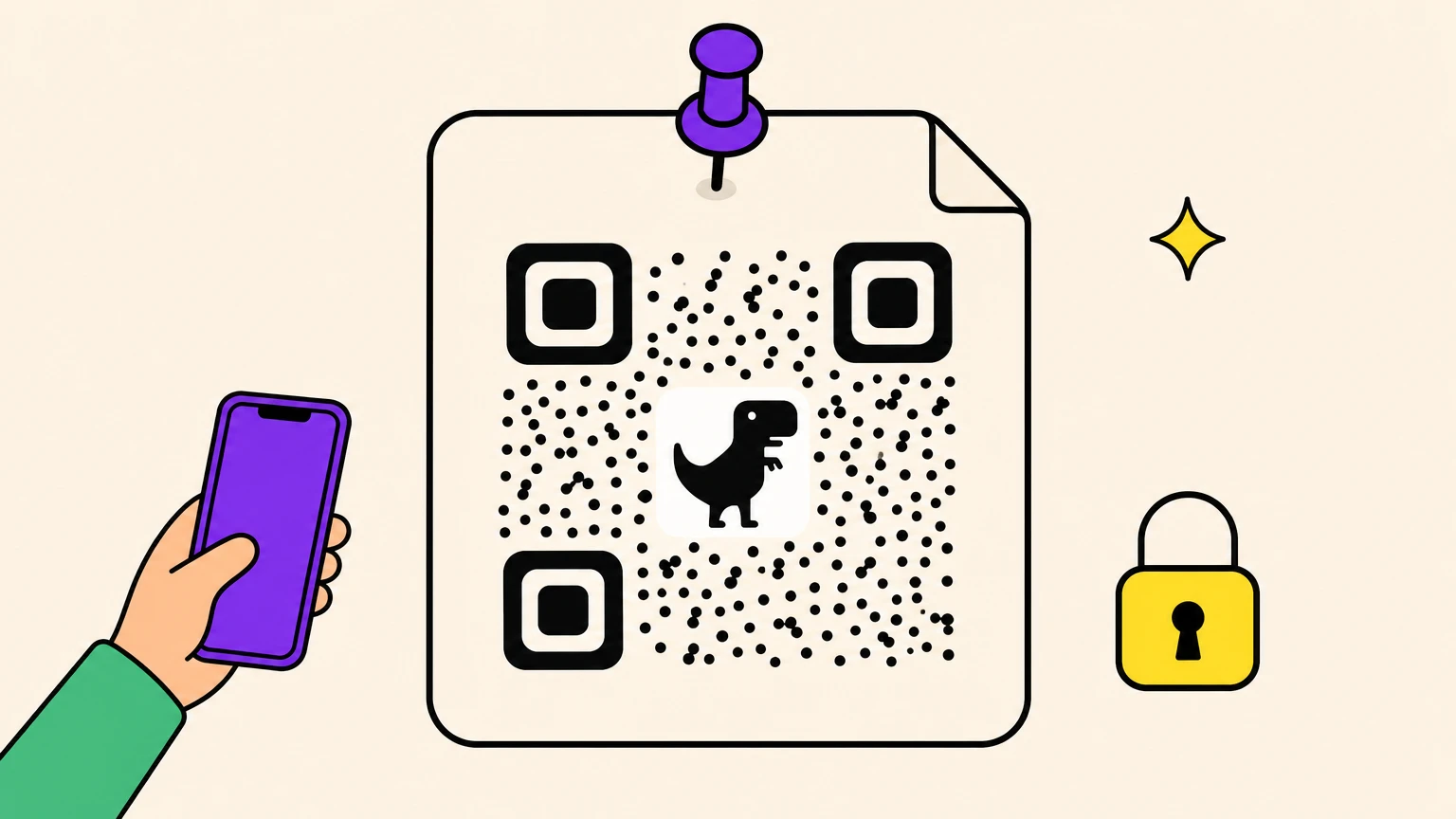
A T-rex sits in the middle of your QR code. It is not a rendering glitch: Google planned it before the feature shipped.
9to5Google reported on 6 December 2019 that Google wanted the offline dino at the centre of Chrome codes, per Chromium bug 993909. Google's Japan account tied it to the Dino Run game on 26 July 2022.
It does not break the code because it was never allowed to: the Chromium source caps that centre image at a quarter of the width, and Chrome's error correction level M tolerates roughly 15 percent loss. Desktop and Android draw it; iPhone does not, since Chrome on iOS calls Apple's generator at level L with no centre image.
It was still there in September 2026: that 14 September download, plus tutorials dated 10 October and 4 November 2025.
You cannot remove it inside Chrome. No setting, no flag, and three Google Chrome Community threads (April 2022, October 2022 and one undated) end the same way.
People who want that space for a logo go elsewhere. Edge makes the same code from the same right-click, and Microsoft's own guide shows nothing in the middle.
Google Forms, Docs, Sheets and Maps: The Same Trick Works
None of these has a QR button of its own. None of them needs one.
A Google Form, a Doc, a Sheet, a Drive folder, a Maps pin are all just URLs. Open one in Chrome and run the same two clicks. A teacher did exactly that with a shared Drive folder, in a 2022 Reddit thread. Forms has nothing native, which is why the Marketplace add-ons below exist.
A QR code cannot fix sharing permissions. If the Doc or Form is restricted, everyone who scans lands on a request-access screen. Set it to anyone with the link before anything is printed or projected. Google links run long, and long links make dense codes, the kind that fail when printed small.
It is best for anything you can reshare in five seconds. Skip it when the file might move: a Drive link that changes owner takes your printed code with it.
The Other Google Ways to Make a QR Code, and Their Catch
A tutorial uploaded on 13 May 2026 still teaches a Google Sheets formula that died on 14 March 2019, seven years earlier.
The classic trick pointed an IMAGE() formula at chart.googleapis.com. A Google Groups notice on 9 February 2019 gave Image Charts until 14 March 2019, QR codes included. Tested on 14 September 2026, that endpoint returns a 404.
The same formula pointed at quickchart.io or api.qrserver.com answers with a PNG. Neither is Google: a code built that way calls a company you have never heard of, on every recalculation. It is the bulk route: one formula down a column.
The Forms add-on ranking third on this search is an independent developer's, not Google's: it wants your Forms and your Drive, and caps scans on its free tier.
The QR extension that ranks first on this search has 800,000 users, an update dated 11 September 2026 and an independent developer behind it. Google's own AI Overview on this query links the words "Google Chrome" to that extension, not the native feature. The built-in tool needs no install and no permissions. An extension needs both, often including reading every page you visit.
One place Google does make a code on purpose: the review link inside Business Profile, added on 4 March 2025. Lens reads codes rather than making them, so scanning a QR code is the other half of the story. Asking ChatGPT for a QR code comes with its own disappointment.
One thing here is made by Google and already on your machine. The rest is other people's software wearing Google's colours.
Other Browsers in 30 Seconds: Edge, Safari, Firefox
You are not on Chrome, and the menu everybody describes is missing.
Edge has the same feature: right-click a page, choose Create QR code for this page. Microsoft's Edge Learning Center documented it on 12 September 2023, no mascot anywhere. It first turned up in Edge Canary in early 2021.
Safari has nothing built in, on iPhone, iPad or Mac, and no Apple documentation describes one. The Apple-native route is a Shortcuts automation on the Generate QR Code action, with "Show in Share Sheet" on, which lands it in Safari's Share menu.
Firefox has none either, just independent community extensions on Mozilla's add-ons site.
Want the browser itself to do it? That is Chrome or Edge.
When Chrome Is Enough, and When It Is Not
On 5 January 2022 a Chrome user asked whether a built-in code would still work months later, in an email due for forwarding over weeks. Nobody knew.
The quality of the code was never the question. The catch is whether you can reach every copy once it leaves your screen.
Chrome is enough when:
- Moving a link from your screen to the phone in your hand.
- A slide or smartboard, generated live for exit tickets.
- Pasting the image into a doc, a deck or a course page.
Chrome is not enough when:
- It gets printed and the link might move: print Monday, change it Friday, reprint Saturday.
- You need scan numbers, and no server sits in the path to count.
- It carries your brand, and the thing in the middle carries Chrome's.
- It has to print big: PNG at native size only, so read how small a QR code can go and why a QR code refuses to scan first.
Chrome wins the five-second job and loses anything with a print run.
The Part Where We Admit We Make QR Codes
We make a QR code generator, so read the above knowing that. On Oh My Code you design a static code and download it free, no account. Dynamic codes, editable destination and scan analytics, run on the 14-day trial, then a plan: The Friendly or The Boss. Colours, shapes, logo, frames, exports in PNG, SVG and EPS; bulk creation on The Boss, tracking pixels on The Boss and above.
Put your own logo where the dinosaur sits.
Google QR Code FAQ
Does Google have its own QR code generator?
No standalone one. Chrome has a built-in page-to-QR feature on all three platforms, Business Profile has generated a review code since 4 March 2025, and Forms, Sheets, Docs and Drive have nothing native, which is why Marketplace add-ons and third-party formulas exist.
Is Chrome's QR code free?
Yes, completely. No account, no install, no cost, no scan cap and no upsell inside Chrome. The usual price of free does not apply: Chromium's source shows the image is drawn on your own machine and never touches the network. Google is never told what you encoded.
Do Google Chrome QR codes expire?
No. They are static: the link is written into the pattern rather than routed through a server, so nothing expires. The honest half: the page can die, move or change owner, and the code keeps sending people there. More on whether QR codes expire.
How do I remove the dinosaur from a Chrome QR code?
You cannot, not inside Chrome. No setting, no flag, and three Google Chrome Community threads asking exactly this end the same way. Two things do work: generate it in Chrome on iPhone, where Apple's generator draws no centre image, or use a different tool.
Where did the QR code option go in Chrome?
It moved. Address-bar icon in 2020, a share icon around 2021 and 2022, then the three-dot menu: Save and Share in 9to5Google's 18 February 2024 coverage, Cast, save, and share in Google's Help today. The trap: right-clicking an image gives a code for the image, not the page.
Can I create a QR code on Android or iPhone without an app?
Yes on both, in Chrome, with nothing to install. On Android: More, then Share..., then QR Code. On iPhone: Share, then Create a QR Code. The iPhone version comes out with square modules and no dinosaur, because Chrome on iOS uses Apple's own generator.
Can I track scans of a Chrome QR code?
No, and not a little bit. A static code encodes the link directly, nothing routes through a counting server, so there is no scan total, no location, no device breakdown. The only workaround without changing tools: add UTM parameters before you generate, then read them in your analytics.