

Everything your QR codes can do
A good-looking QR code is the start. Here's the full list of what it can do next.
Create
- QR code generator: link, Wi-Fi, SMS, email, Google reviews, social media, business card… pick a type and the generator adapts.
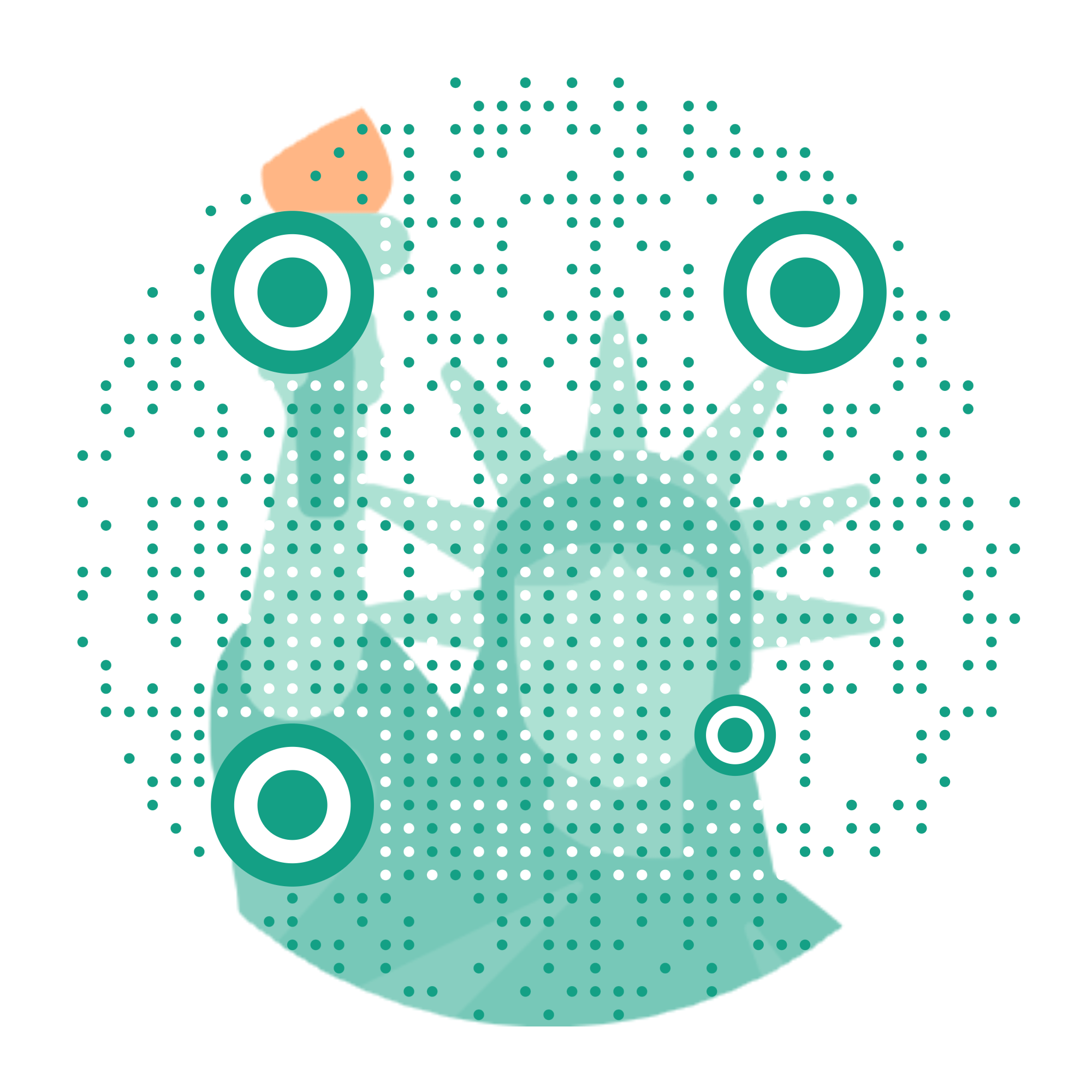
- Logo, colors, shapes and frames: your QR code in your colors, with a call to action around it.
- Reusable styles: save a design once, apply it to all your codes.
- PNG, SVG, PDF and EPS export: whatever format your printer asks for.
Edit after printing
- Dynamic QR code: same printed pattern, a destination you can change as often as you like.
- By time or day: one destination at lunch, another in the evening.
- By phone: the App Store on iPhone, Google Play on Android.
- By country or language: every visitor lands on the right version of your page.
- End date or maximum scans: the code stops when you decided it would.
- Password: the destination opens only with the right password.
- Destination monitoring: checked every day, email alert if the page goes down.
Measure
- Scan tracking: totals, days, countries, devices, CSV export.
- Scan location map: when the person agrees to share their position.
- UTM parameters: Google Analytics knows the visit came from the QR code.
- Meta, GA4 and Google Ads pixels: the scan counts in your ad tools.
- Webhooks and Zapier: every scan can ping your other tools.
Work as a team and automate
- Folders: sort your codes, and see the folder name on each one.
- Team, roles and workspaces: invite colleagues, each with their own permissions.
- Custom domain and short link: your QR codes go through your own address.
- API: create and edit QR codes from your own code.
- AI assistant: create QR codes by talking to Claude or ChatGPT.
- GS1 Digital Link: a QR code built to the GS1 standard, carrying your product's GTIN.